New Subscriber Welcome Email
Greet every new subscriber the moment they join, deliver the resource you promised, and introduce the person behind with a short founder’s note
Get this template in your inbox
Thanks for sharing your email, please click below to download the template.
What is a Welcome Email Template for New Subscribers?
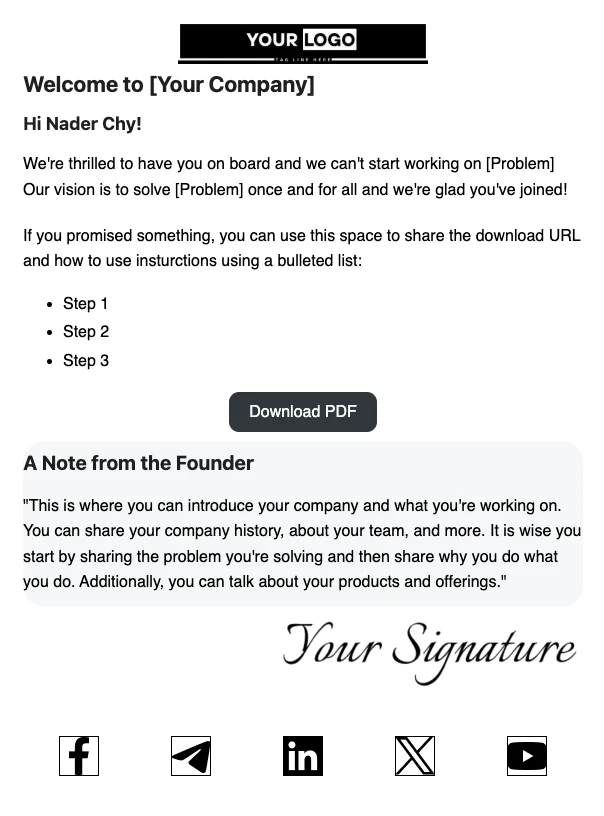
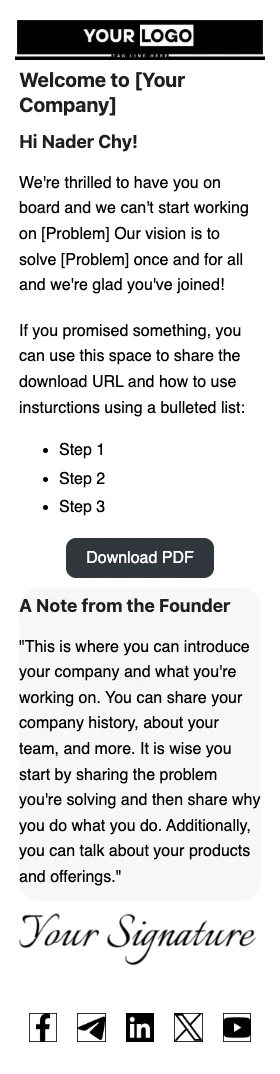
A welcome email template for new subscribers is a ready-made email that goes out automatically when someone joins your list. It thanks them for signing up, hands over anything you promised at opt-in (a PDF, checklist, or discount code), and tells them what to expect from you next.
This template adds one thing most welcome emails skip: a founder’s note. It sits in its own highlighted block with a signature, so your first email feels like it came from a person, not a mailing system. With FluentCRM, every copy is personalized with merge tags like {{contact.first_name}} and sent the second a contact is added to your list.
Best for:
- Startups and small businesses where the founder is part of the brand
- Creators and coaches delivering a lead magnet at signup
- Newsletter publishers who want to set expectations from day one
- SaaS and WordPress product teams onboarding new free users
Where This Fits in Your Automation
This is the first email in a new subscriber onboarding sequence, triggered as soon as a contact joins your list (after double opt-in confirmation, if you use it). Follow it with a value email two or three days later, such as your most popular guide or a customer story, then a soft product introduction around day five to seven. Contacts who engage can be tagged and moved into a sales sequence, while those who don’t open can get a gentle re-engagement nudge.
How to Trigger This Email Automatically
Step 1: In FluentCRM, go to Automations → New Automation
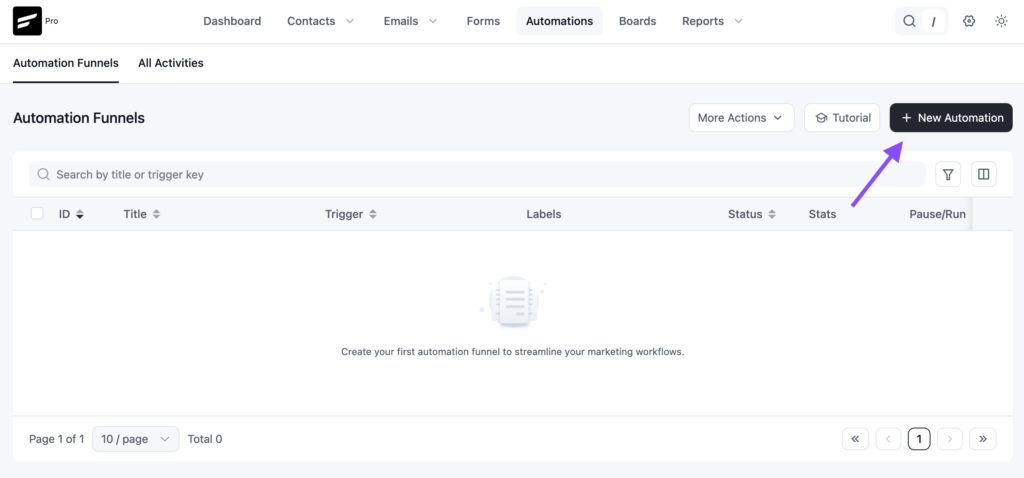
Step 2: Select the trigger that matches how people join your list, for example, List Applied (contact added to your newsletter list) or a Fluent Forms submission from your opt-in form.
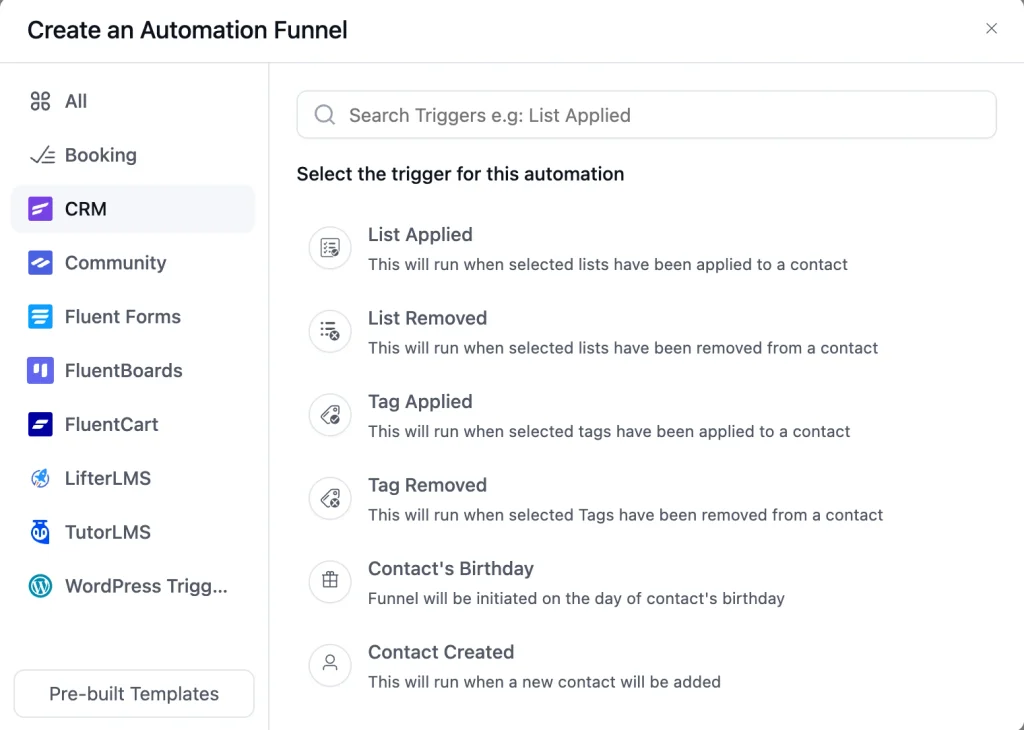
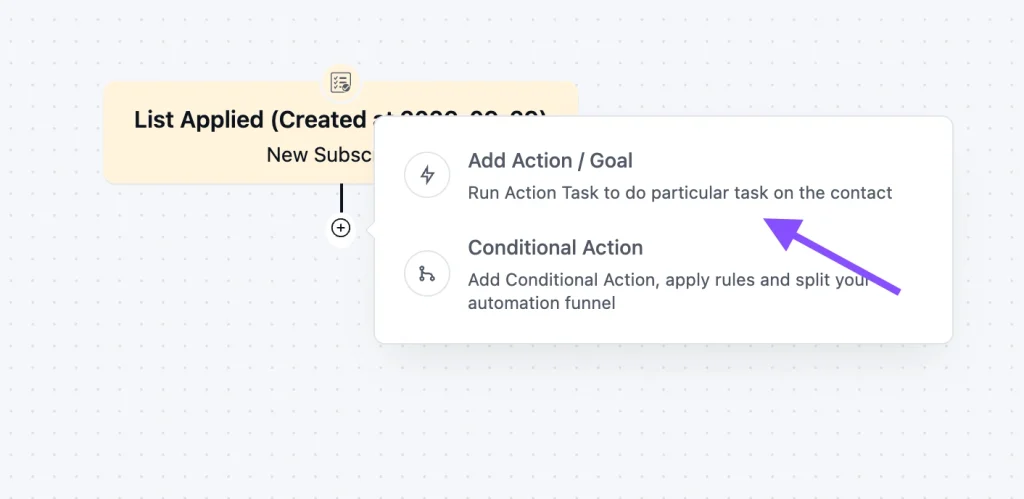
Step 3: Add a Send Custom Email action, click Import / Use Templates, and pick the New Subscriber Welcome Email with Founder’s Message.
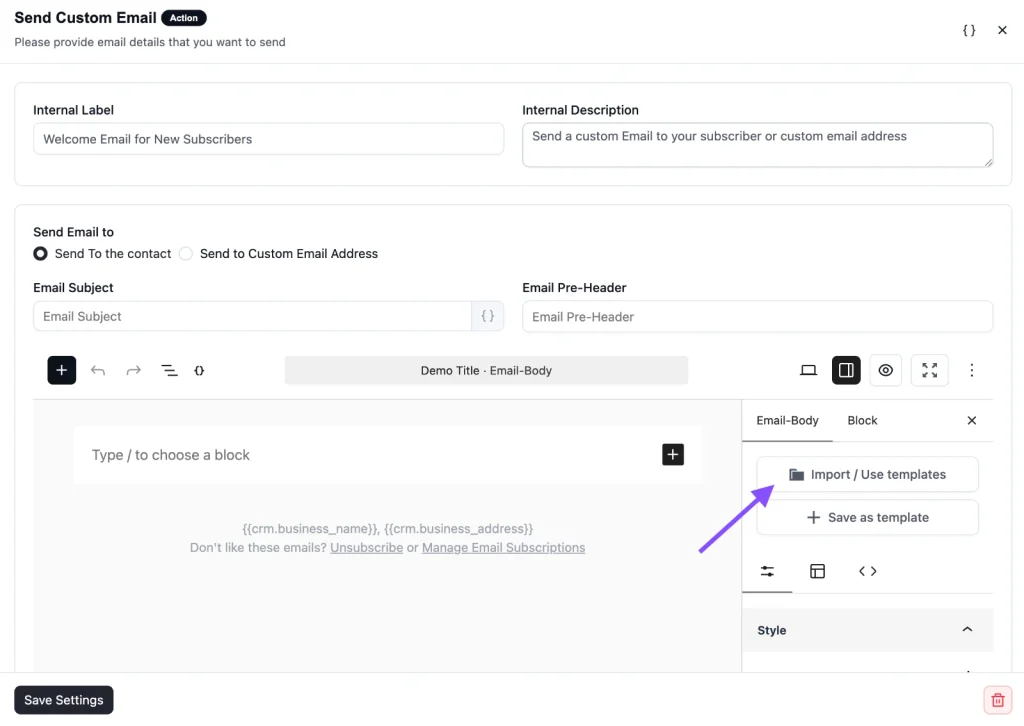
Step 4: Customize the content, save, and toggle the automation to Published
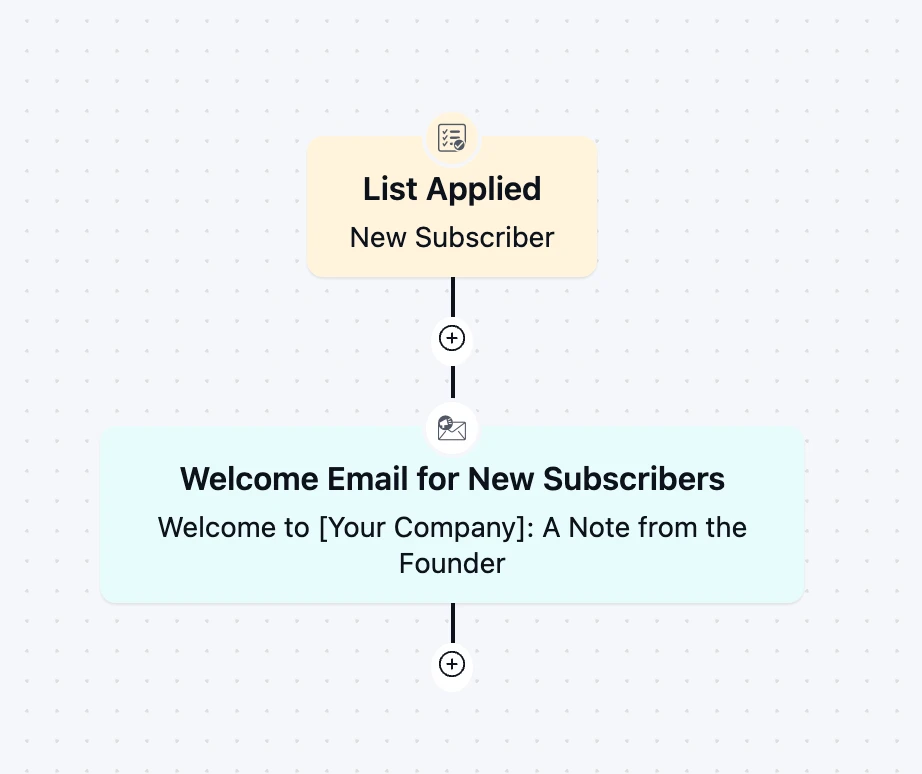
From then on, every new subscriber gets this email instantly, with no manual sending on your end.
Customization Tips
- Replace the static “Hi !” greeting with
{{contact.first_name}}and set a fallback like “there” for contacts without a first name - Swap the logo placeholder for your own logo and match the button color to your brand
- Rewrite the opening paragraph around the one problem your subscribers signed up to solve
- Point the Download PDF button at your lead magnet, or change it to “Read the Guide,” “Get Your Discount,” or “Start Here” if you are not delivering a file
- Keep the bulleted steps to three or fewer, each one a single action the reader can take today
- Write the founder’s note in first person, keep it under 80 words, and use a real signature image or the founder’s name in a script font
- Update the social icons to link only to channels you actually post on
- Add your business address and an unsubscribe link in the footer to stay compliant with CAN-SPAM and GDPR
Why Use a Welcome Email Template for New Subscribers?
Your welcome email is the one message almost every subscriber opens. Here is what a good one does for you:
Deliver on your promise immediately: If someone signed up for a PDF or resource, they expect it now. Sending it in the welcome email builds trust before you ask for anything else.
Put a face on your brand: The founder’s note gives subscribers a reason to care about who is behind the emails. People unsubscribe from companies far more easily than from people.
Set expectations early: Tell subscribers what you will send and how often. Clear expectations lead to fewer spam complaints and fewer surprise unsubscribes later.
Train the inbox to open you: A useful first email with a clear action teaches subscribers that your emails are worth opening, which helps engagement on every campaign that follows.
Save hours of manual work: Once the automation is live, every new subscriber gets a consistent, on-brand welcome without anyone on your team lifting a finger.
Frequently Asked Questions
When should a welcome email be sent to new subscribers?
Immediately after signup, or right after they confirm their subscription if you use double opt-in. The first few minutes after someone subscribes is when they are most likely to open and click.
Can I customize this template without coding?
Yes. The subject line, course name, CTA button, body copy, and branding can all be edited directly inside FluentCRM’s drag-and-drop campaign editor.
What should I include in a founder’s welcome message?
Keep it short and personal. Share the problem you set out to solve, why it matters to you, and what subscribers can expect from you. Skip the company history lecture and write it the way you would introduce yourself in person.
How is this different from a double opt-in confirmation email?
A confirmation email only asks the subscriber to verify their address. The welcome email comes after confirmation and does the relationship-building: delivering your resource, introducing your brand, and giving a first next step.
Do I need a lead magnet to use this template?
No. The Download PDF button and step list are built for lead magnet delivery, but you can swap the button for a link to your best article, a discount code, or your product’s getting-started page.
Related Templates
-
- eLearning
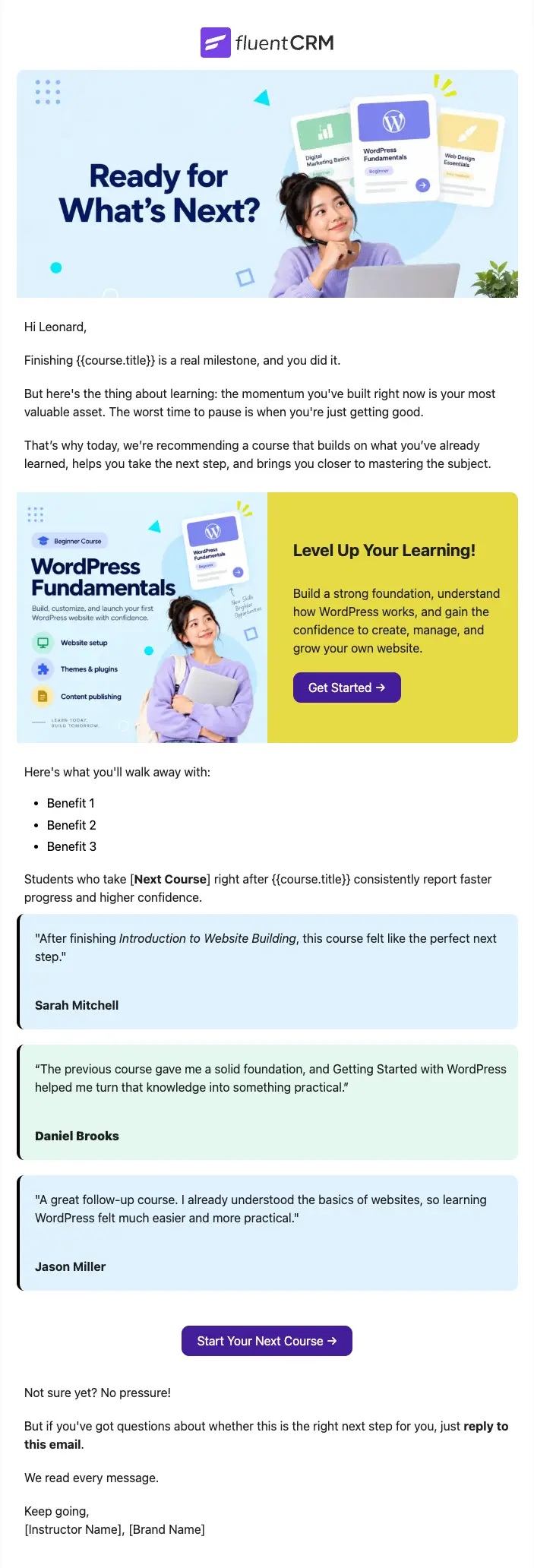
Next Course Recommendation Email
Use this free course recommendation email template to re-engage students after course completion and drive repeat enrollments with FluentCRM automations
-
- eLearning
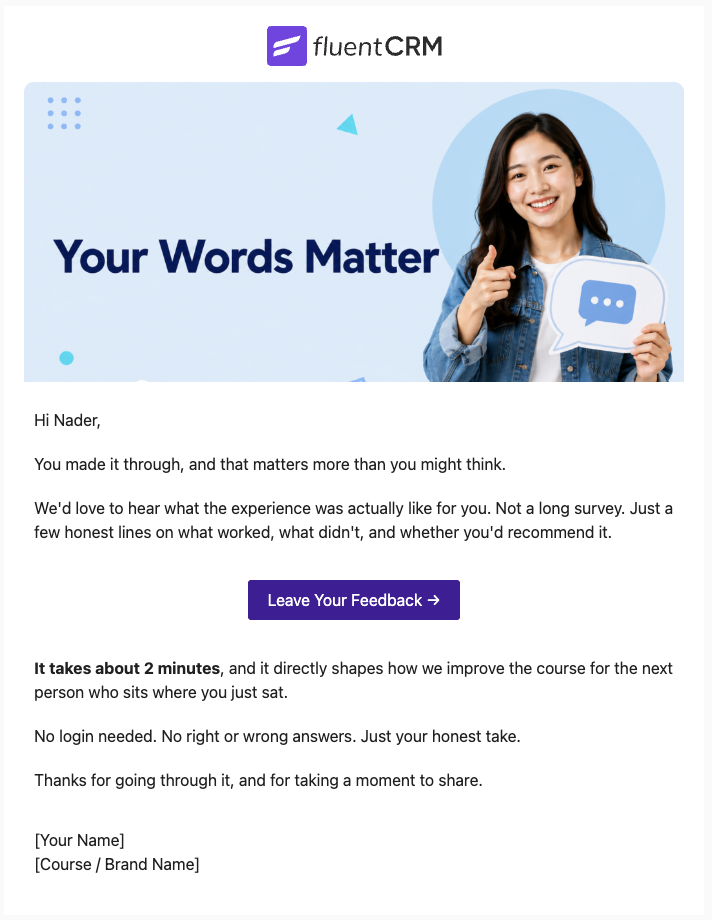
Course Feedback Email
Collect honest student reviews automatically and turn course completions into the insights that make your next launch better.
-
- eCommerce
- Payment Emails
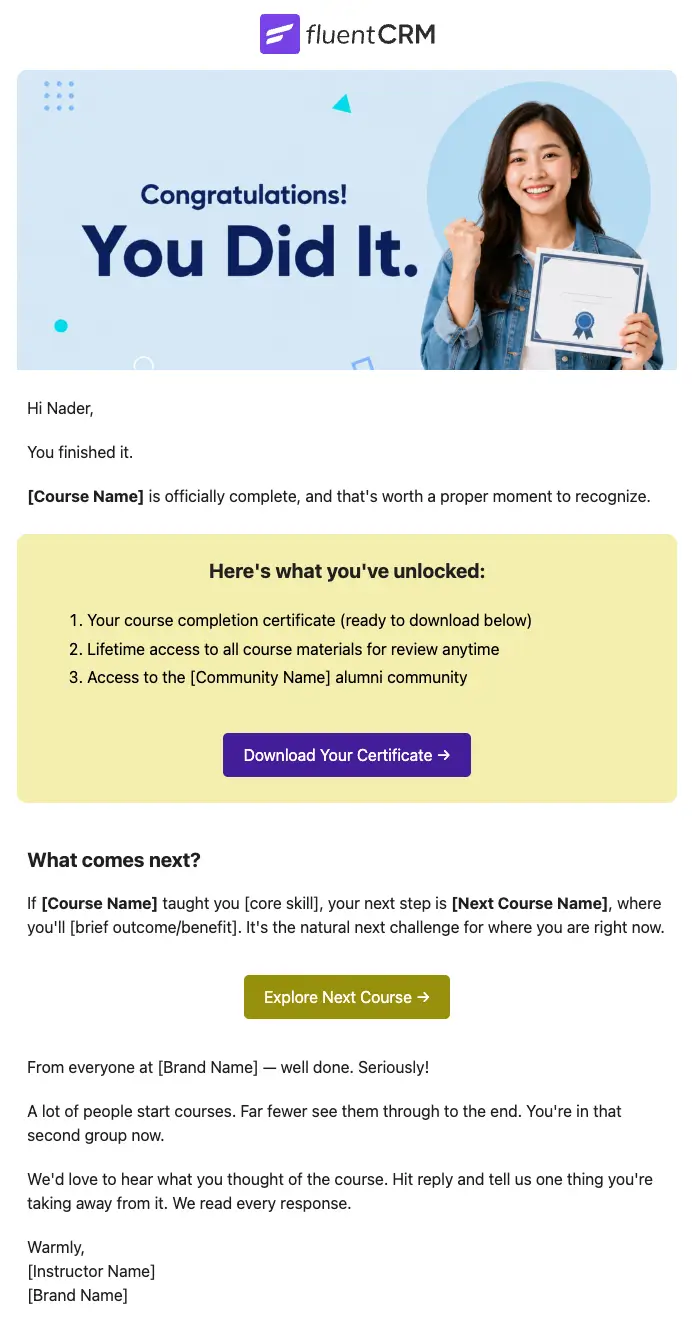
Course Completion Congratulations Email
Automatically celebrate every student who finishes your course, and turn that momentum into the next enrollment
Want More Resources?
Access resources to start faster, decide smarter, and grow your revenue with less complexity.