Inactive Customer Automation
Recover your idle customers with a 3 step re-engagement sequence Automatically win back idle customers with a value-led 3 step re-engagement sequence, and clear the inactive tag the instant they buy again
Get this template in your inbox
Thanks for sharing your email. Please click below to download the template.
What is Inactive Customer Automation?
Inactive Customer Automation is a conditional win-back sequence for “inactive contacts” that double-checks a customer’s purchase history before spending any messages on them.
This automation targets the lapsed customers with an escalating three-email offer, from a soft reminder to a direct discount to real urgency. It confirms the customer is genuinely inactive before sending anything, and automatically clears the inactive tag the moment they place a new order, so the sequence never outlives its purpose.
Use Cases
- Ecommerce Brands: Win back customers who haven’t purchased in a while without manual list review
- FluentCart Merchants: Automatically retire the inactive tag the moment a customer orders again
- Subscription & Repeat-Purchase Brands: Re-engage lapsed buyers before they churn for good
- Multi-Segment Stores: Avoid messaging customers who were tagged inactive by mistake
- Lean Marketing Teams: Run a full win-back sequence without manually tracking who’s already reordered
Automation Overview
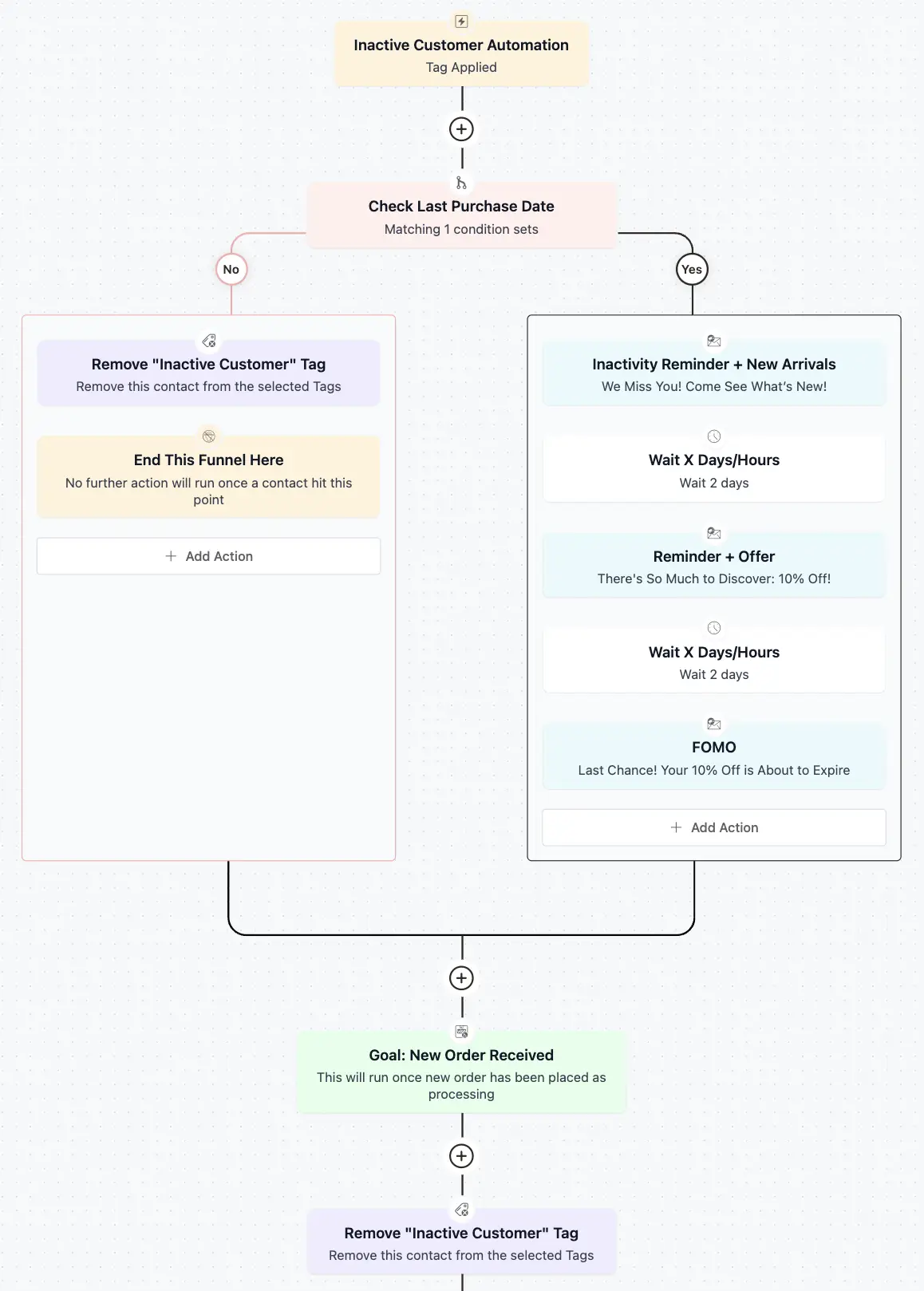
Tag Applied: Start the automation specifically for the contacts in the “Inactive tag “

Check Condition: Confirm whether the contact’s purchase history actually supports the inactive tag

Remove “Inactive Customer” Tag: Clear the tag immediately for contacts who don’t match, then end the funnel
End This Funnel Here: Exit immediately for contacts who are already engaged

Inactivity Reminder: First real follow-up to reconnect and reengage with a soft nudge
Wait 2 Days: Give the customer time to browse or check the first email before following up
Reminder + Offer Email: Follow up with a direct discount on a comeback purchase
Wait 2 Days: Give the customer time to act on the offer
Final FOMO Email: Create urgency by flagging that the discount is about to expire
New Order Received: End the automation immediately, from any step, the moment the customer places a new order
Remove “Inactive Customer” Tag: Clear the tag automatically once contact’s goal is met
How it Works
The purpose of this automation is to recover revenue from lapsed customers without wasting messages on contacts who were tagged inactive by mistake. It verifies purchase history before sending anything, escalates from a soft reminder to a direct incentive to real urgency, and stops the moment a customer buys again, regardless of which email they’re on.
- The automation starts the moment the Inactive Customer tag is applied.
- It checks the contact’s Last Purchase Date before sending anything.
- Contacts who don’t match have the tag removed immediately and the funnel ends, no email sent.
- Contacts who match receive an Inactivity Reminder + New Arrivals email.
- The automation waits 2 days, giving the customer time to browse.
- A Reminder + Offer email follows, with a direct incentive.
- The automation waits 2 more days, giving the customer time to act.
- A FOMO email closes the sequence, flagging that the offer is about to expire.
- In parallel, a Goal checks for a new order at every step. The instant one is placed, the automation ends immediately, and the tag is removed.
Why it Works?
- Checking purchase date first avoids wasting win-back messages on customers who aren’t actually inactive
- Leading with new arrivals, not a discount, gives genuinely curious customers a reason to return without training everyone to wait for an offer
- Incentive gives price-sensitive customers a clear reason to act
- A FOMO, expiring-offer close creates urgency for customers who were on the fence
- The goal step means a new order always wins, stopping messages and clearing the tag instantly instead of waiting for the sequence to finish
Used Assets
| Asset | Role in Automation | Benefit |
|---|---|---|
| Tag Applied (“Inactive Customer”) | Starts the automation | Targets the win-back sequence to customers flagged inactive |
| Check Condition (Last Purchase Date) | Confirms inactivity | Prevents messaging customers incorrectly marked inactive |
| Remove “Inactive Customer” Tag (No Branch) | Exit for non-matches | Keeps tags accurate for contacts who don’t fit the criteria |
| Inactivity Reminder + New Arrivals Email (Yes Branch) | First touch | Reconnects with value instead of leading with a discount |
| Delay | Timing control | Gives the customer time to browse before following up |
| Reminder + Offer Email | Second touch | Gives price-sensitive customers a direct incentive |
| Delay | Timing control | Gives the customer time to act on the offer |
| FOMO Email | Final touch | Creates urgency around the expiring discount |
| Goal (New Order Received) | Exit condition | Ends the automation the instant the customer buys again |
| Remove “Inactive Customer” Tag (Goal Action) | Tag cleanup | Clears the inactive tag automatically once the goal is met |
Required Email Templates
Use the ready-made emails as a starting point; customize the bracketed placeholders, recheck the smartcodes, and adjust the tone to match your brand before adding them to the automation.
Inactivity Reminder (Instant, on Confirmed Inactivity)
What to Include:
Subject: We Miss You! Come See What’s New!
Preheader: Here’s what you’ve missed since your last visit.
Hi {{contact.first_name}},
It’s been a while since your last order, and we wanted to say hi.
A lot has changed since then. We’ve added new arrivals across [Category 1], [Category 2], and a few other favorites we think you’ll like.
[See What’s New]
Take a look around when you get a chance. No strings attached, we just thought you’d want to know what’s new.
Your Business
Reminder + Offer Email (Sent 2 Days Later)
What to Include:
Subject: There’s So Much to Discover: 10% Off!
Preheader: Here’s 10% off to make it easy
Hi {{contact.first_name}},
In case our last email got buried, there’s still plenty to discover, and this time we’re making it a little easier to come back.
Use code [WELCOME10] for 10% off your next order, on us.
[Shop With 10% Off]
Whether you’re picking up where you left off or trying something new, now’s a good time to take another look. It’s a small thank-you for being a customer, and we’d love to have you back.
Your Business
FOMO Email (Sent 2 Days Later)
What to Include:
Subject: Last Chance! Your 10% Off is About to Expire
Preheader: This is your final reminder, the discount ends soon
Hi {{contact.first_name}},
Just a heads-up, your 10% off code expires in [48 hours].
[WELCOME10] is still active for now, so if anything caught your eye earlier, this is the moment to grab it.
[Shop Before It Expires]
Once the window closes, this particular offer won’t be back, so we didn’t want you to miss it.
Your Business
Related Templates
-
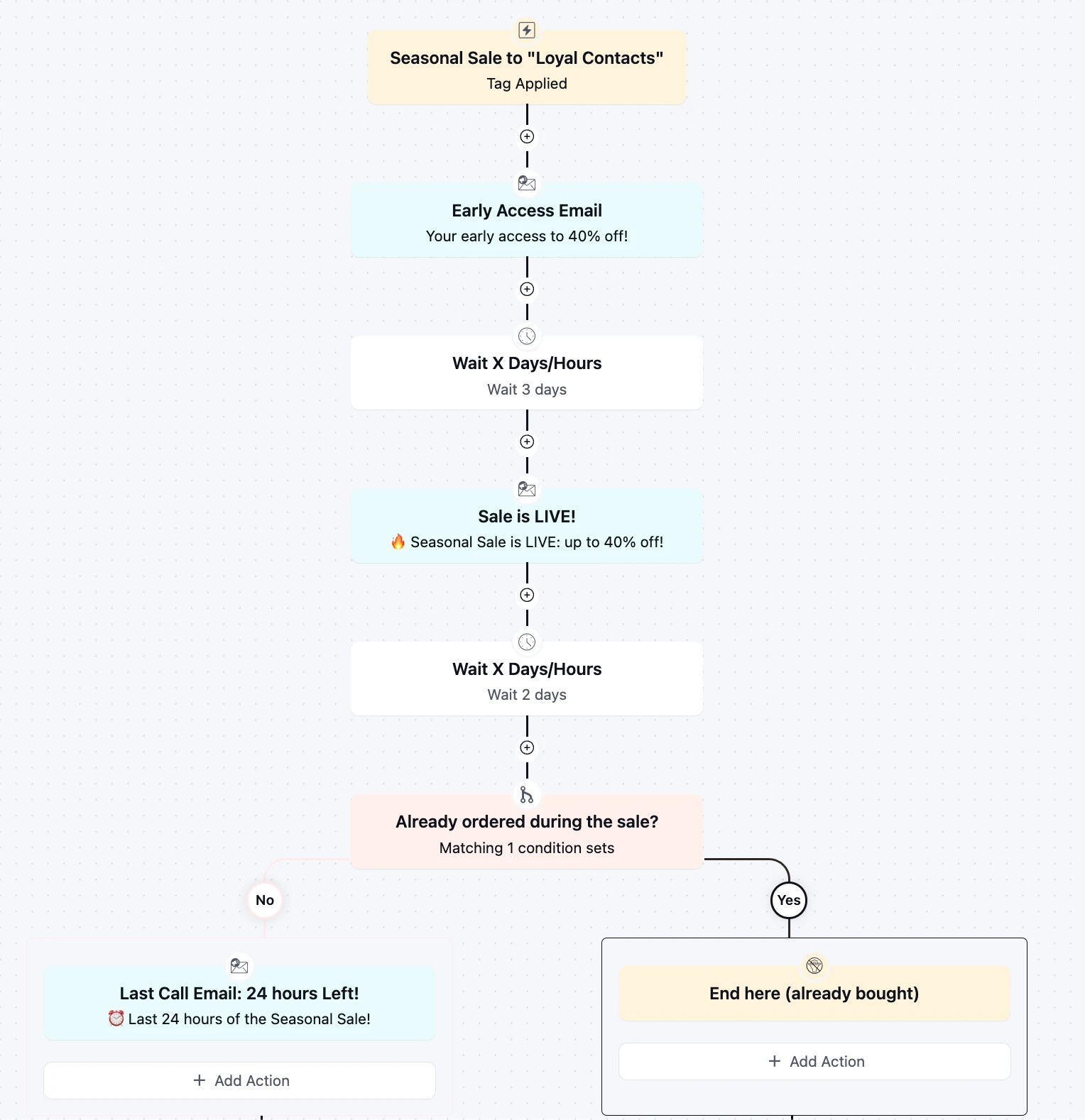
Seasonal Sale Countdown Automation
Turn every seasonal sale into a three-touch revenue event for loyal customer using pre-sale, post sale emails.
-
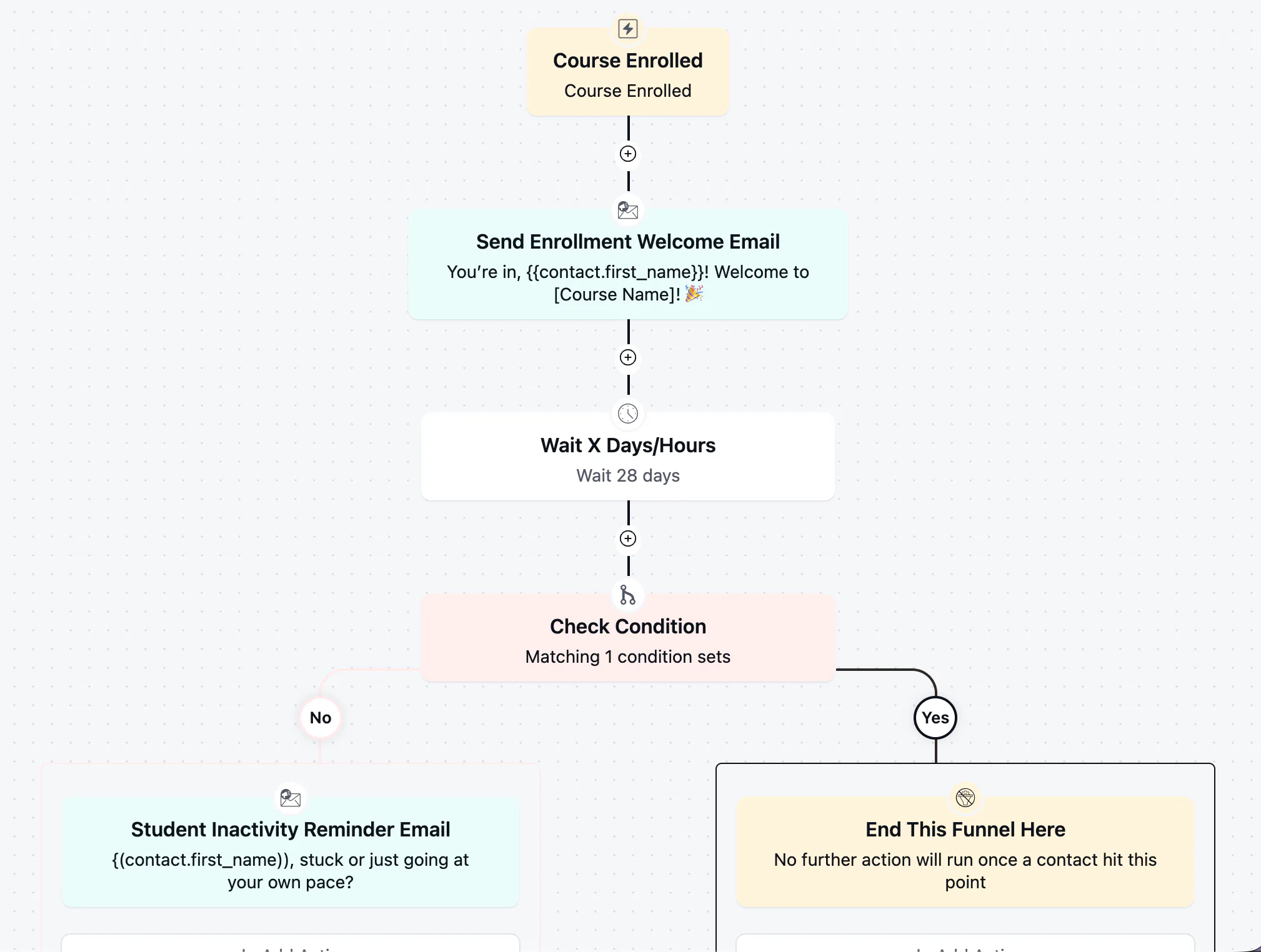
Student Inactivity Reminder Automation
Win back students who stalled after enrolling with a well-timed, low-pressure check-in
-
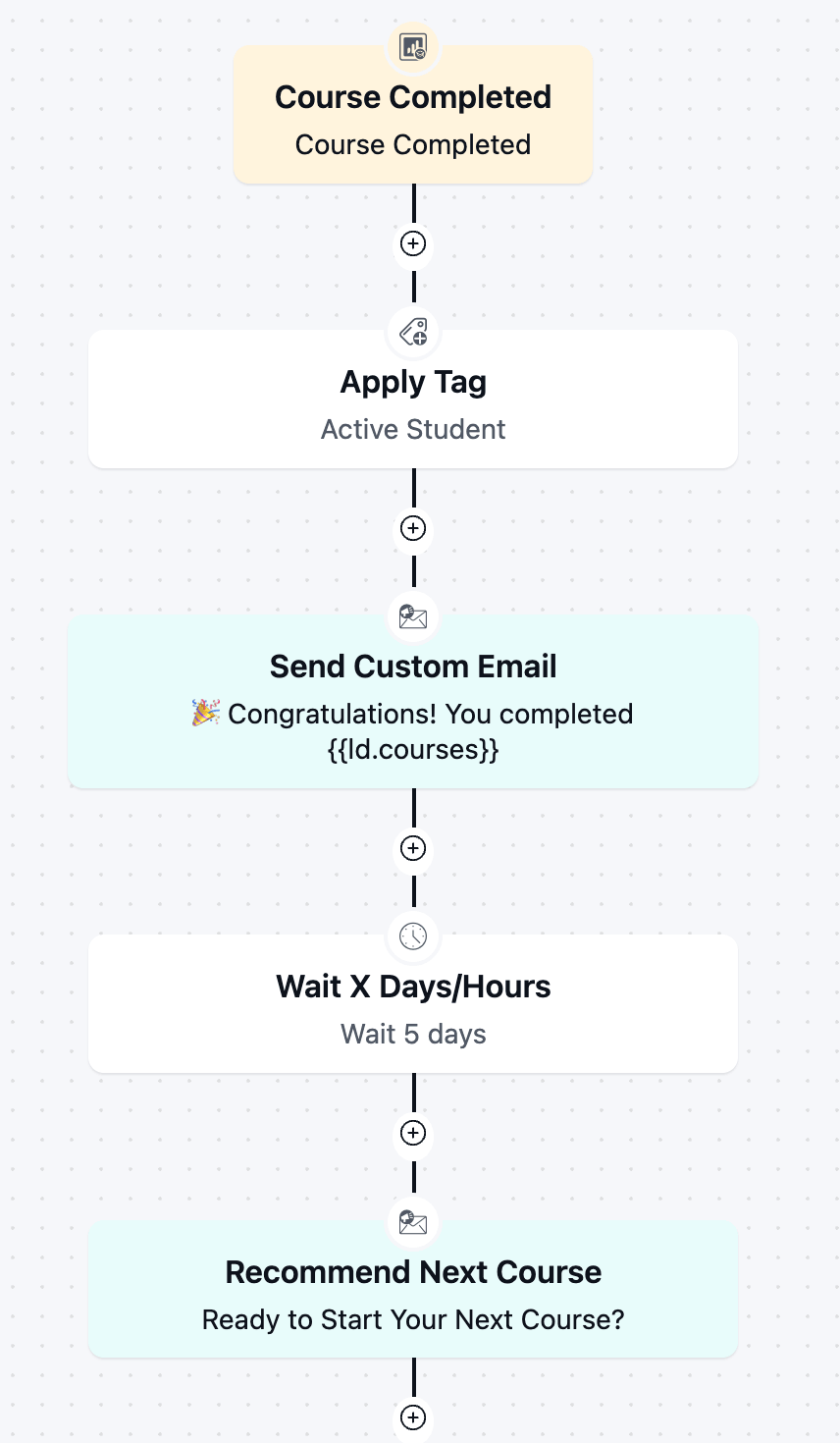
Course Completion Automation
Boost re-enrollment and keep students engaged by automatically celebrating every course completion and pointing graduates toward next step.
-
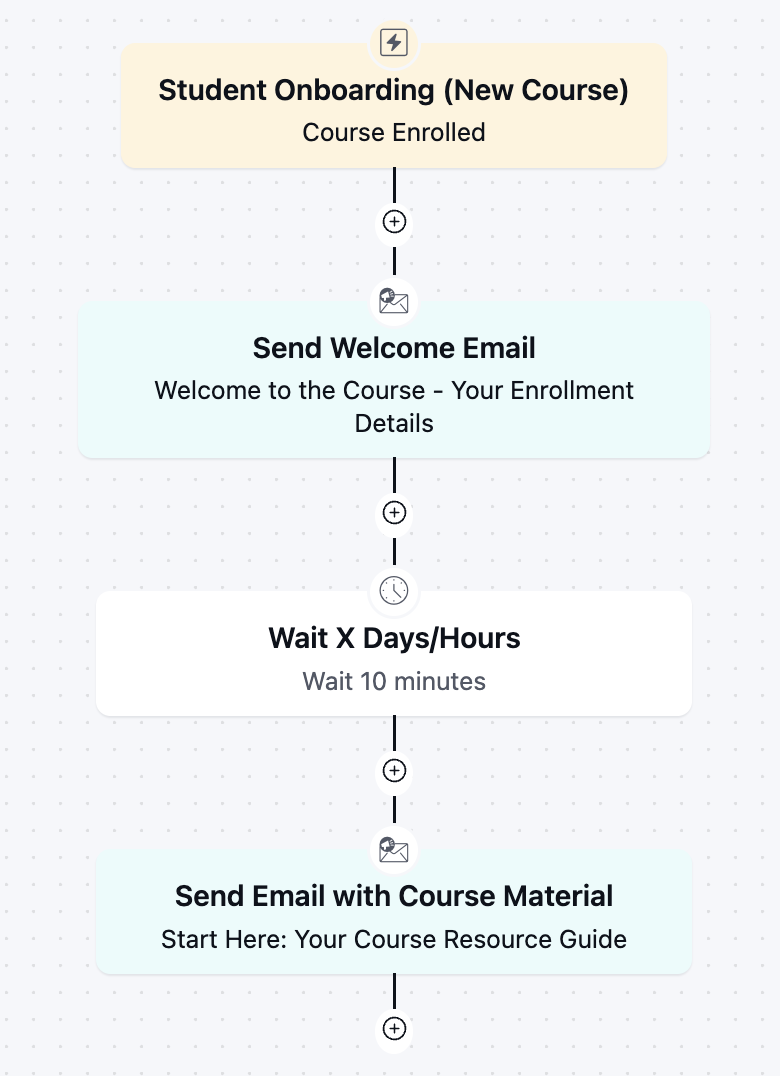
Student Onboarding Automation
Get new students engaged from day one with an instant welcome and course kickoff sequence.
-
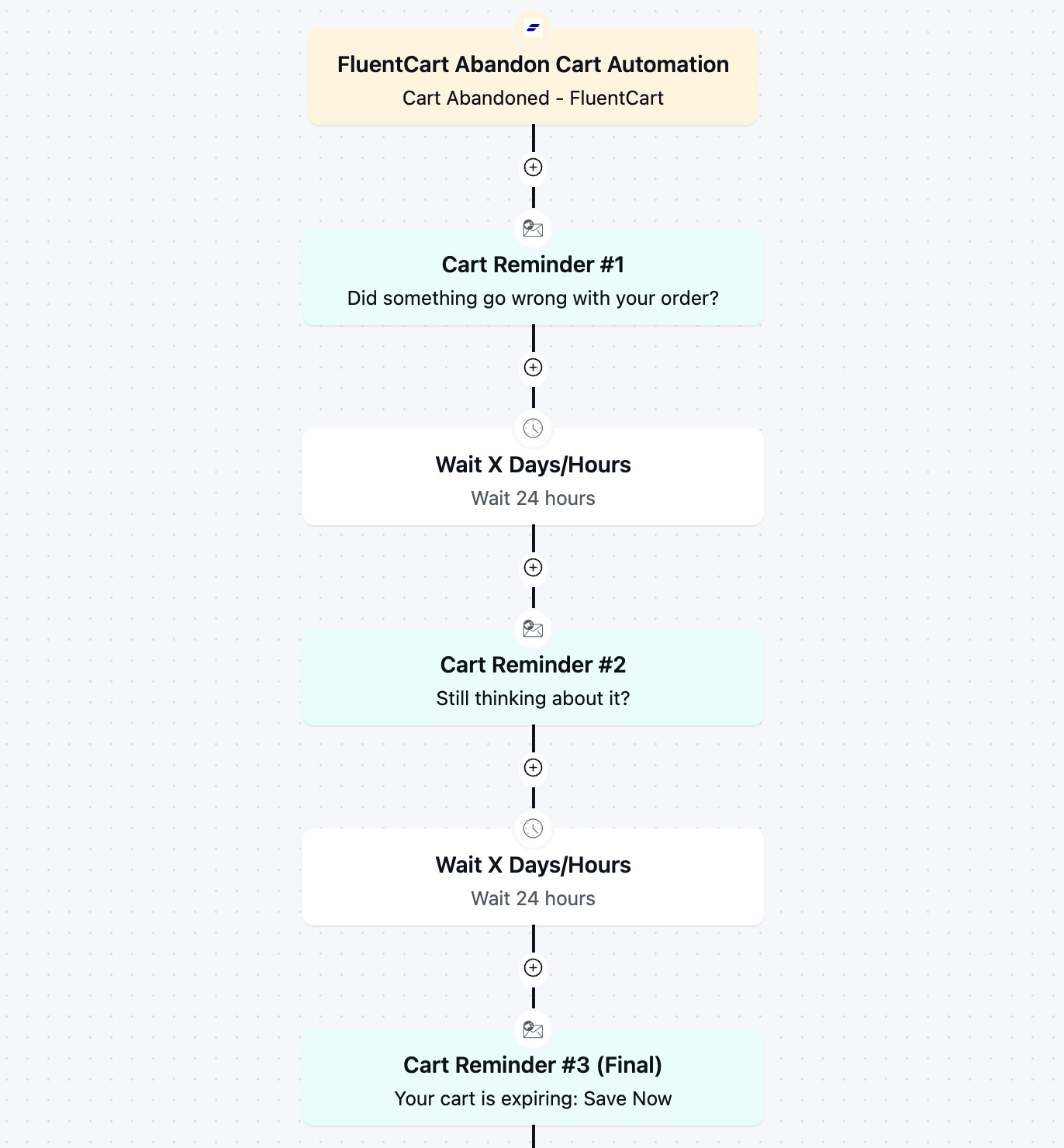
FluentCart Abandoned Cart Automation
Recover lost revenue automatically with a 3-part cart abandonment email automation flow.
-

Win-back Cancelled Appointments
A simple but effective template to win back your cancelled appointments.