Course Feedback Email
Collect honest student reviews automatically and turn course completions into the insights that make your next launch better.
- eLearning
Get this template in your inbox
Thanks for sharing your email, please click below to download the template.
What is a Course Feedback Email Template?
A course feedback email template is a pre-designed email layout that sends automatically after a student completes a course, prompting them to share their honest experience in two minutes or less.
With FluentCRM, this feedback request email is automatically triggered after your course completion congratulations email goes out. It personalizes the ask with the student’s name and arrives while the experience is still fresh, without writing a single line of code.
Best for:
- Online course creators and instructors seeking honest student reviews
- LMS platforms integrated with FluentCRM (LearnDash, TutorLMS, LifterLMS, LearnPress)
- Coaching programs and bootcamps measuring student satisfaction
- Membership sites with structured learning paths
- Course businesses looking to improve completion rates and reduce churn over time
How to Use the Course Feedback Email Template?
This template is almost ready to be sent to your subscribers. Just follow these steps to use:
Where does this fit in Your Automation?
This email is sent two days after course completion, making it the natural follow-up to your congratulations email. It sits at the end of the active student journey and opens a new loop, gathering the insight that improves the next cohort.
Students who click through to the feedback form can enter a testimonial request sequence, while students who do not engage can move into a re-engagement flow or receive a next course recommendation after a short delay.
How do I Trigger this Email Automatically?
Step1: Open your course completion automation in FluentCRM
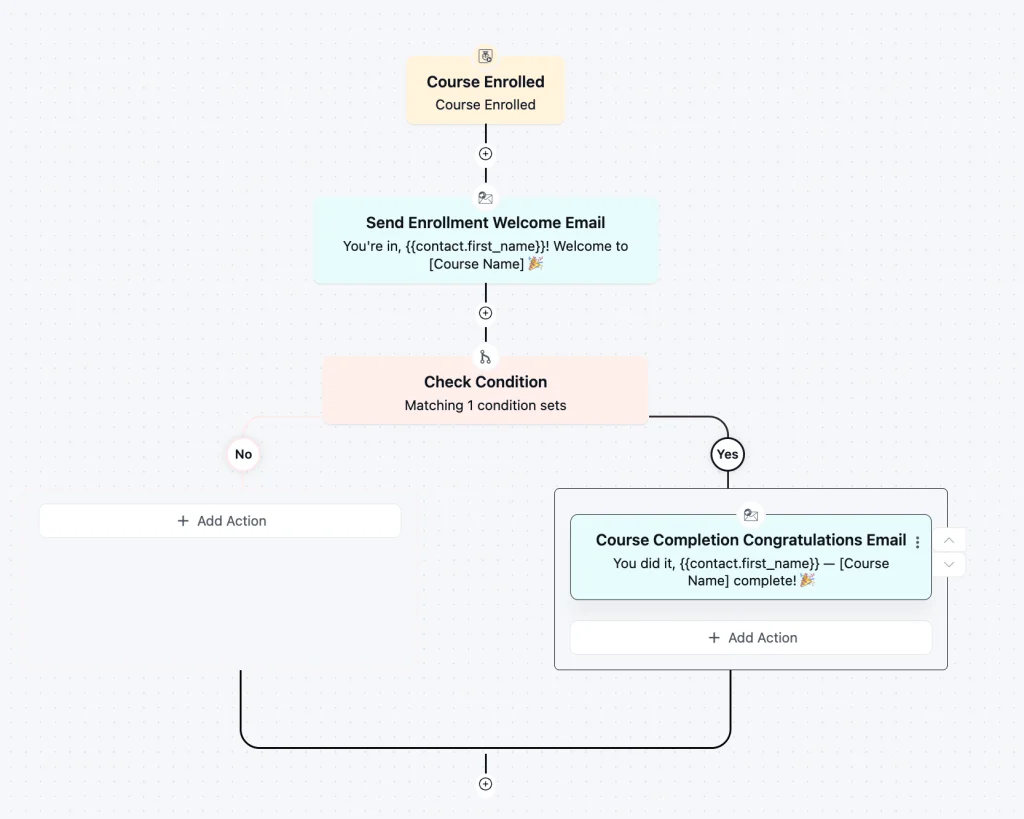
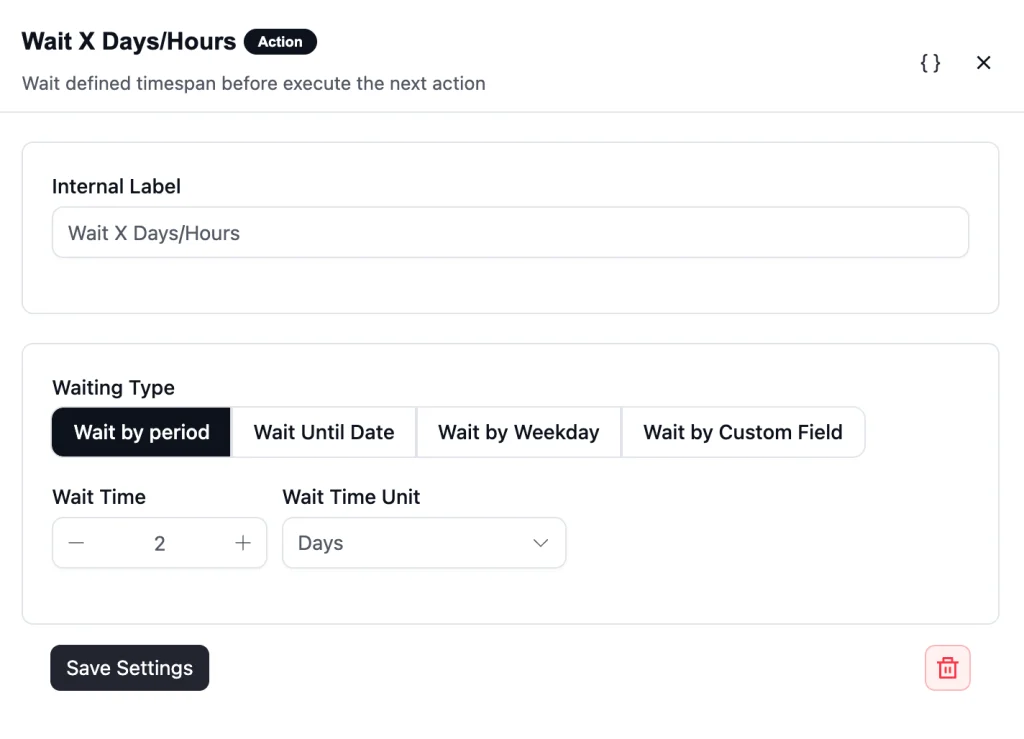
Step 2: Add a new action and set it to Wait for 2 Days
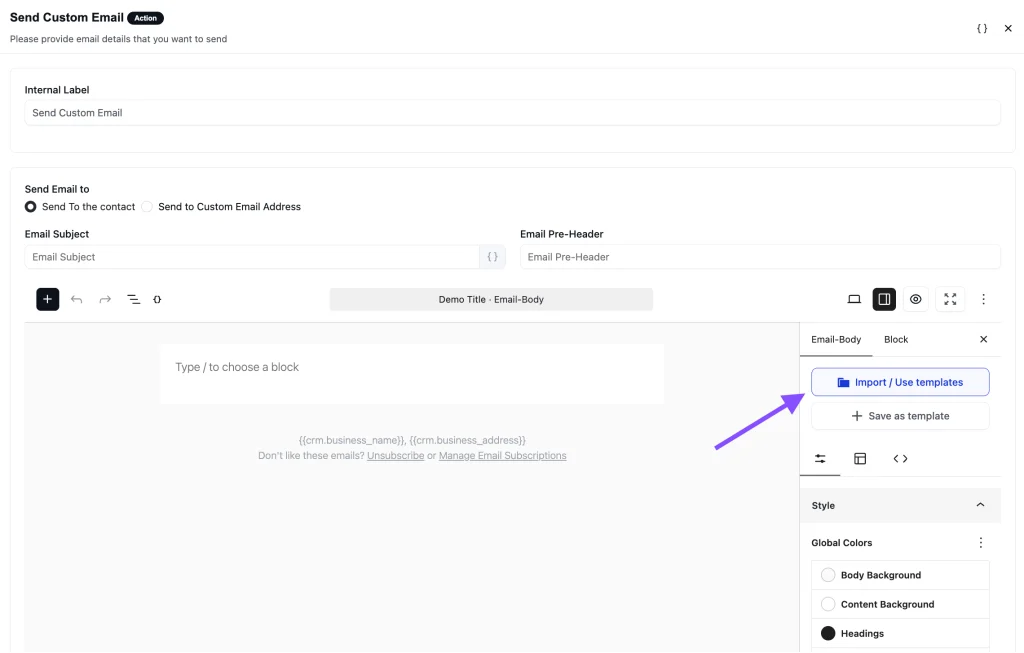
Step 3: Add a Send Custom Email action directly after and select this Course Completion Congratulations template
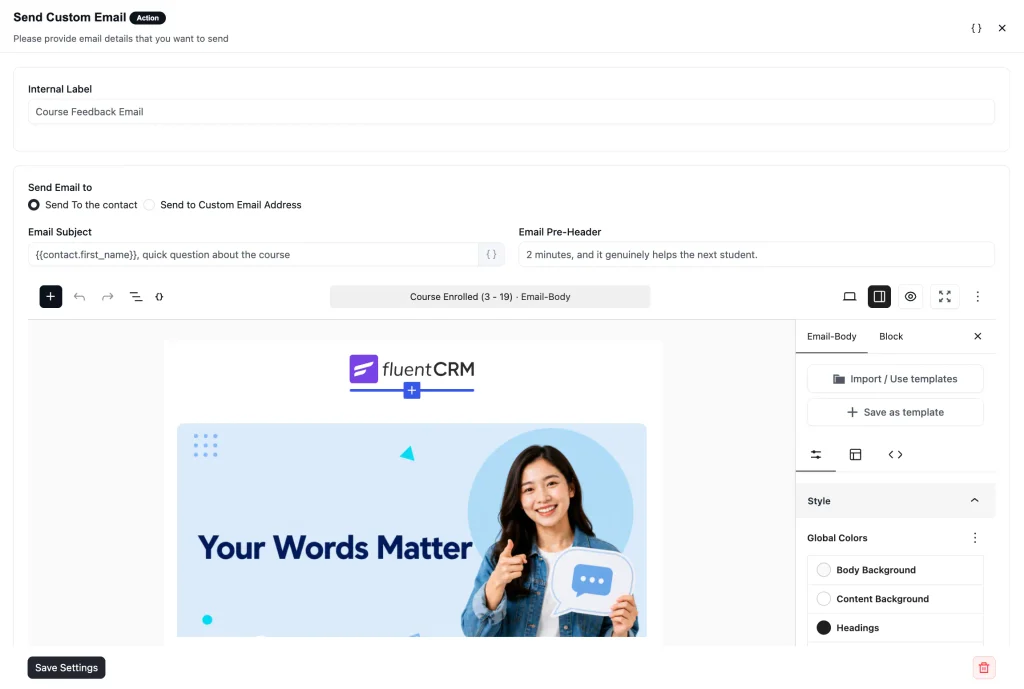
Step 4: Save and publish
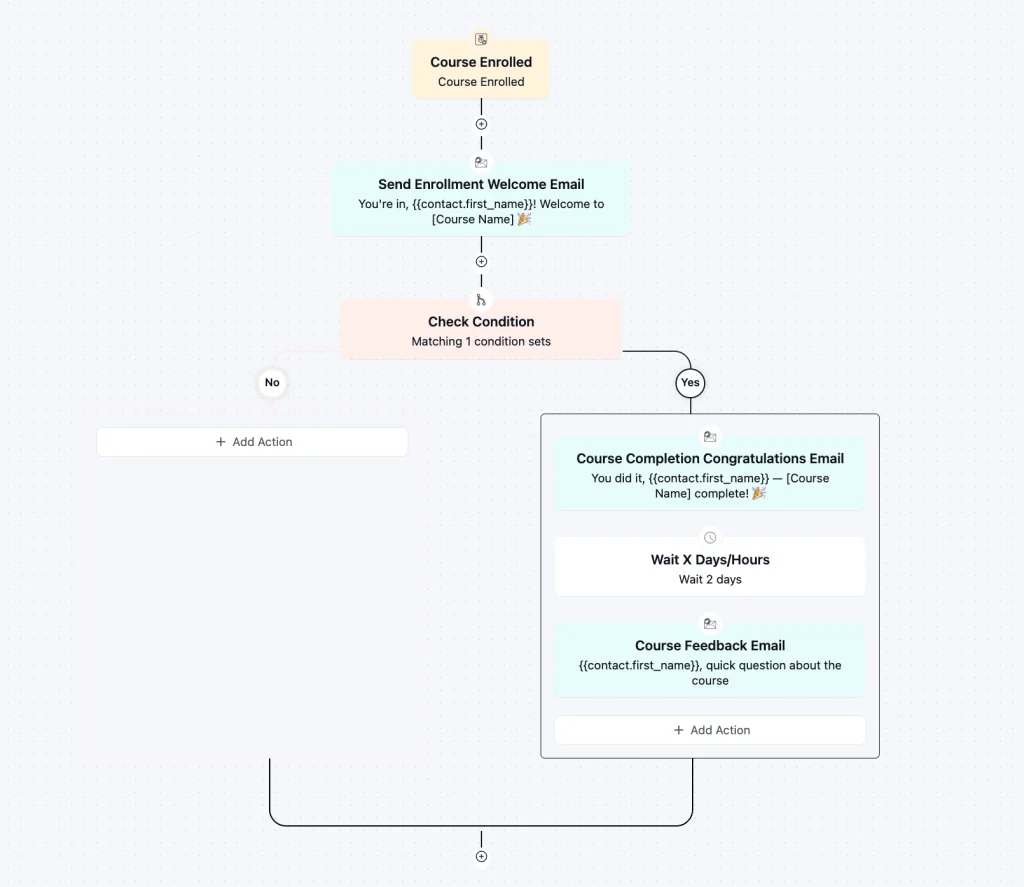
Any student who passes the wait threshold without completing the course will receive this email automatically as part of your existing enrollment flow.
Customization Tips
- Personalize the subject line using merge tags like
{{contact.first_name}} - Replace course name references with dynamic merge tags from your LMS integration
- Change the banner image and logo to match your brand tone
- Update the CTA button link to your actual feedback form, Google Form, or Fluent Form survey
- Adjust the button color and label to match your brand
- Edit the sign-off name and course brand in the email editor
- Shorten or expand the opening paragraph to match your tone
- Add a specific time estimate (“takes 90 seconds”) if your form is shorter than average
- Update the email footer with your business address and social links
- Add an unsubscribe link for compliance
- Include a community or forum link to extend student engagement after completion
Why Use a Student Inactivity Reminder Email Template?
Sending one well-timed feedback request is the difference between a course that quietly stagnates and one that improves every cohort.
Key benefits include:
- Ask when motivation is highest: Students who just completed a course are far more likely to respond than students surveyed days or weeks later. Timing is everything.
- Keep the ask frictionless: A single CTA and a two-minute framing remove the mental barrier between intention and action, without a long survey killing the response rate.
- Gather data that actually improves the course: Structured feedback pinpoints what to fix, what to keep, and what to build next — without guesswork or assumptions.
- Build social proof at scale: Students who engage with a feedback email are more likely to leave a public review, testimonial, or referral that brings in the next cohort.
- Automation handles the timing: Once the automation is live in FluentCRM, every student who finishes gets the same well-crafted prompt, sent at exactly the right moment.
Frequently Asked Questions
When should I send a course feedback email?
Send it within 24 to 48 hours of course completion, while the experience is still fresh. Waiting longer reduces response rates significantly, and waiting more than a week means the feedback reflects faded impressions rather than a real, lived experience.
Can I customize this template without coding knowledge?
Yes. The template uses Gutenberg blocks and imports directly into FluentCRM. You can edit the copy, update the CTA link, and adjust button colors through the email editor without writing a single line of code.
Is this compatible with major LMS platforms?
Yes. FluentCRM natively integrates with LearnDash, TutorLMS, LifterLMS, and LearnPress, all of which support course completion triggers for automations.
Related Templates
-
- eLearning
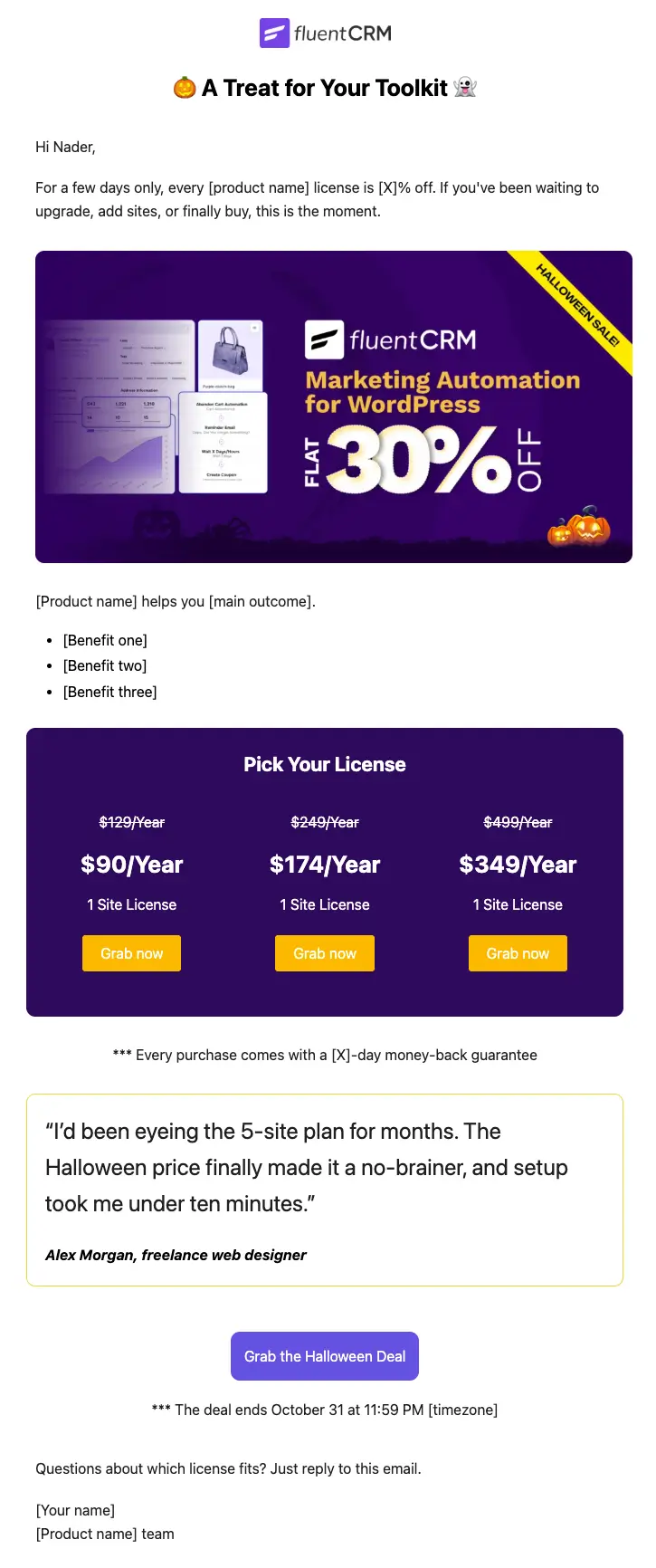
Halloween Email Template for Digital Products
Announce your Halloween license sale with a ready-to-send email built for plugins, themes, SaaS, and online courses
-
- eLearning
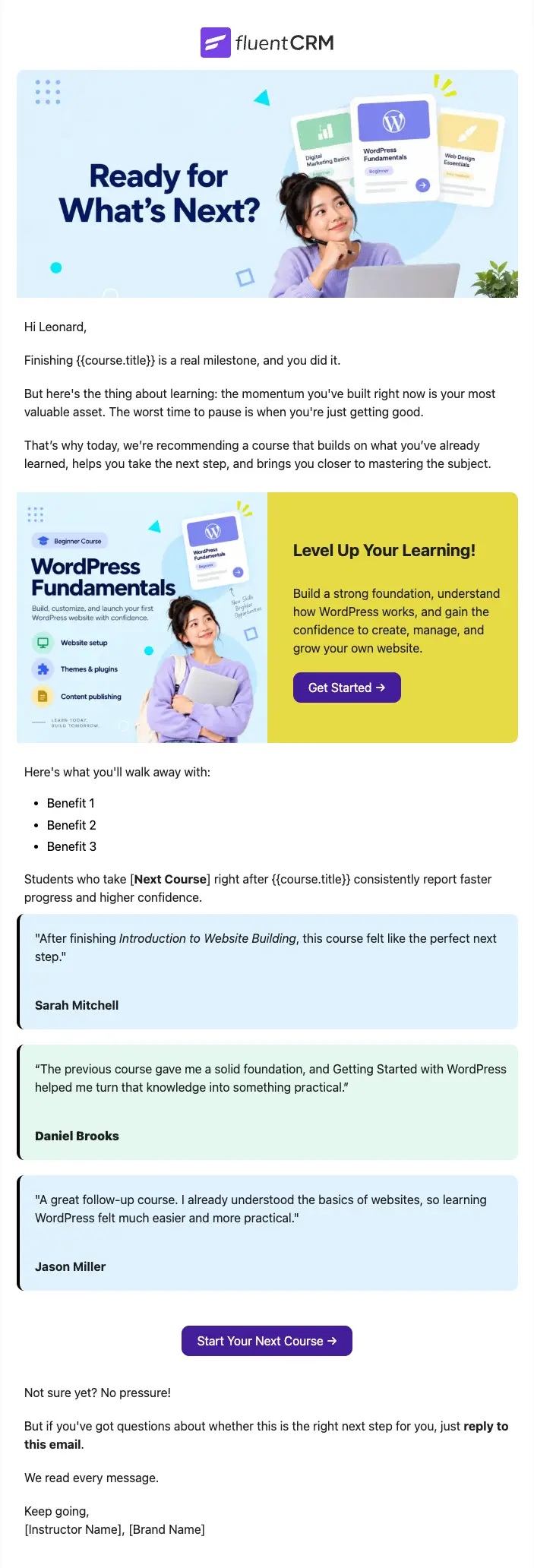
Next Course Recommendation Email
Use this free course recommendation email template to re-engage students after course completion and drive repeat enrollments with FluentCRM automations
-
- eCommerce
- Payment Emails
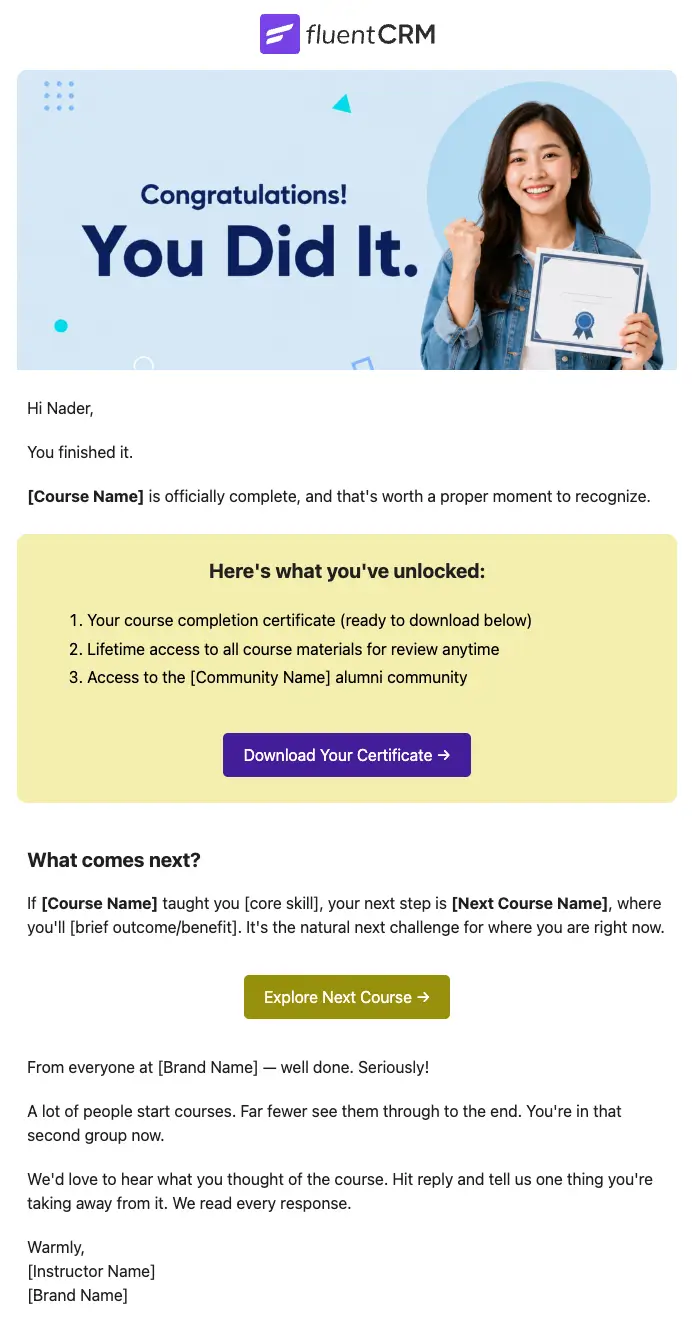
Course Completion Congratulations Email
Automatically celebrate every student who finishes your course, and turn that momentum into the next enrollment
Want More Resources?
Access resources to start faster, decide smarter, and grow your revenue with less complexity.