

Student Onboarding Automation
Get new students engaged from day one with an instant welcome and course kickoff sequence.
Get this template in your inbox
Thanks for sharing your email. Please click below to download the template.
What is Student Onboarding Automation?
Student onboarding automation is an enrolment-based email workflow that triggers welcome greetings when new students join a course, then hands them a clear starting point before their initial motivation fades. The purpose is not to leave new enrollees to hunt for their login details or first lesson; the automation confirms their enrolment instantly and follows up after a while with the course material and where to begin.
Use Cases
- Online Academies: Recognize every completion automatically
- Coaching Programs: Keep students moving to the next stage
- Membership Sites: Use completions to spot your most engaged members
- Cohort & Drip Courses: Send a congrats email/sms the moment students finish
- Course Bundles: Upsell the next course while motivation is high
Automation Overview
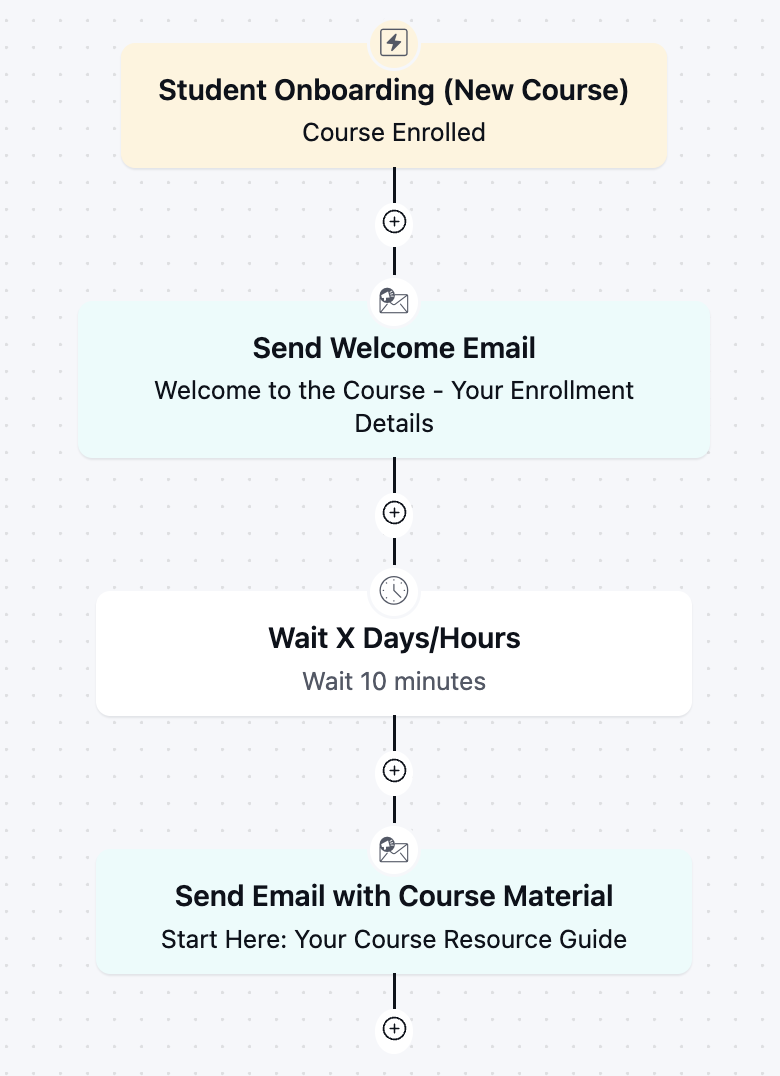
Course Enrolled: Start the automation the moment a student enrols in a course

Send Welcome Email: Confirm the enrollment and share what to expect
Wait 10 Minutes: Give the welcome email a moment to land before following up
Send Email with Course Material: Deliver the resource guide and a clear starting point
How it Works
The purpose of this automation is to close the gap between enrolling and actually starting, since students who don’t know where to begin rarely finish. It confirms the enrolment the instant it happens, then hands the student a clear starting point.
- The automation starts the moment a student enrolls in a course.
- A welcome email goes out immediately, confirming the enrollment and what to expect.
- The automation waits 10 minutes, a short pause so the student isn’t hit with two emails at once.
- A course material email follows with the resource guide and a clear first step.
Why it Works?
- Students get a clear starting point instead of guessing where to begin
- A near-instant welcome confirms the enrollment actually went through
- Splitting the welcome and material emails avoids overwhelming new students on day one
- Every student gets the same consistent onboarding, with no manual follow-up
- Early engagement is one of the strongest predictors of whether a student finishes the course
Used Assets
| Asset | Role in Automation | Benefit |
|---|---|---|
| LearnDash Course Enrolled | Starts the automation | Captures every new student automatically |
| Welcome Email | Confirms Enrolment | Reassures students and sets expectations |
| Delays | Timing control | Avoids overwhelming students with emails at once |
| Course Material Email | Delivers resources | Gives students a clear, immediate starting point |
Required Email Templates
Use the ready-made emails as a starting point; customize the bracketed placeholders, recheck the smartcodes, and adjust the tone to match your brand before adding them to the automation.
Welcome Email (Instant)
What to Include:
Subject: You’re in, {{contact.first_name}}! Welcome to {{ld.courses}} 🎉
Preheader: Here’s everything you need to get started.
Hi {{contact.first_name}},
You’ve made a great decision. Your enrollment in {{ld.courses}} is confirmed, and we’re excited to have you on board.
Here’s what you have access to starting today:
- [Module 1 Name] — [brief one-line description]
- [Module 2 Name] — [brief one-line description]
- [Module 3 Name] — [brief one-line description]
- Downloadable resources, quizzes, and a completion certificate
A few things to know before you begin!
Your course is self-paced — go as fast or as slow as you need. Most students complete it in [X weeks] by spending about [X hours] per week. You’ll have lifetime access, so there’s no pressure.
Wishing you all the best on your learning journey. Happy learning!
To your success,
[Instructor Name]
Course Material Email (Delayed — 10 Minutes)
What to Include:
Subject: Start Here: Your Course Resource Guide.
Preheader: Everything you need for your first lesson.
Ready to start your course, {{contact.first_name}}?
Here’s your resource guide to get started.
[Access Your Course Material]
If you only do one thing today, make it this: open the first lesson and get your first small win. Momentum builds fast once you begin.
We’re here if you need anything along the way.
Your Business
Related Templates
-
Seasonal Sale Countdown Automation
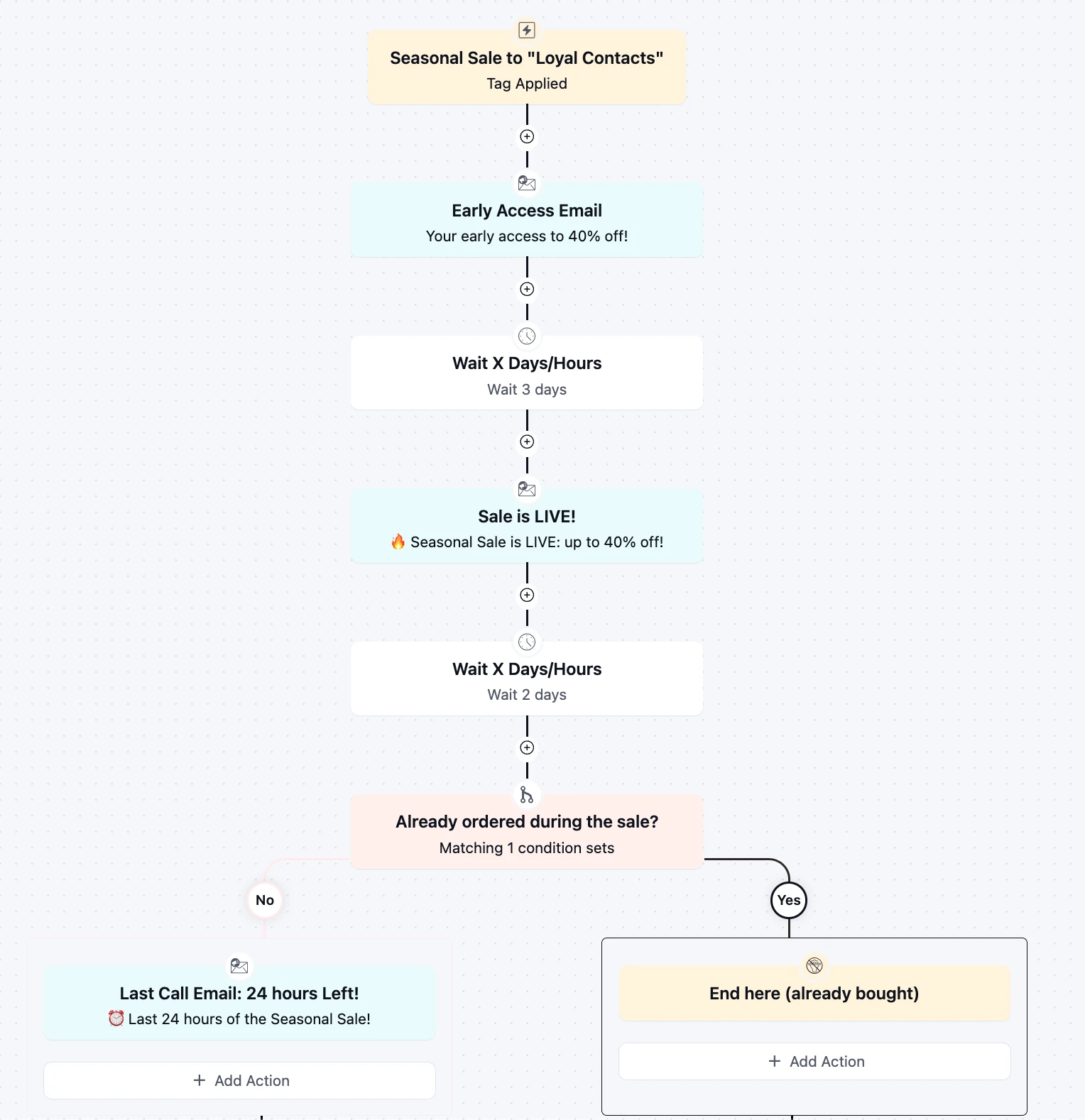
Turn every seasonal sale into a three-touch revenue event for loyal customer using pre-sale, post sale emails.
-
Student Inactivity Reminder Automation
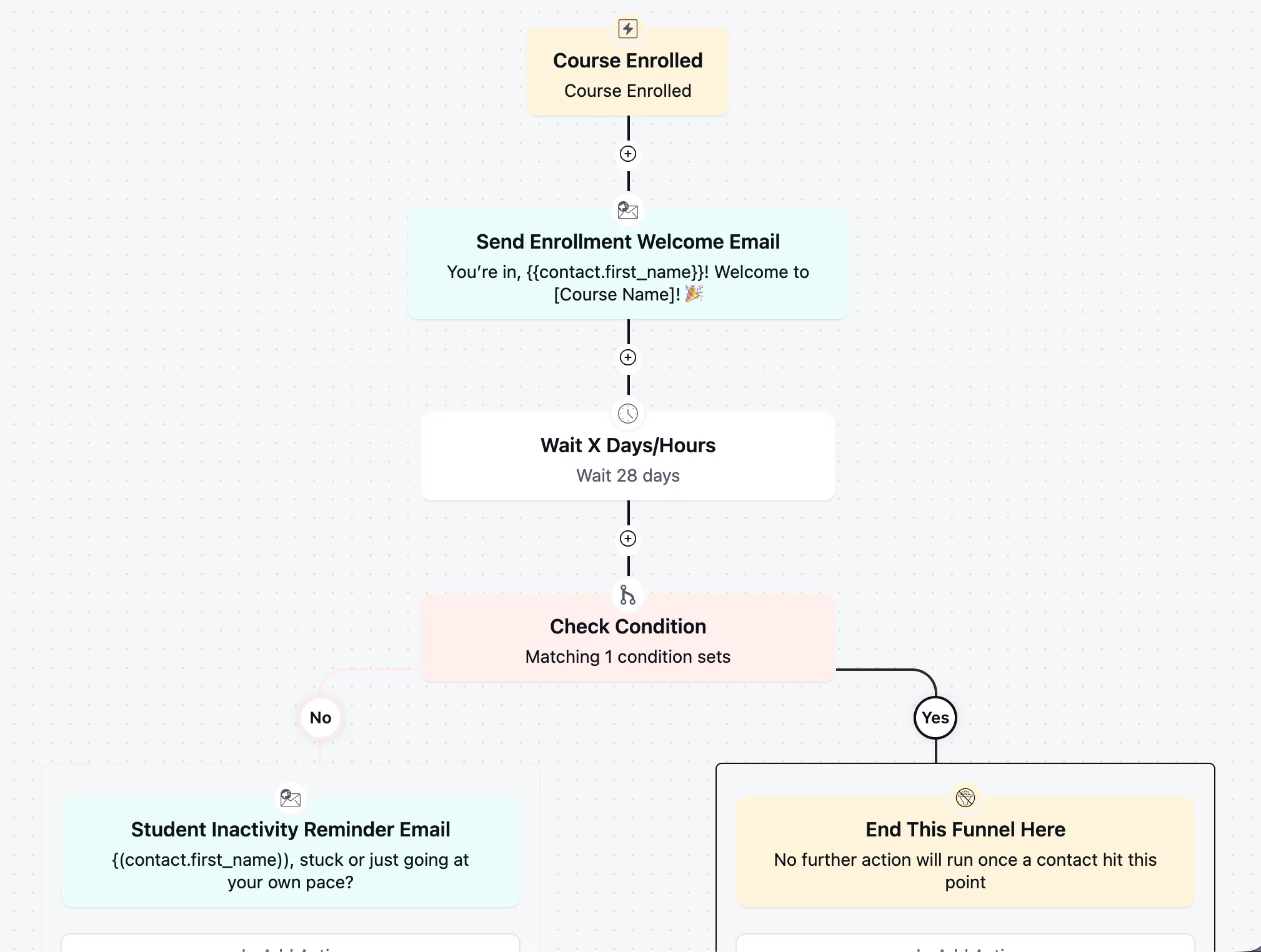
Win back students who stalled after enrolling with a well-timed, low-pressure check-in
-
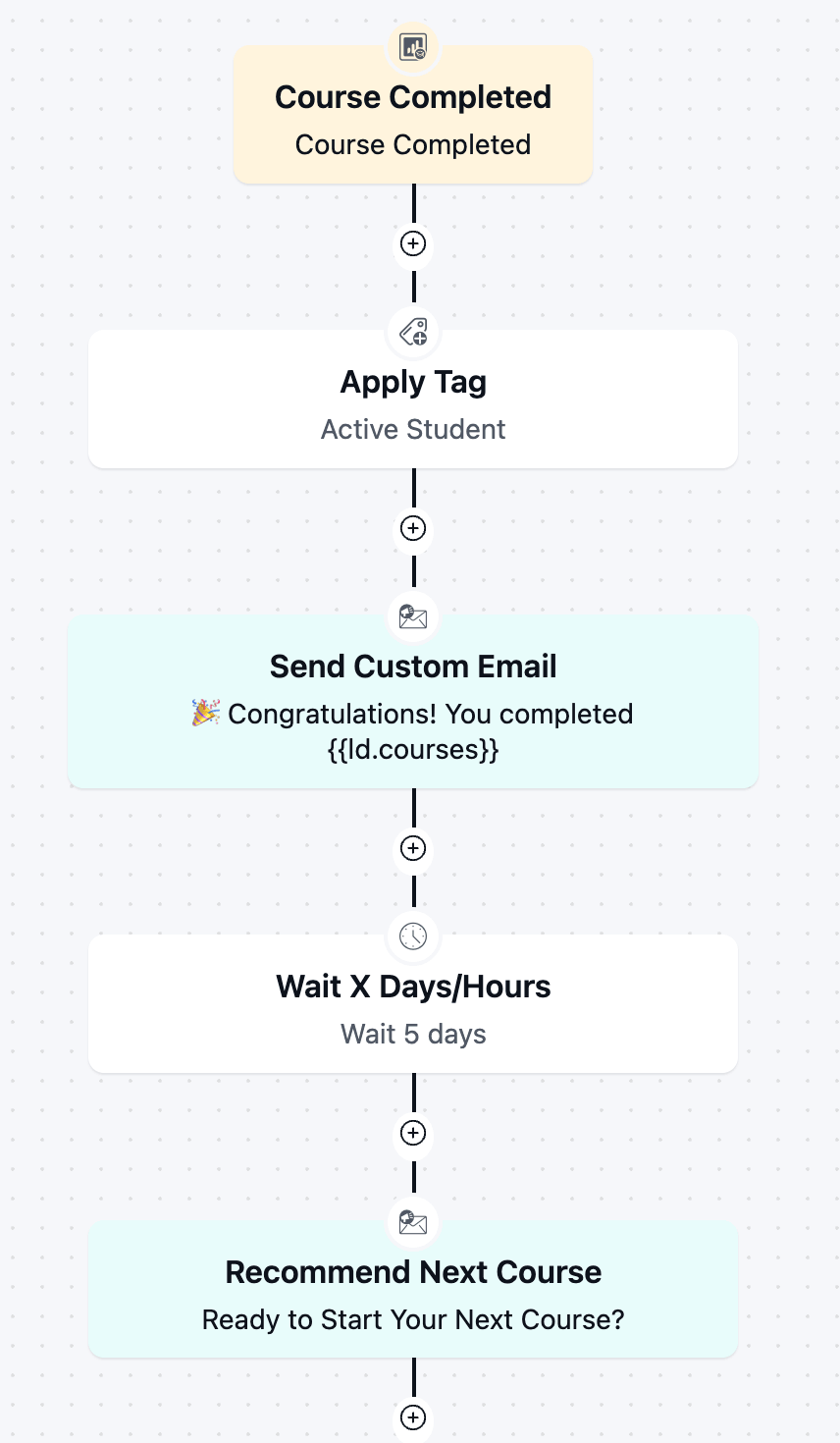
Course Completion Automation
Boost re-enrollment and keep students engaged by automatically celebrating every course completion and pointing graduates toward next step.
-
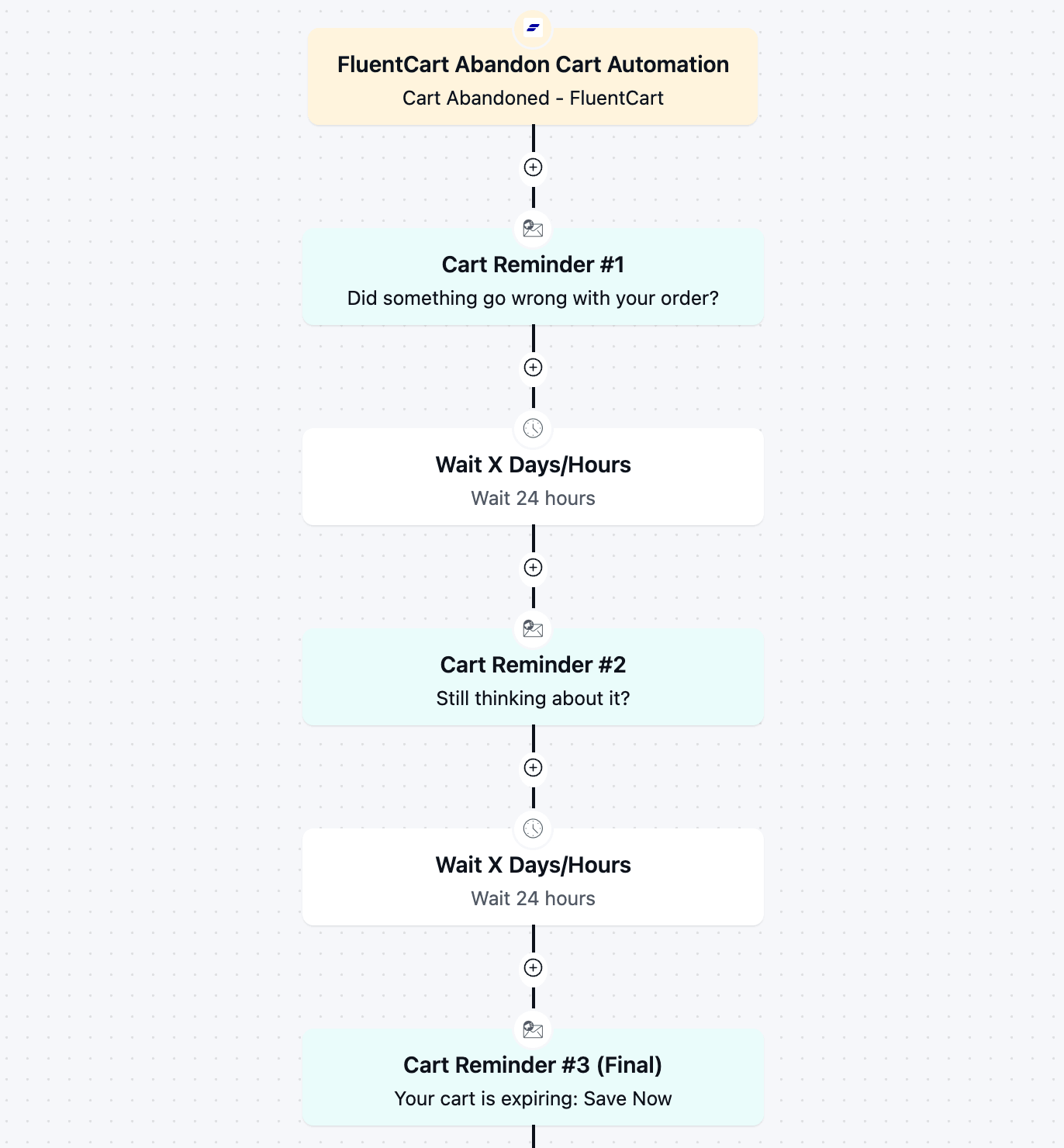
FluentCart Abandoned Cart Automation
Recover lost revenue automatically with a 3-part cart abandonment email automation flow.
-
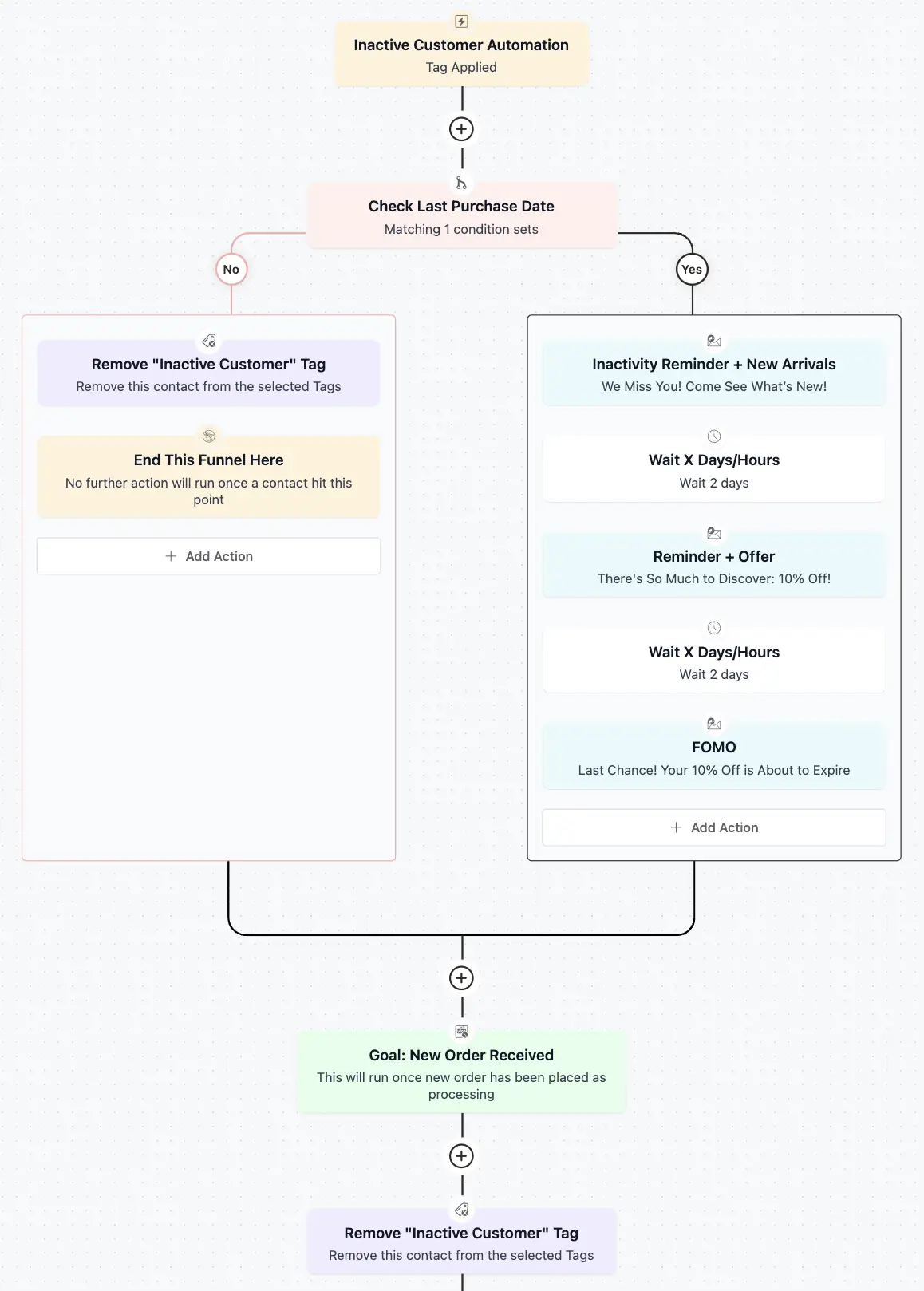
Inactive Customer Automation
Recover your idle customers with a 3 step re-engagement sequence
-

Win-back Cancelled Appointments
A simple but effective template to win back your cancelled appointments.



