

Win-back Cancelled Appointments
A simple but effective template to win back your cancelled appointments.
Get this template in your inbox
Thanks for sharing your email. Please click below to download the template.

What is Win-back Cancelled Appointments Automation?
Win-back Cancelled Appointments is a behavior-triggered email that reaches out the moment a booking is cancelled, giving the client a short window before checking in with genuine care rather than a hard sell. Rather than letting a cancellation go unanswered, this automation waits two days, then sends a warm, low-pressure email that acknowledges the client’s reason for cancelling and opens the door to rebooking.
Use Cases
- Salons & Spas: Recover cancelled beauty and wellness appointments automatically
- Clinics & Practices: Reach out to patients after a cancelled visit without extra admin work
- Consultants & Coaches: Keep the door open after a client cancels a session
- Home Services: Win back cancelled service calls and maintenance visits
- Fitness Studios: Re-engage members who cancel a class or session booking
Automation Overview
Win-back Cancelled Appointments: Start the automation the moment a booking is cancelled

Wait 2 Days: Give the client space before reaching out
Send Support Email: Send a warm check-in email acknowledging the cancellation and offering help
How it Works
The purpose of this automation is to turn a cancellation into an open door instead of a dead end.
Rather than assuming the client is gone for good, it waits a respectful two days, then reaches out with genuine curiosity about what happened and an easy way to get back on the books.
- The automation starts the moment a booking is cancelled.
- It waits 2 days, giving the client space rather than reacting instantly.
- A warm check-in email goes out, acknowledging the cancellation without pressure.
- The email opens the door for the client to rebook or get help with whatever caused the cancellation.
Why it Works?
- A short waiting period avoids reaching out while the client is still dealing with whatever caused the cancellation
- Leading with “anything we can help with” feels like genuine care, not a sales pitch
- Reaching out within days captures clients while recovery odds are still highest
- A simple, single email requires minimal setup but keeps the relationship alive
- Every cancelled booking gets the same thoughtful follow-up with no manual tracking
Used Assets
| Asset | Role in Automation | Benefit |
|---|---|---|
| Booking Cancelled | Starts the automation | Captures every cancellation automatically |
| Wait X Days/Hours | Timing Control | Gives the client space before reaching out |
| Custom Email | Check-in Email | Opens the door to rebooking without pressure |
Required Email Templates
Use the ready-made subject lines, preheaders, and body copy below as a starting point. You can customize the bracketed placeholders and tone to match your brand before adding them to the automation.
Check-in Email (Sent 2 Days After Cancellation)
What to Include:
Subject: We Understand Your Reason: Anything We Can Help With?
Preheader: No pressure; we just want to make sure you’re taken care of
Hi {{contact.first_name}},
Hope you’re doing well.
We noticed your recent appointment was cancelled, and we just wanted to check in.
Life happens, and we completely understand.
If there’s anything we can help with — rescheduling, answering a question, or something else entirely — we’re here.
[Rebook Your Appointment]
If now isn’t the right time, no worries at all. We’ll be here whenever you’re ready.
Thanks.
Your Business
Related Templates
-
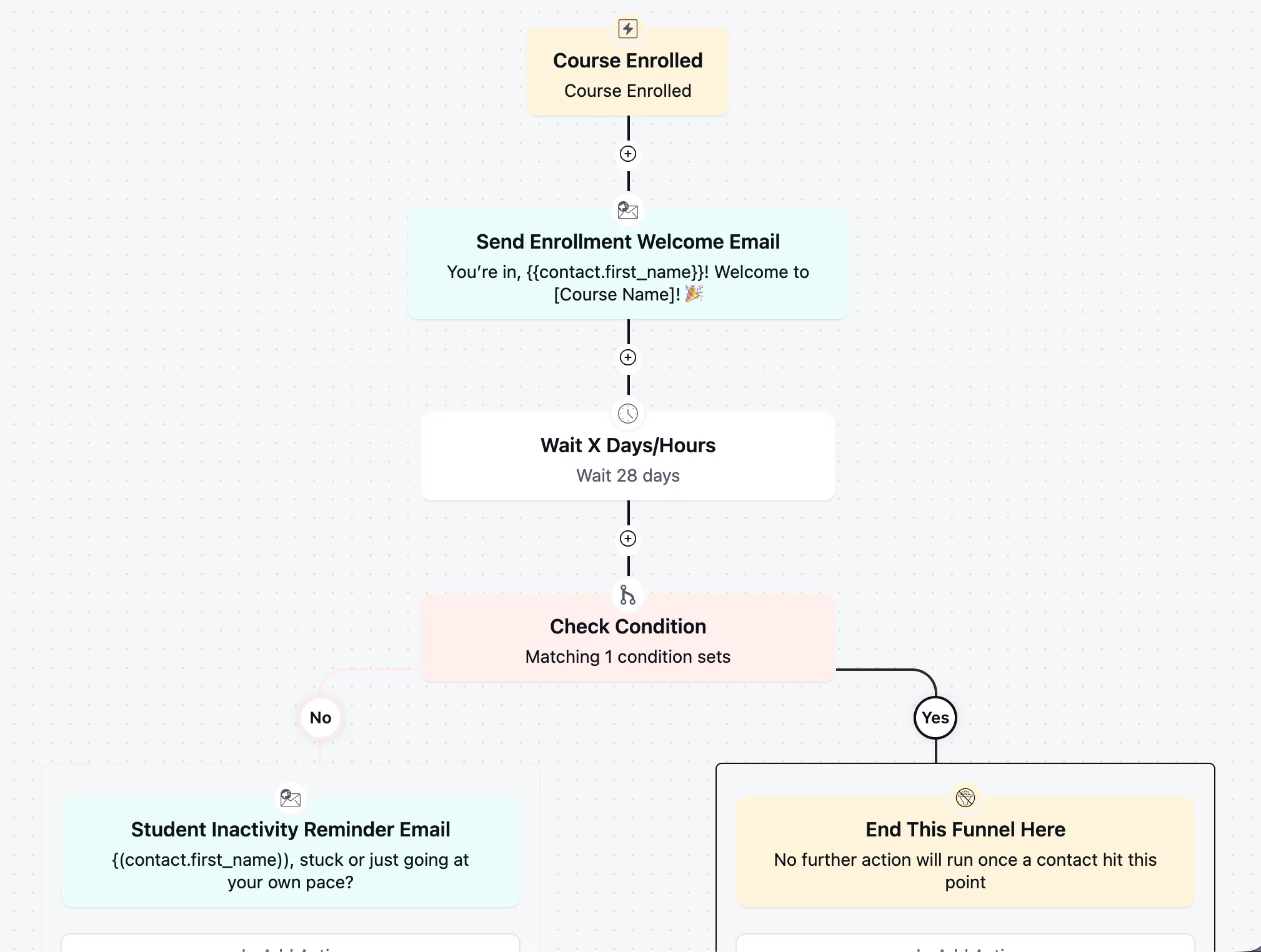
Student Inactivity Reminder Automation
Win back students who stalled after enrolling with a well-timed, low-pressure check-in
-
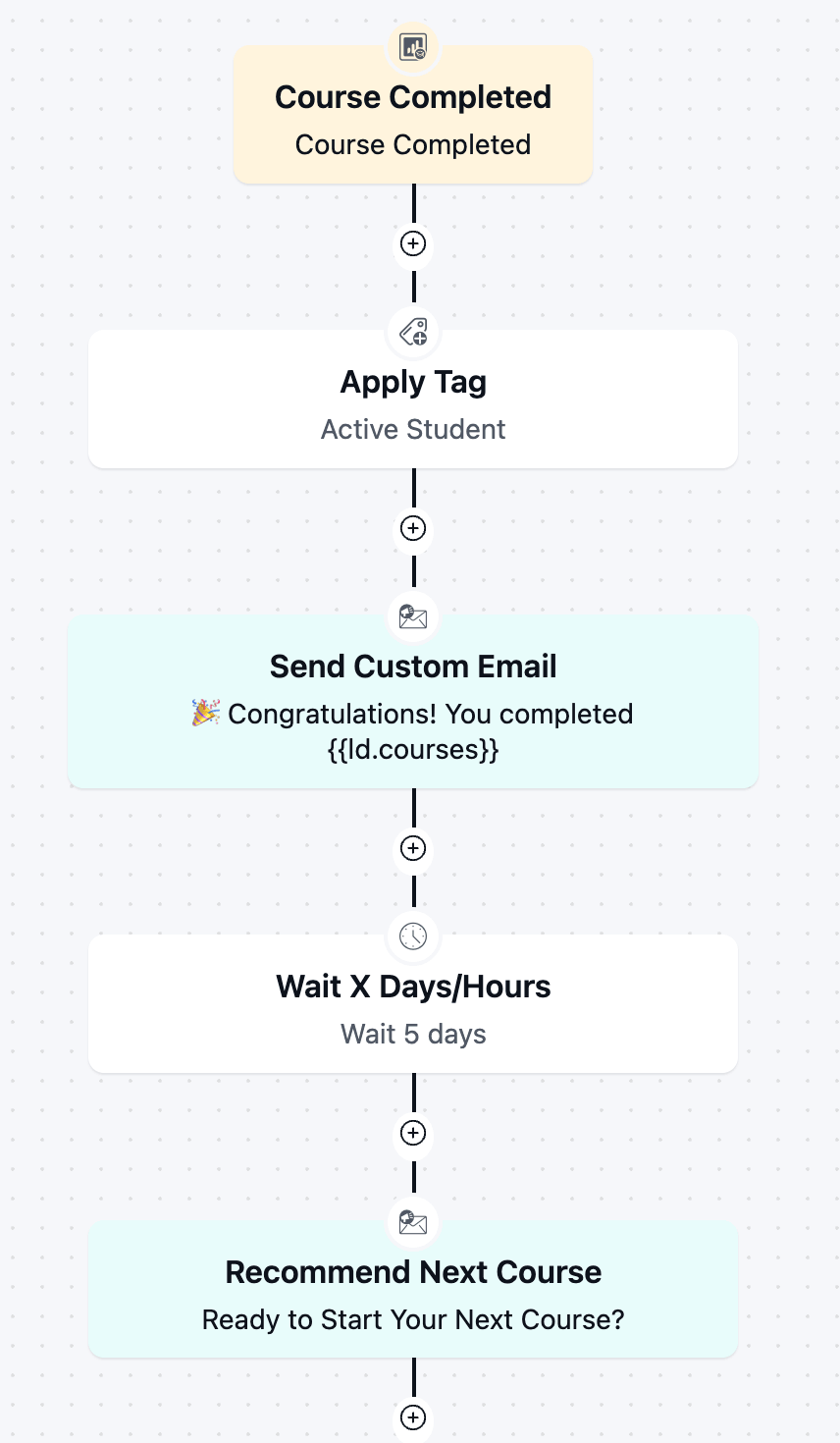
Course Completion Automation
Boost re-enrollment and keep students engaged by automatically celebrating every course completion and pointing graduates toward next step.
-
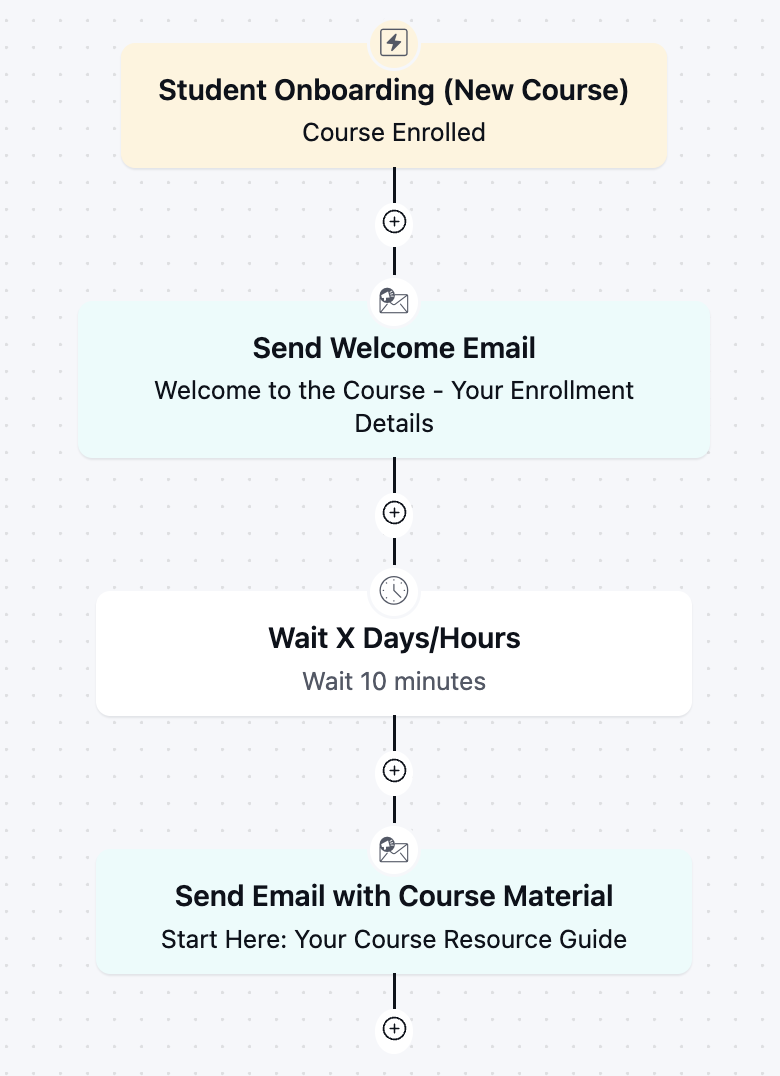
Student Onboarding Automation
Get new students engaged from day one with an instant welcome and course kickoff sequence.
-
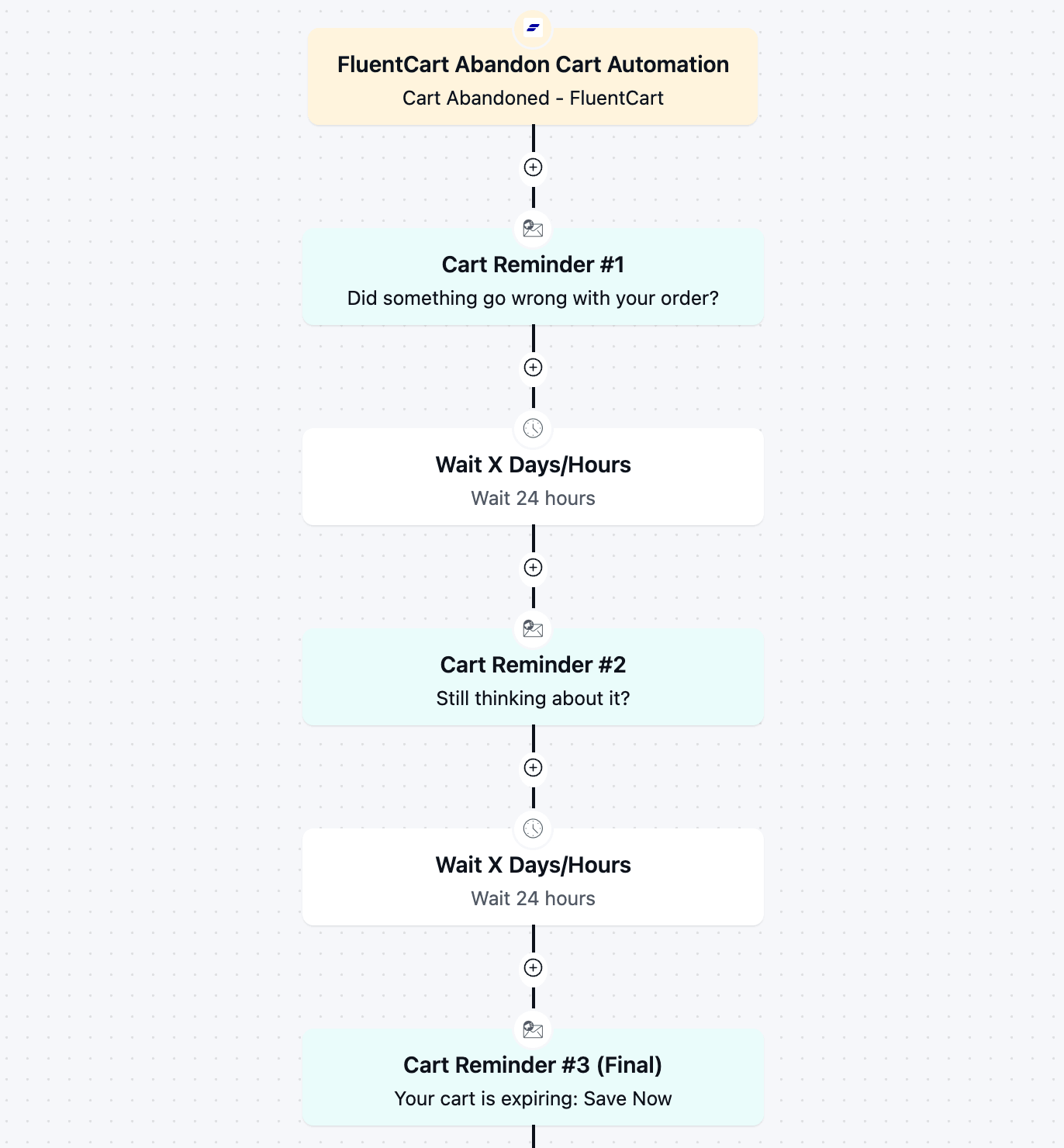
FluentCart Abandoned Cart Automation
Recover lost revenue automatically with a 3-part cart abandonment email automation flow.
-
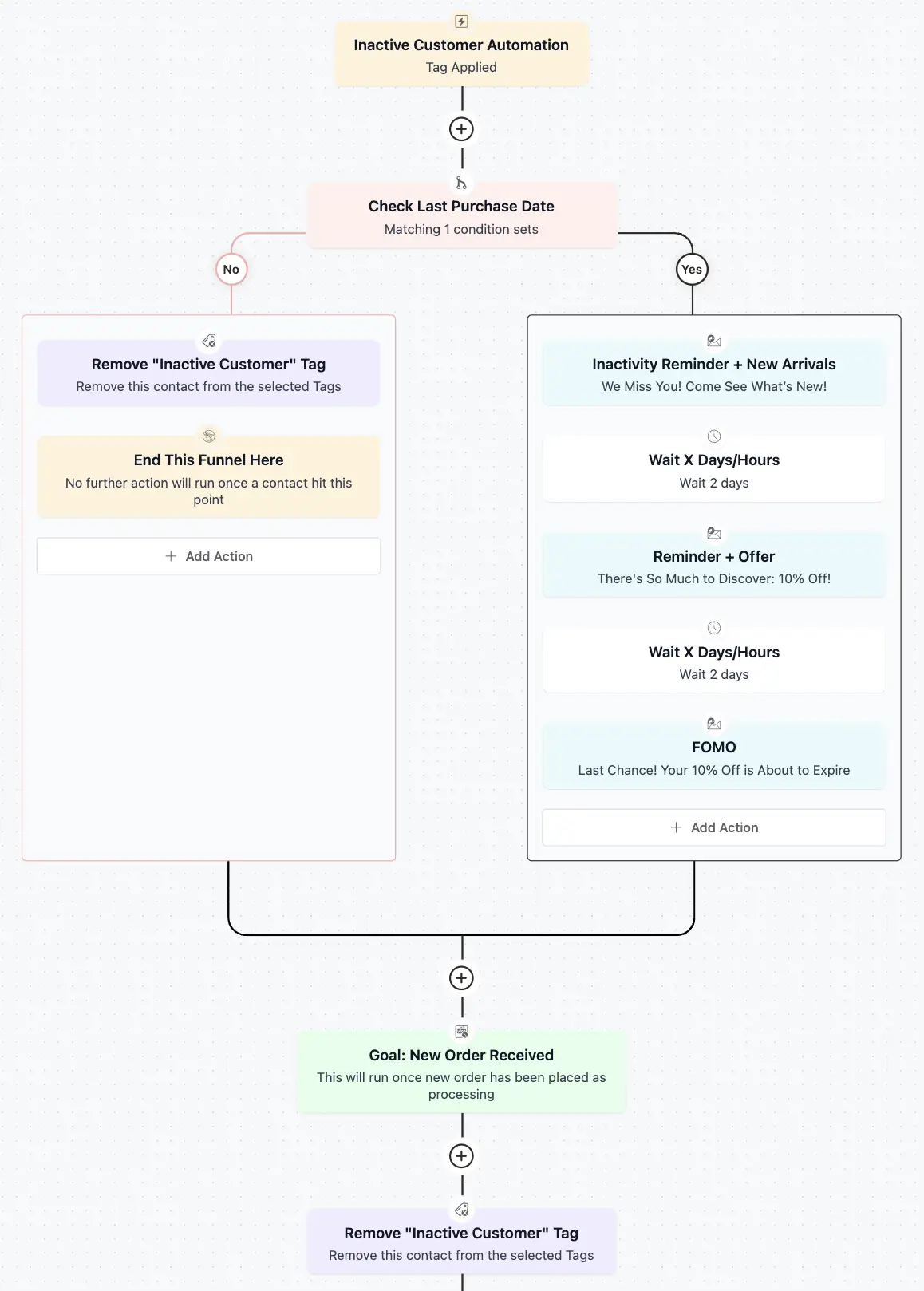
Inactive Customer Automation
Recover your idle customers with a 3 step re-engagement sequence
-

Re-engagement Email Automation
Easily keep your contacts engaged and identify inactive contacts like a pro!



