

Win Back or List Clean-Up Automation
Easily identify inactive contacts and keep your active contacts engaged like a pro!
Get this template in your inbox
Thanks for sharing your email. Please click below to download the template.

What is Win Back or List Clean-Up Automation?
This is a time- and behavior-based sequence that gives every contact a fair, hands-off evaluation of their engagement. It waits a certain period after the day a contact joins a list; checks whether they’ve clicked any email, and, if not, sends one direct re-engagement attempt. Based on the activity, another condition is checked before finally tagging inactive contacts.
Use Cases
- Newsletter Publishers: Keep subscriber lists healthy without manually auditing engagement
- Ecommerce Brands: Re-engage dormant contacts before they count against deliverability
- SaaS & Membership Sites: Identify genuinely inactive users for a separate nurture path
- Agencies Managing Multiple Lists: Standardize list hygiene across every client account
- High-Volume Senders: Protect sender reputation by automatically isolating unengaged contacts
Automation Overview
Contact Created: Start the automation the moment a contact is created

Wait 180 Days: Give the contact a long, fair runway before checking
Check Condition: See whether the contact has “clicked any email” during that time period via different sources

Send Re-engagement Email: Send a direct re-engagement email to disengaged contacts
Send Re-engagement Email: Send a direct re-engagement email to disengaged contacts

End This Funnel Here: Exit immediately for contacts who are already engaged
Check Condition: See whether the contact clicked the “Re-engagement Email”
Apply Tag: Tag contacts who still haven’t engaged as “Inactive Customer”
End This Funnel Here: Exit for contacts who respond to the re-engagement attempt
How it Works
The purpose of this automation is to protect your sender reputation and keep your list accurate without reviewing engagement by hand. It gives every contact a fair time window, follows up with one direct chance to reconnect, and only tags someone as inactive after two separate opportunities to engage have gone unanswered.
- The automation starts the moment a contact is created.
- It waits 180 days, giving the contact a long, fair window before judging engagement.
- It then checks whether the contact has clicked any email during that period.
- Contacts who have clicked exit the funnel immediately; no further action needed.
- Contacts who haven’t clicked receive a direct re-engagement email.
- The automation waits 10 more days, giving the contact time to respond.
- It checks whether the contact clicked this specific email.
- Contacts who click exit the funnel, the same as an engaged contact.
- Contacts who still don’t click are tagged as Inactive Customer for easy segmentation.
Why it Works?
- A full 180-day window avoids flagging contacts who are simply slow, seasonal, or occasional openers
- Checking email clicks, not just sends, measures real engagement, not just delivery
- A single, direct re-engagement email gives disengaged contacts one more clear chance before any tagging happens
- Tagging instead of deleting keeps the data available for suppression, segmentation, or a future win-back push
- Accurately tagged, clean lists protect inbox placement for your actively engaged contacts
Used Assets
| Asset | Role in Automation | Benefit |
|---|---|---|
| Contact Created | Starts the automation | Applies list hygiene consistently to every new contact |
| Delay (180 Days) | Timing control | Gives contacts a fair window before judging engagement |
| Check Condition (Email Click) | Filters engaged vs. unengaged contacts | Measures real engagement, not just delivery |
| End This Funnel Here (Engaged) | 1st Exit point | Stops the automation for contacts who are already active |
| Send Re-engagement Email | Win-back touch | Gives disengaged contacts one more direct chance to reconnect |
| Delay (10 Days) | Timing control | Gives contacts time to respond before the final check |
| Check Condition (Re-engagement Email Click) | Filters responders vs. non-responders | Confirms whether the win-back attempt worked |
| End Here | Exit Point | Stops the automation for contacts who responded |
| Apply Tag | Segmentation | Flags confirmed-inactive contacts for suppression or a separate list-hygiene workflow |
Required Email Templates
Use the ready-made emails as a starting point; customize the bracketed placeholders, recheck the smartcodes, and adjust the tone to match your brand before adding them to the automation.
Re-engagement Email
What to Include:
Subject: Still there? Let’s reconnect!
Preheader: We miss having you around, here’s what’s new
Hi {{contact.first_name}},
It’s been a while since we’ve heard from you, and we wanted to personally check in rather than just let things go quiet.
A lot has happened since you first joined us. Here’s a quick look at what you may have missed:
- [Highlight 1: New Content or Feature]
- [Highlight 2: Offer or Update]
- [Highlight 3: Something Timely]
[See What’s New]
If something wasn’t working for you, we’d genuinely like to know; just reply to this email and tell us.
And if you’d rather adjust what you hear from us instead of stopping altogether, you can [update your preferences] anytime.
Either way, no pressure. We just didn’t want you to miss out, and we’d love to have you back.
Your Business
Related Templates
-
Seasonal Sale Countdown Automation
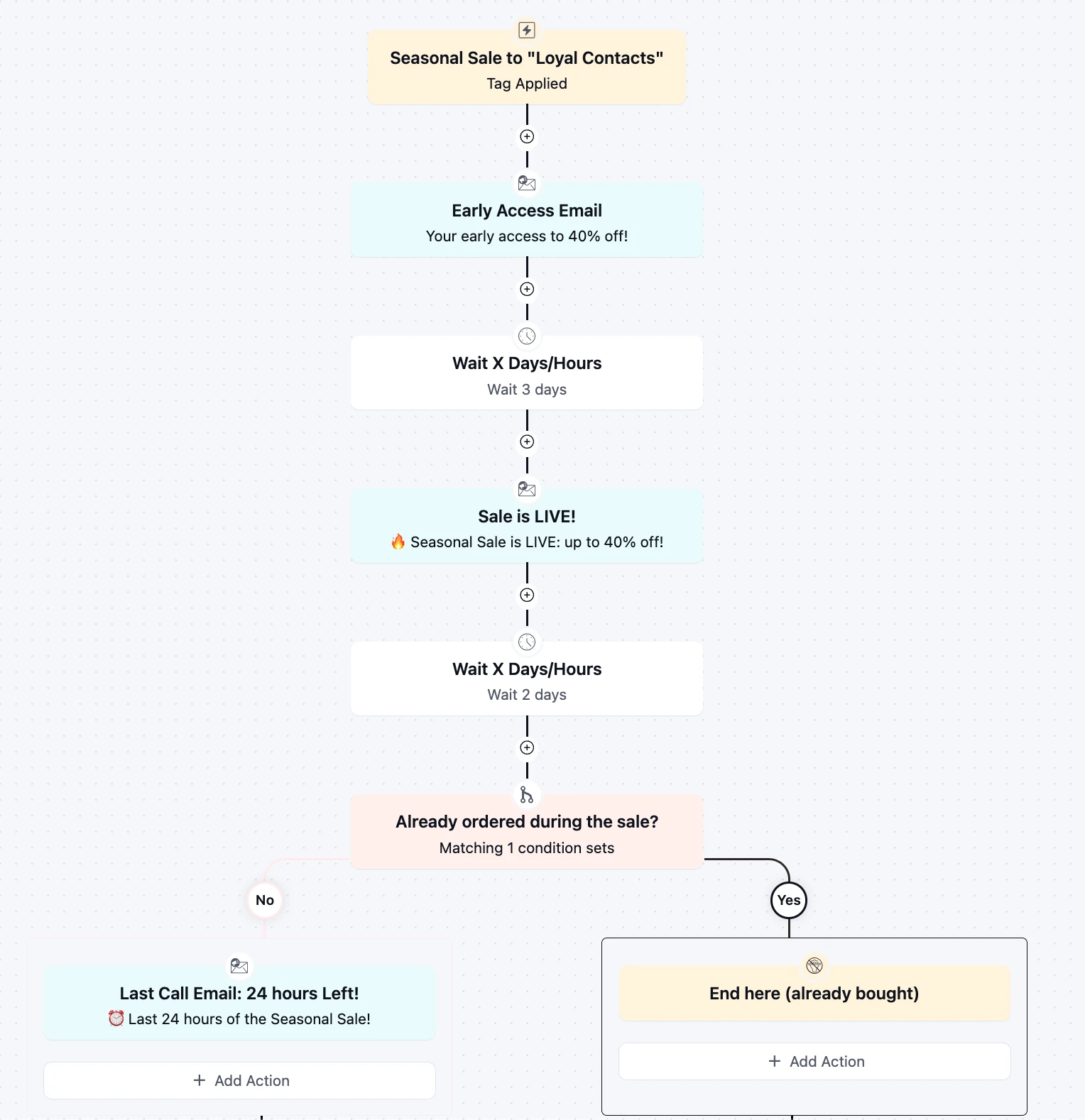
Turn every seasonal sale into a three-touch revenue event for loyal customer using pre-sale, post sale emails.
-
Student Inactivity Reminder Automation
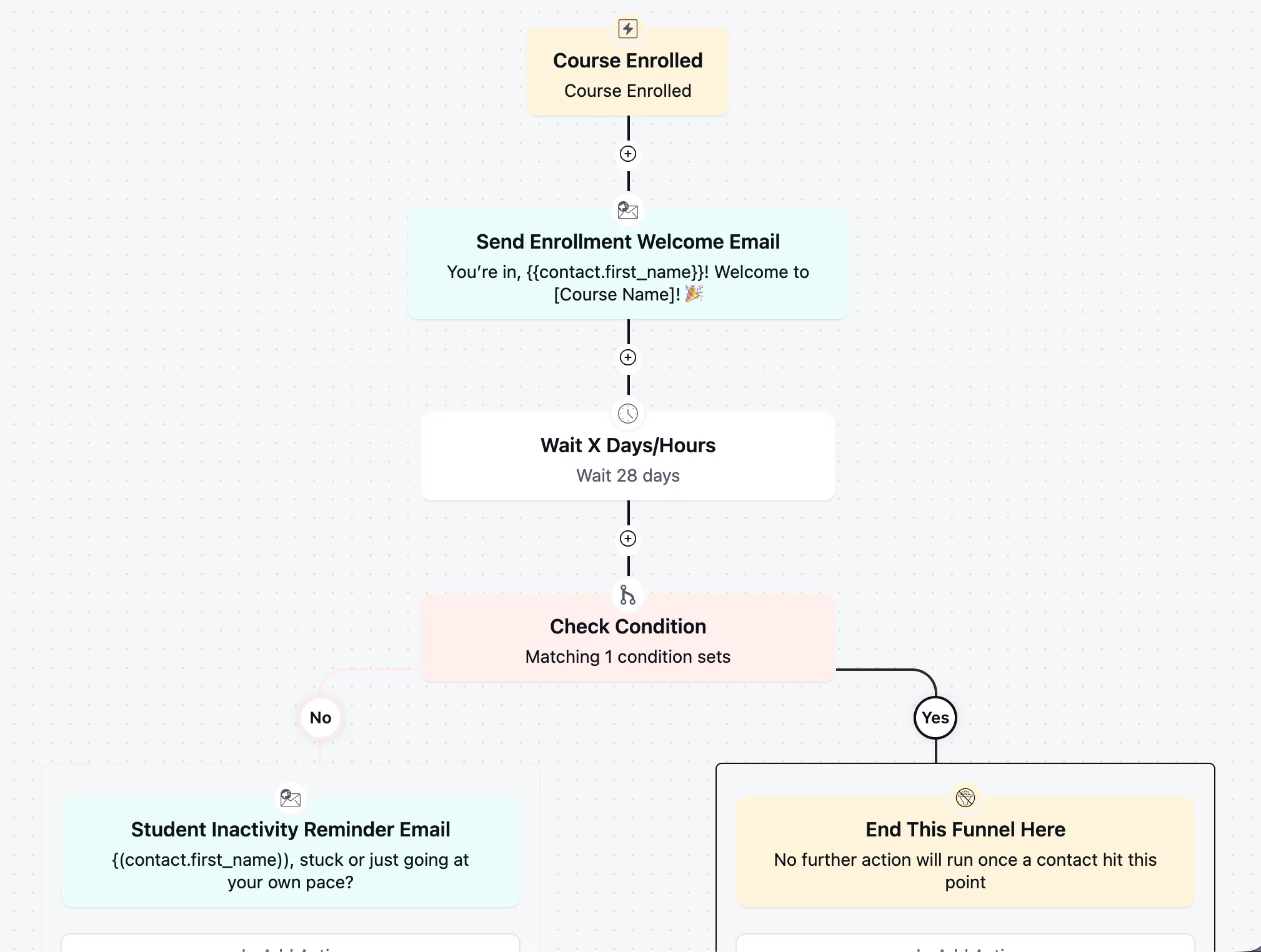
Win back students who stalled after enrolling with a well-timed, low-pressure check-in
-
Course Completion Automation
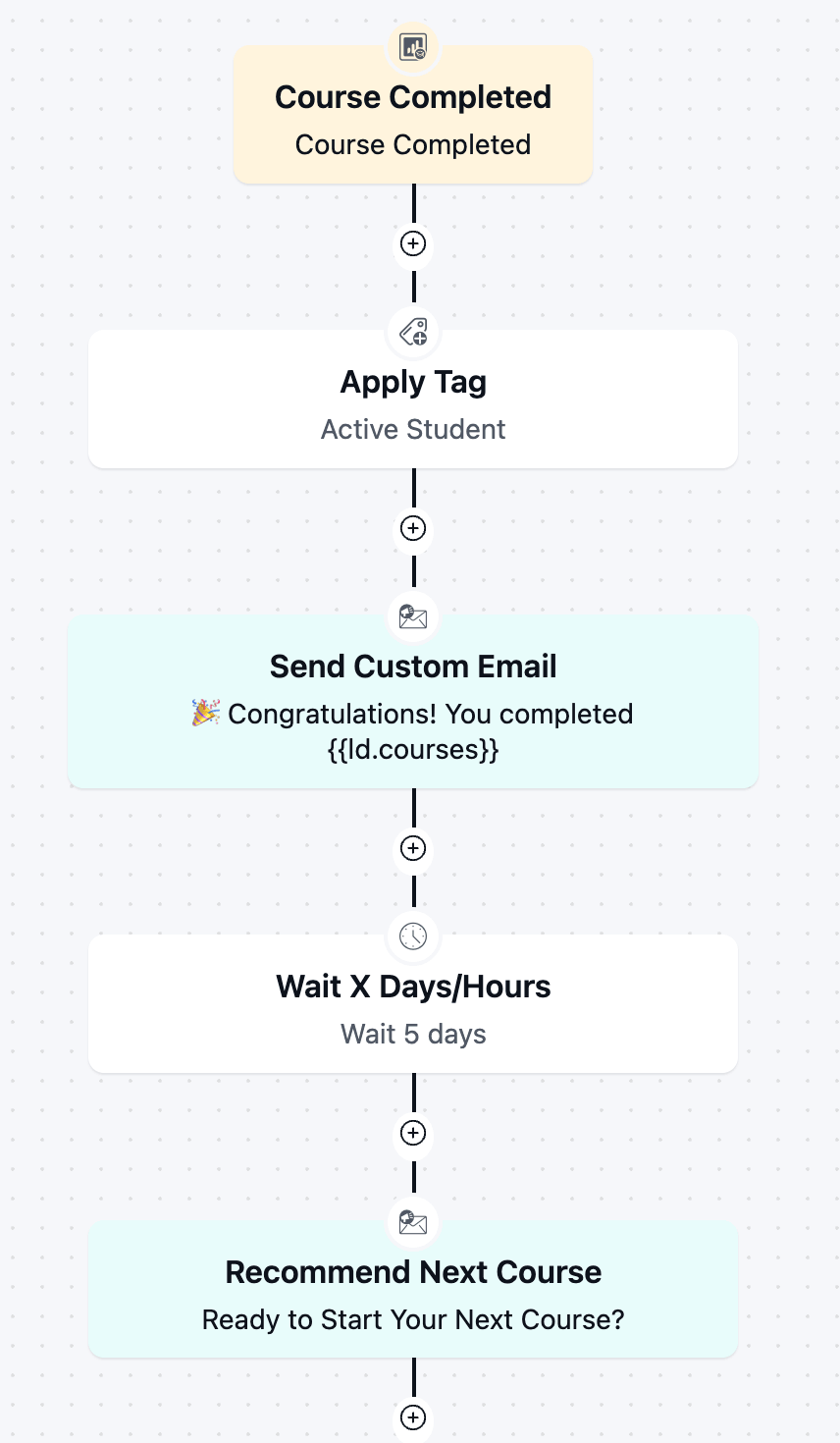
Boost re-enrollment and keep students engaged by automatically celebrating every course completion and pointing graduates toward next step.
-
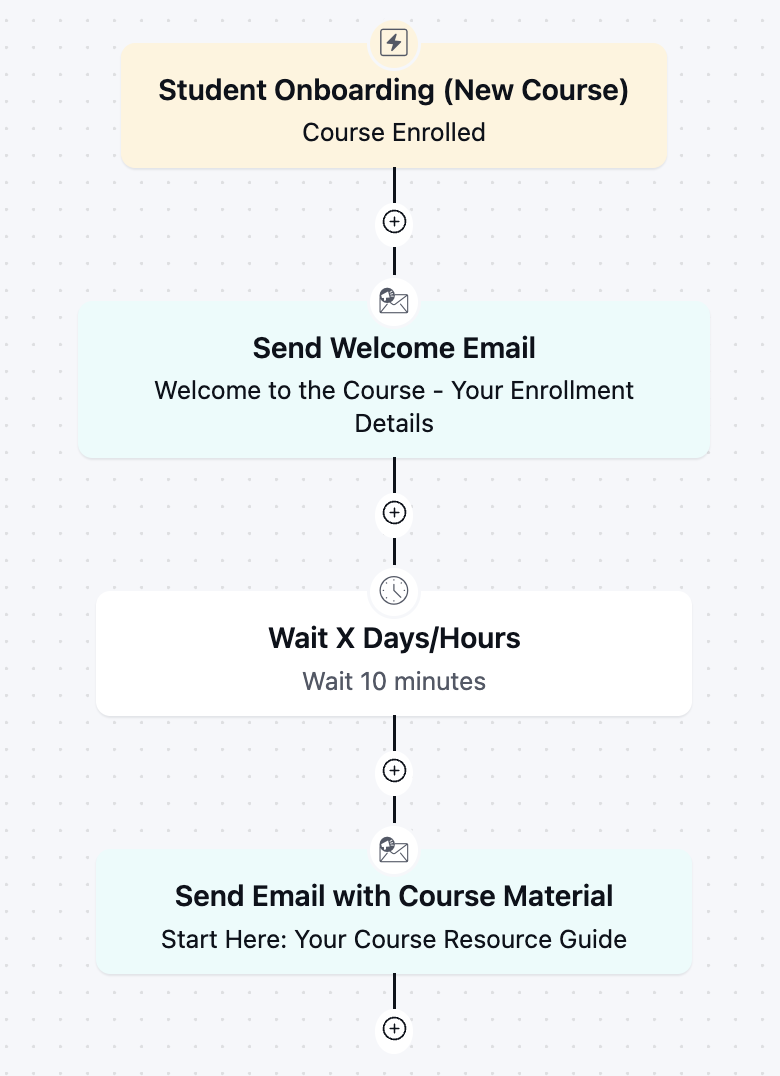
Student Onboarding Automation
Get new students engaged from day one with an instant welcome and course kickoff sequence.
-
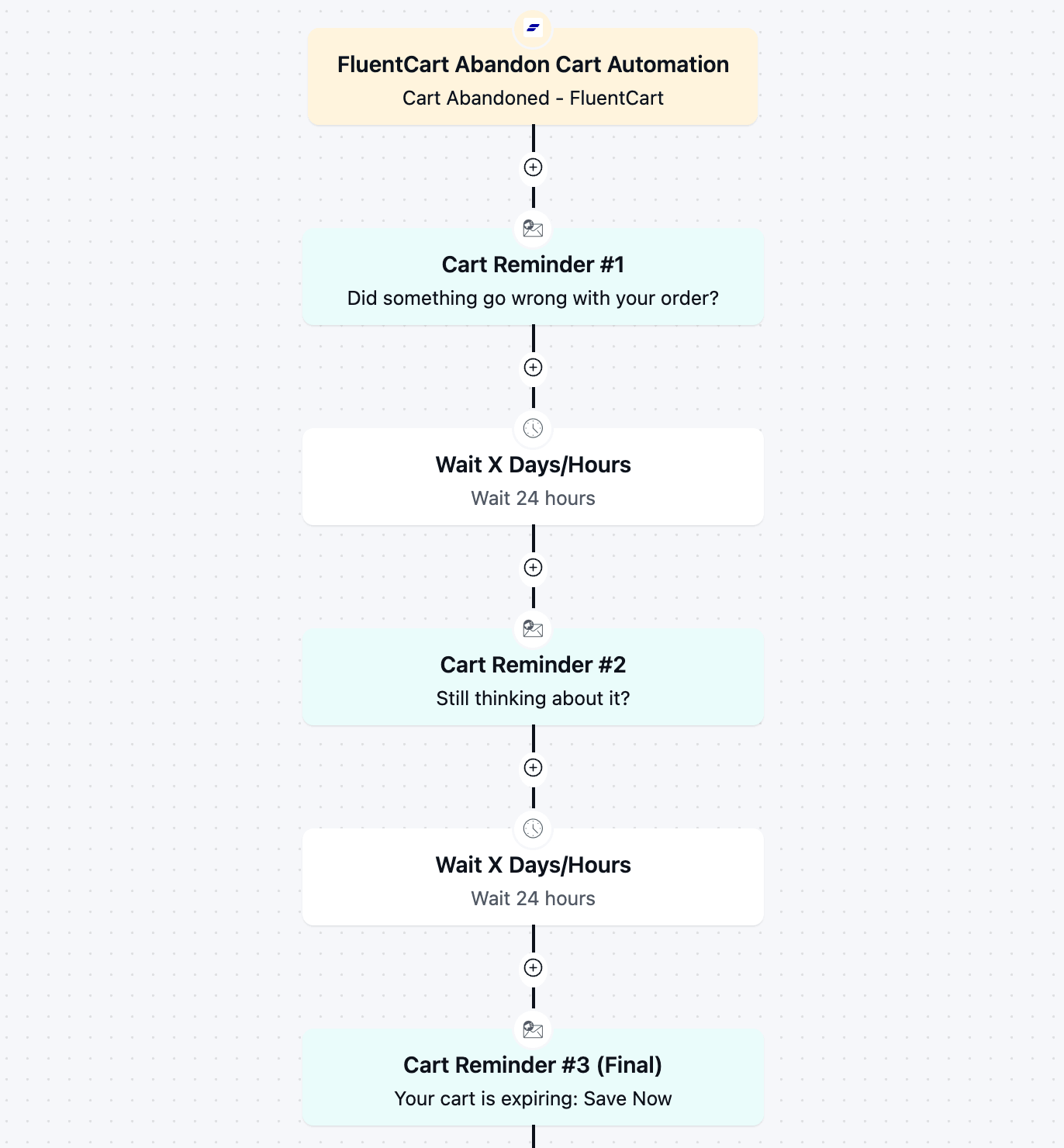
FluentCart Abandoned Cart Automation
Recover lost revenue automatically with a 3-part cart abandonment email automation flow.
-
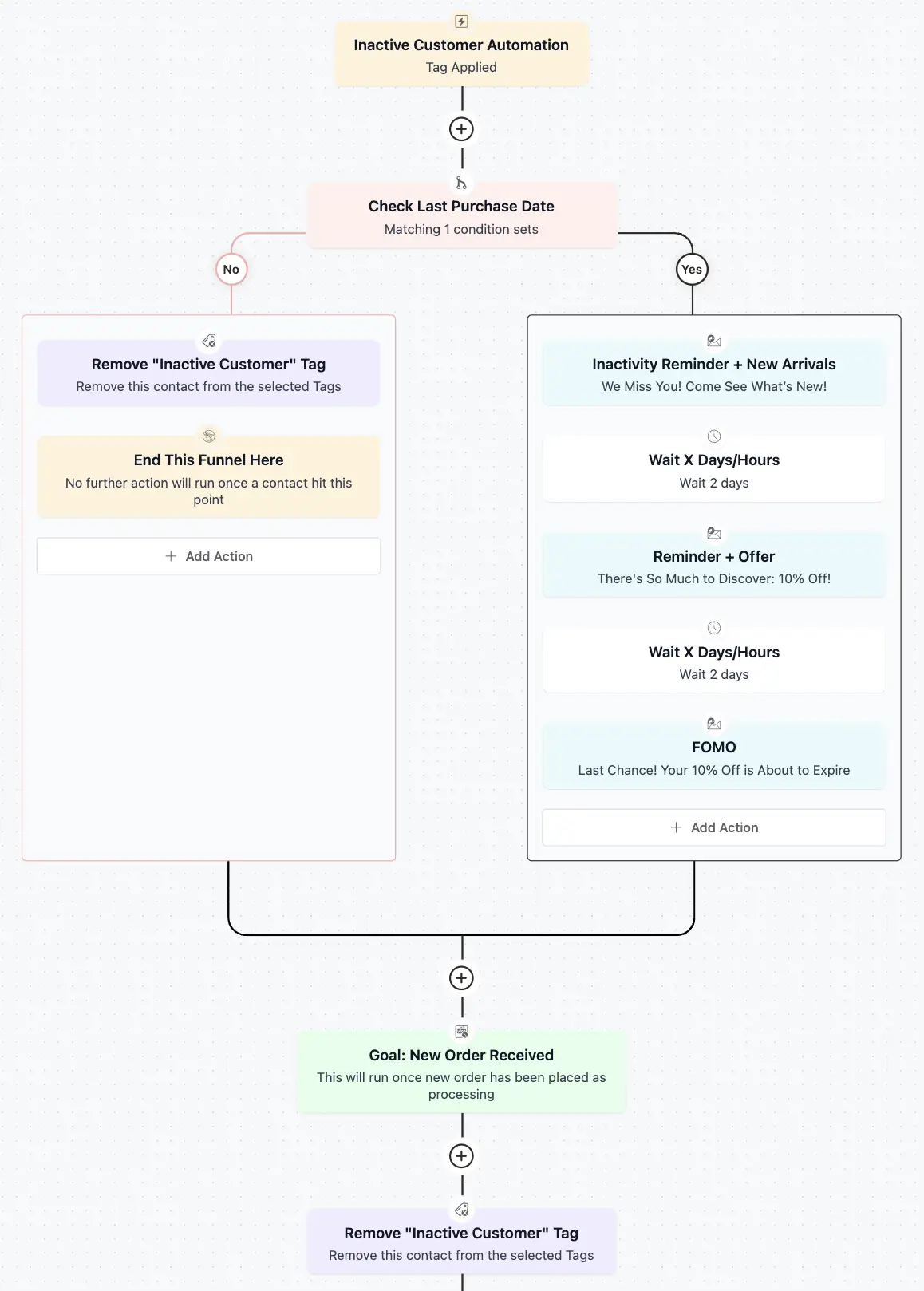
Inactive Customer Automation
Recover your idle customers with a 3 step re-engagement sequence



