WooCommerce Post-Purchase Upsell Automation
Supercharge your sales with a post purchase upsell/cross sell email after a product purchase happens
Get this template in your inbox
Thanks for sharing your email. Please click below to download the template.
What is WooCommerce Post-Purchase Upsell Automation?
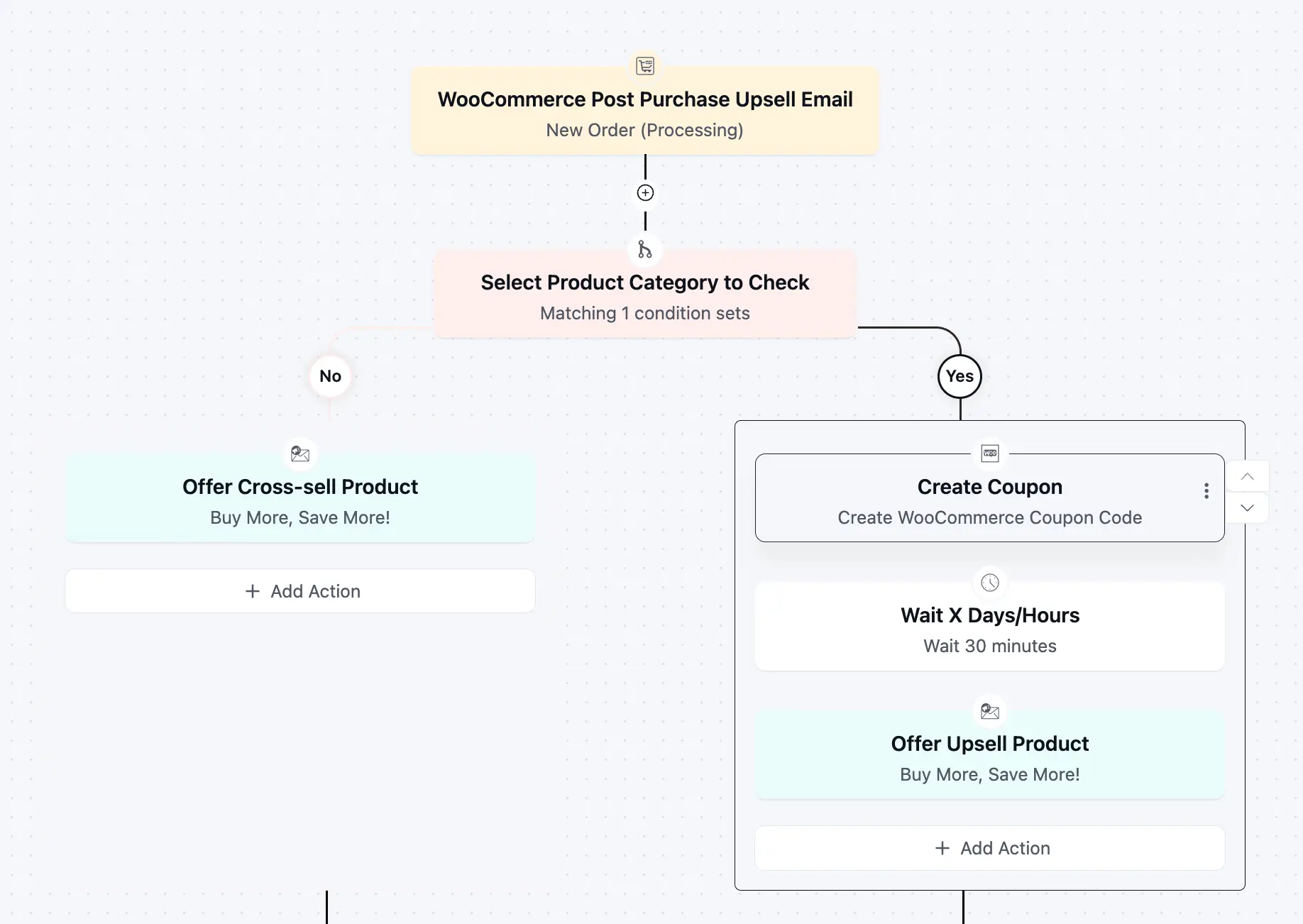
WooCommerce post-purchase upsell automation is a behavior-based email workflow that triggers immediately after a customer places an order. Instead of sending generic follow-ups, this automation uses product category conditions and purchase data to deliver highly relevant cross-sell and upsell offers.
Use Cases
- WooCommerce Stores: Trigger different offers based on product categories
- Fashion / Accessories: Cross-sell matching or complementary items
- Electronics: Upsell warranties, bundles, or premium versions
- Digital Products: Offer advanced versions or bundled packages
- Niche Stores: Personalize offers using category-level segmentation
Automation Overview
WooCommerce New Order (Processing): Start the automation when a customer places an order

Check Purchased Product Category: Identify which product category the customer bought from

Send Cross-Sell Offer: Send an email with complementary products related to the purchase

Create Coupon: Generate a WooCommerce coupon for the upsell offer
Wait 30 Minutes: Give the customer time before sending the next offer
Send Upsell Offer: Send a targeted upsell email with a premium product or bundle using the coupon
(Goal) Repeat Order: Track if the customer placed a second order and immidietly move to the next step if the purchase happens
How it Works
This automation aims to gain repeat purchases by showing a relevant upsell or cross-sell instantly. It triggers instantly while your customer’s purchase intent is still high and ensures that you’re sending the right upsell/cross-sell offer, every time.
- The automation starts when a customer places an order in your WooCommerce store.
- Then the system checks what product category the customer purchased from.
- If the purchase doesn’t match a priority category, they receive a relevant cross-sell email immediately.
- If it matches, the automation creates a personalized coupon, waits briefly, then sends a targeted upsell offer.
Why it Works?
- You only incentivize high-value upsell opportunities
- You don’t over-discount every order
- Every customer sees a relevant next step
- Customers only receive email until the Goal (repeat purchase) is met.
- Tags can be applied to track which path customers took and optimize future campaigns.
Used Assets
| Asset | Role in Automation | Benefit |
| WooCommerce Order (Processing) | Starts the automation | Captures customers at peak intent |
| Condition (Product Category) | Segments buyers | Ensures relevant offers |
| Cross-Sell Email | Immediate offer | Drives quick additional purchases |
| Create Coupon | Generates incentive | Increases upsell conversion rate |
| Delay (30 mins) | Timing control | Avoids interrupting initial purchase experience |
| Upsell Email | Promotes premium product | Maximizes revenue per customer |
| Goal | Tracks conversion | Captures conversion and moves customers to the right step |
Required Email Templates
Cross-Sell Email (Instant)
What to Include:
Subject: Complete your setup in minutes
Preheader: A few things that go perfectly with your order
Hi {{contact.first_name | there}},
Thanks for your order. You’ve made a great choice!
Most customers who bought [product] usually pair it with a few essentials to get better results, faster. Here are a couple of recommendations:
- [related_product 1] – Helps you get more out of your purchase
- [related_product-2] – Saves time and improves results
These aren’t random suggestions. They’re based on what other customers actually use together.
[Explore recommended products]
If you want to get the most value from your purchase, this is the easiest next step.
Your Business
Product Usage Email
Send: 6–12 hours after purchase
What to Include:
Subject: Get Better from Day One!
Preheader: Avoid common mistakes and get results faster
Hi {{contact.first_name | there}},
Before you dive in, here’s how to get the best results from your [product_name]:
- Start with this first: Quick step or setup instruction
- Don’t skip this feature: Feature that drives most value
- Avoid this common mistake: One mistake that reduces results
Most customers who follow these steps see better results in less time. If you want a full walkthrough:
[View guide / tutorial]
Take 5 minutes now, save hours later!
Your Business
Upsell Email (Delayed)
Send: After 30-minute delay (only for priority category buyers)
What to Include:
Subject: Your order + this = better results
Preheader: A smarter way to get more from your purchase
Hi {{contact.first_name | there}},
You’ve already taken the first step with [product_name].
If you want better results, faster, this is the upgrade most customers choose next:
Here’s why it works:
- [Benefit 1 tied to original purchase]
- [Benefit 2 tied to outcome improvement]
- [Benefit 3 tied to convenience or speed]
To make it easier, here’s a personalized offer:
Use code: [coupon_code]
[Upgrade your order]
This is a limited window while your order is still fresh. If you were already considering it, now’s the best time!
Your Business
Related Templates
-
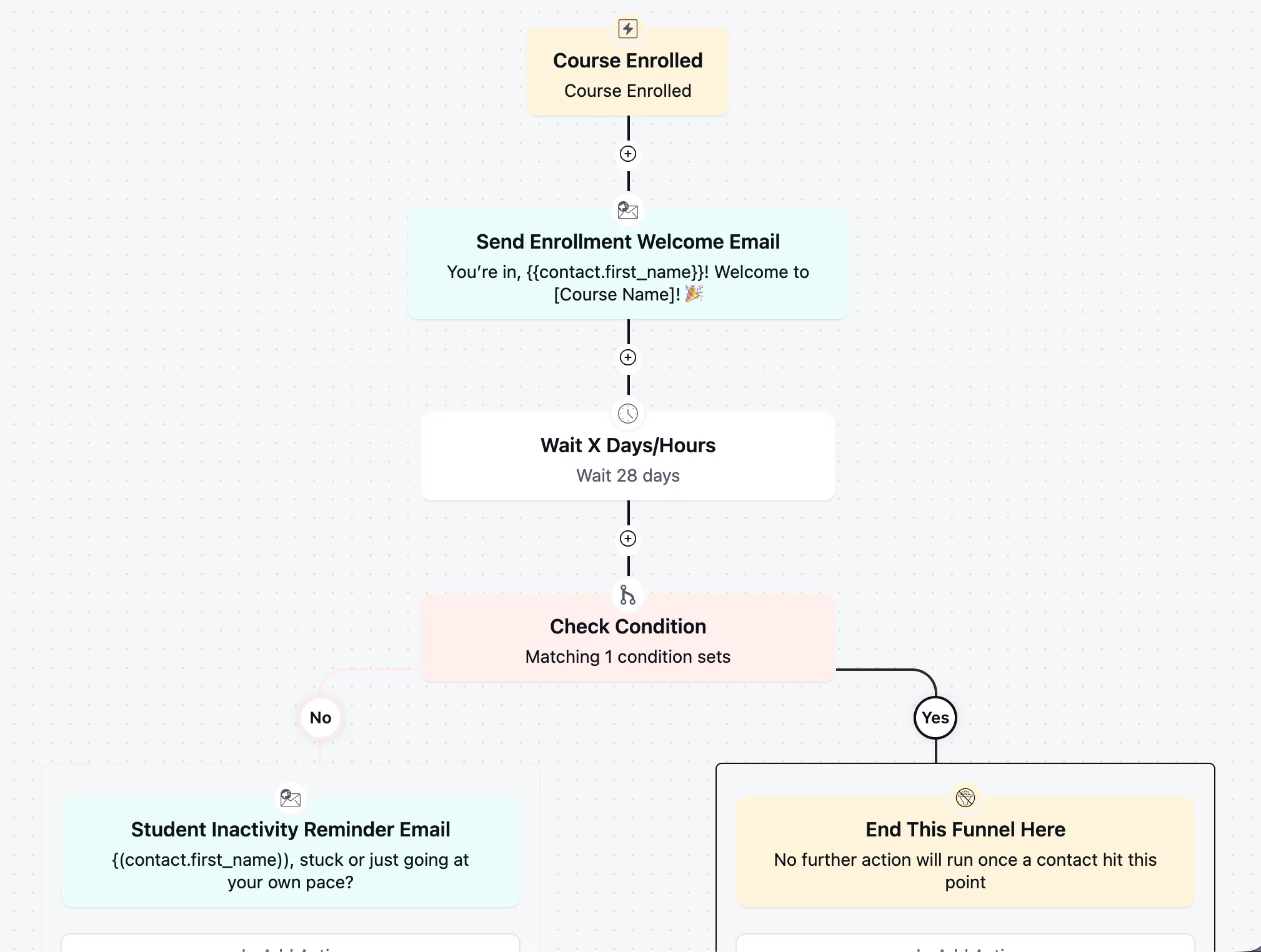
Student Inactivity Reminder Automation
Win back students who stalled after enrolling with a well-timed, low-pressure check-in
-
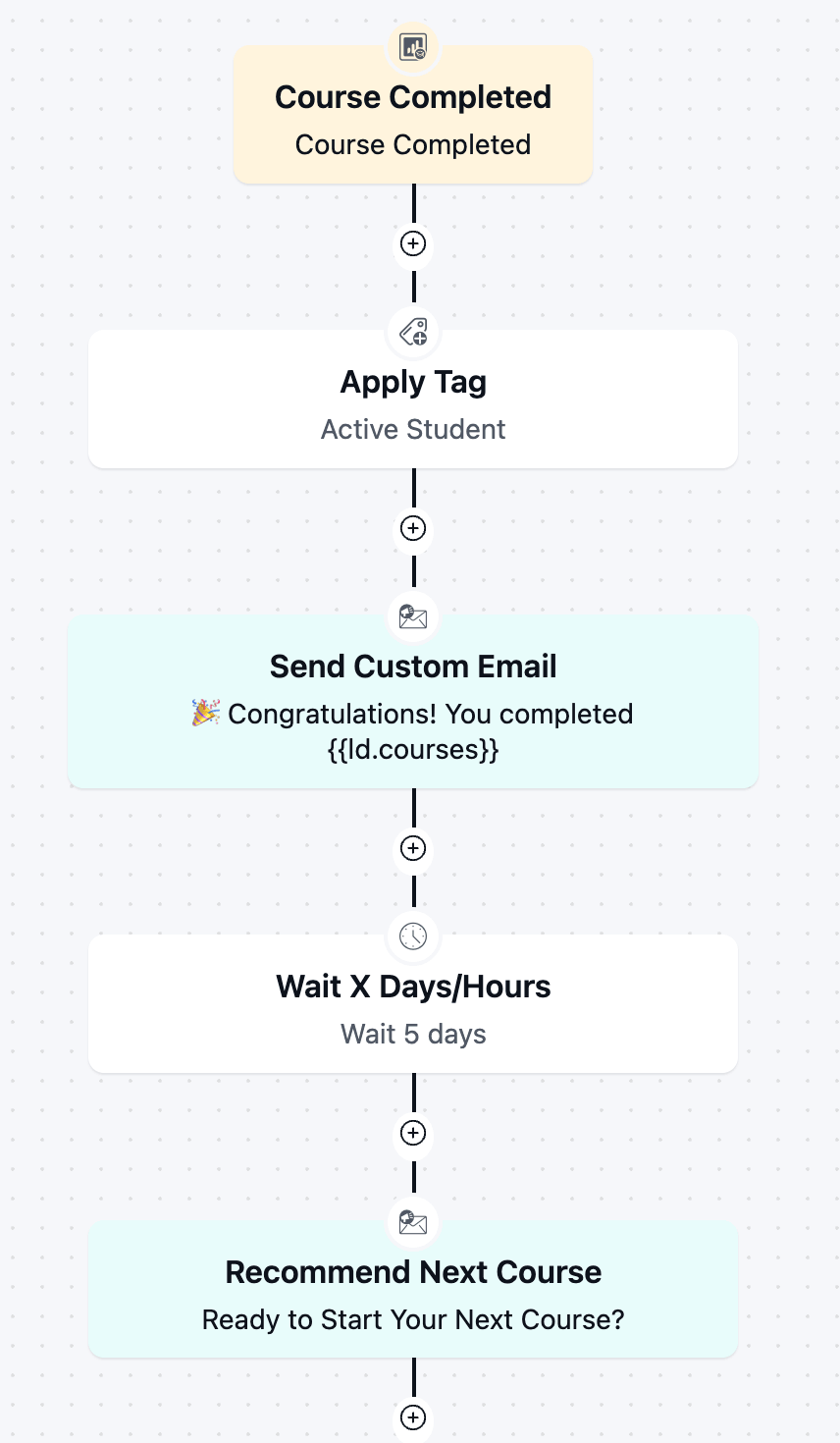
Course Completion Automation
Boost re-enrollment and keep students engaged by automatically celebrating every course completion and pointing graduates toward next step.
-
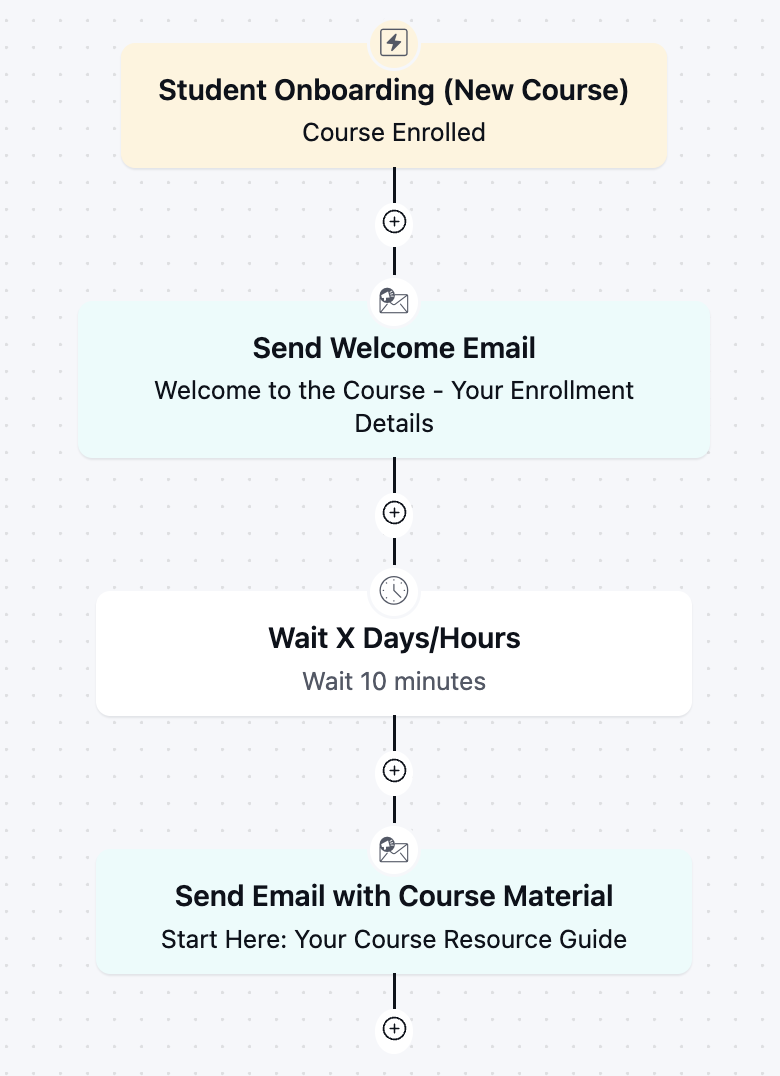
Student Onboarding Automation
Get new students engaged from day one with an instant welcome and course kickoff sequence.
-
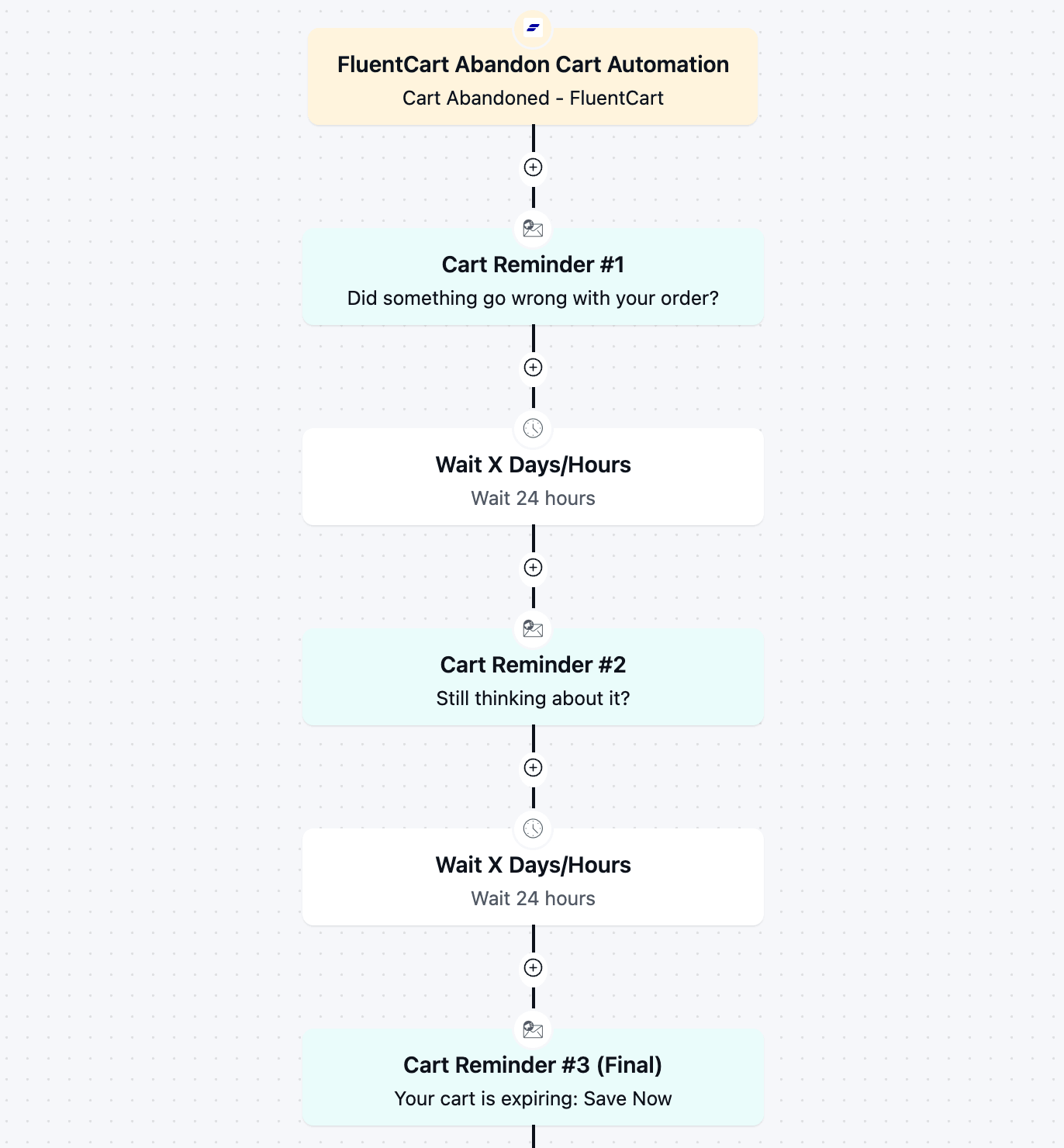
FluentCart Abandoned Cart Automation
Recover lost revenue automatically with a 3-part cart abandonment email automation flow.
-
Inactive Customer Automation
Recover your idle customers with a 3 step re-engagement sequence
-

Win-back Cancelled Appointments
A simple but effective template to win back your cancelled appointments.