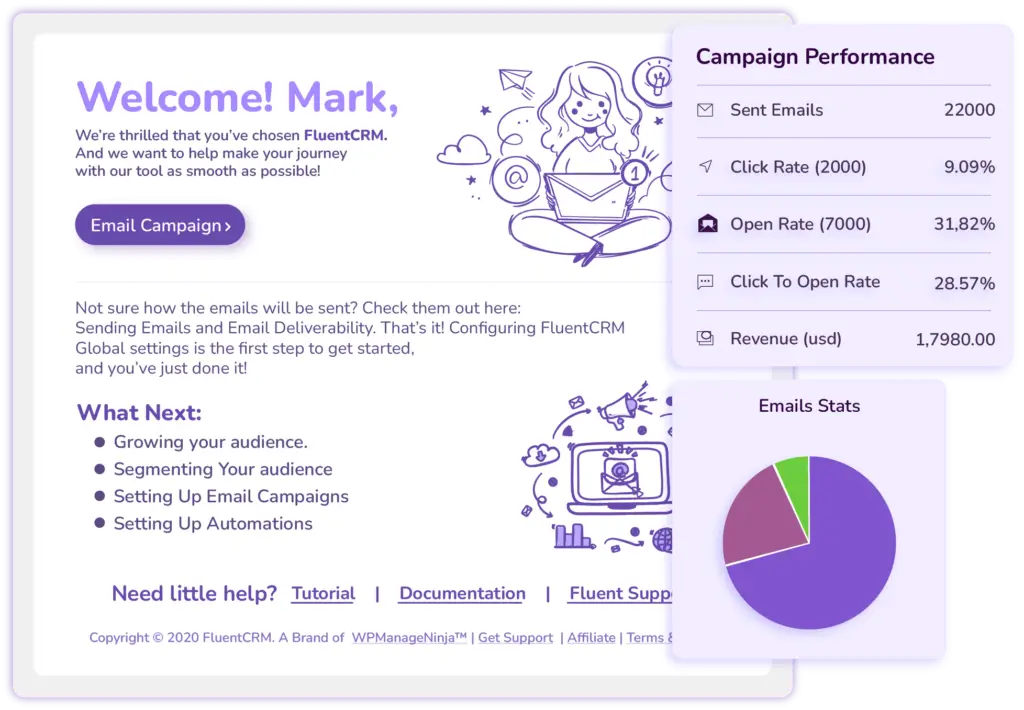
Next Course Recommendation Email
Use this free course recommendation email template to re-engage students after course completion and drive repeat enrollments with FluentCRM automations
- eLearning
Get this template in your inbox
Thanks for sharing your email, please click below to download the template.
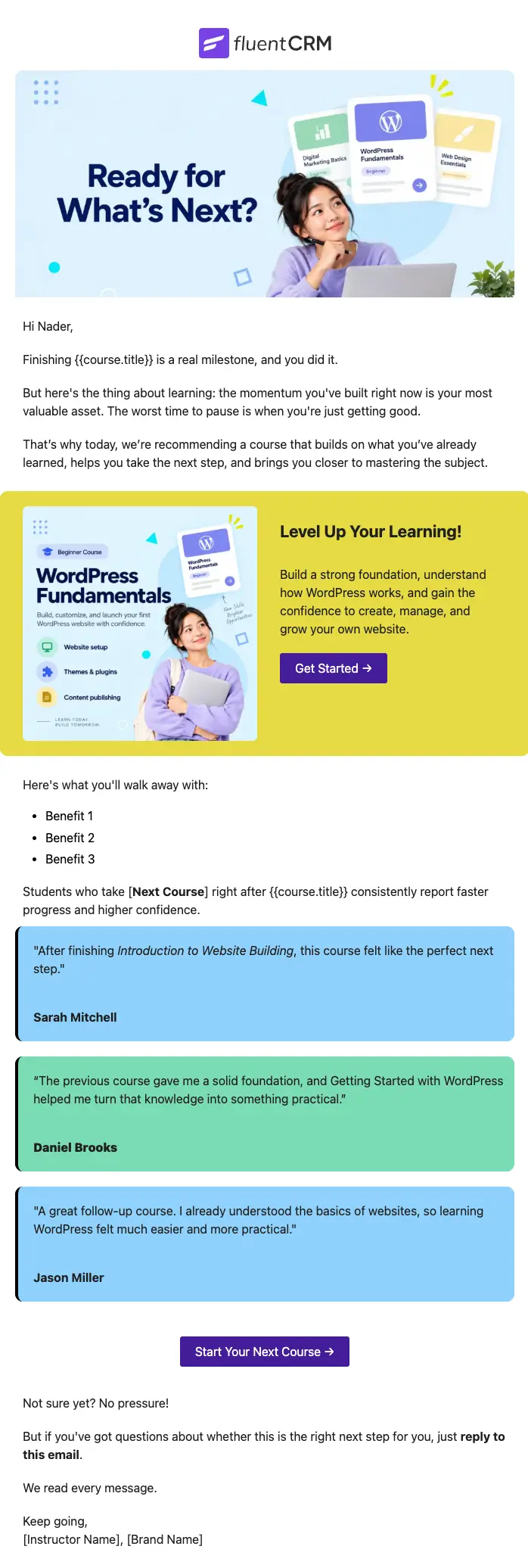

What is a Next Course Recommendation Email Template?
A next-course recommendation email template is a pre-designed email layout that is sent automatically after a student completes a course, pointing them toward the most relevant next step in their learning journey.
With FluentCRM, this recommendation email can be sent 2–3 days after your course feedback email. It can personalize the recommendation with the student’s name, the course they just completed, and the course you want them to take next, all without writing a single line of code.
How to Use the Next Course Recommendation Email Template?
This template is almost ready to be sent to your subscribers. Just follow these steps to use:
Where does this fit in Your Automation?
This email is the fourth in the sequence: welcome, congratulations, course feedback, and then this recommendation. It goes out one to two days after the feedback email, once the student has already reflected on what they learned and shared their thoughts. At that point, they are not just warm; they are ready. The recommendation lands at exactly the moment when moving forward feels natural rather than like a sales pitch.
How do I Trigger this Email Automatically?
Step1: Open your course completion automation in FluentCRM
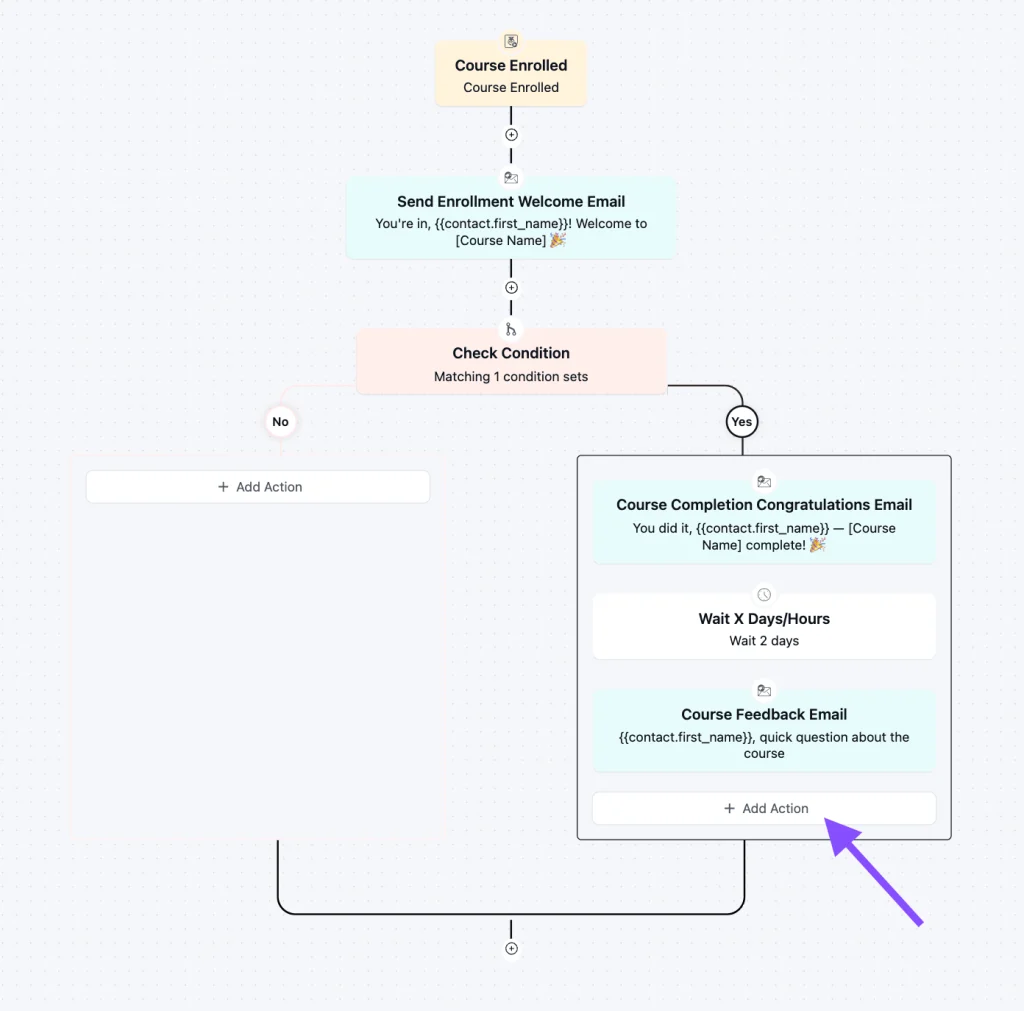
Step 2: Add a new action and set it to Wait for 2 Days
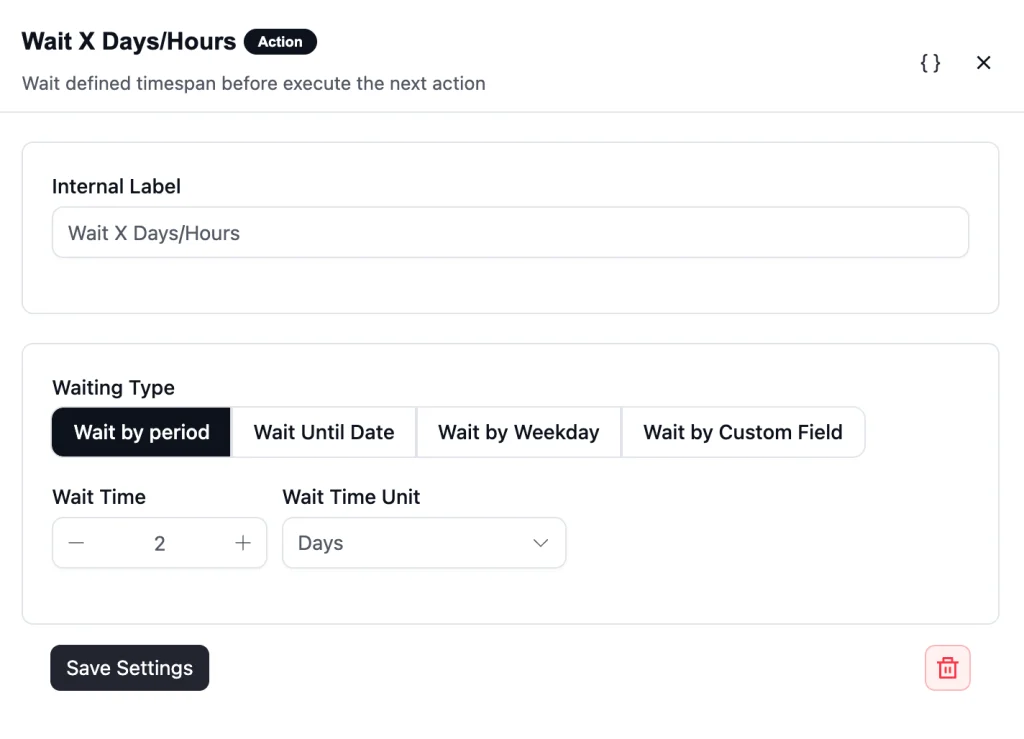
Step 3: Add a Send Custom Email action directly after, and select this Next Course Recommendation template
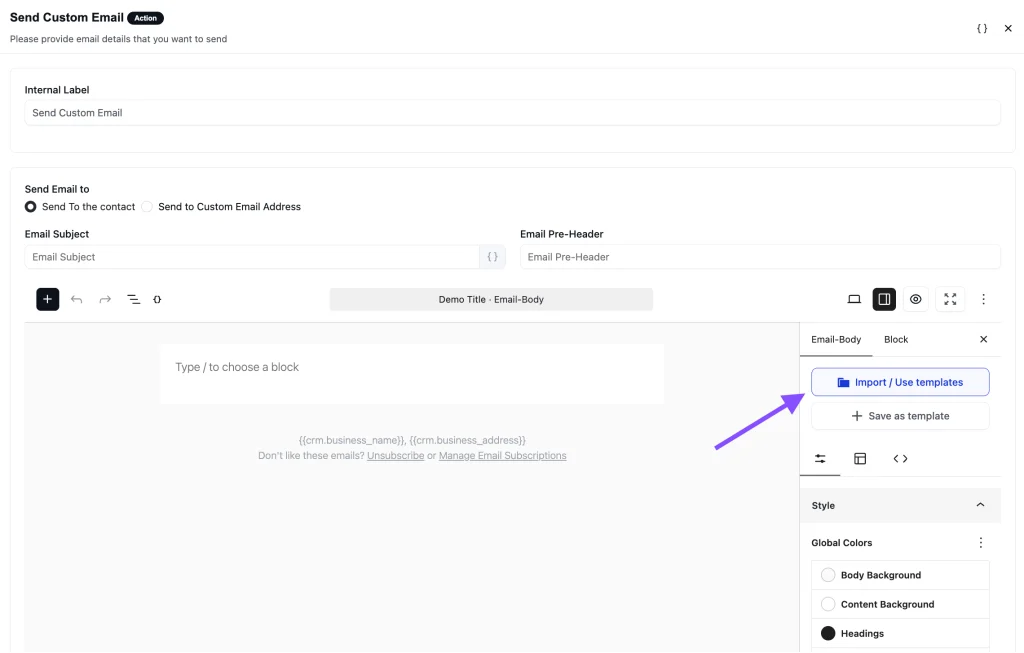
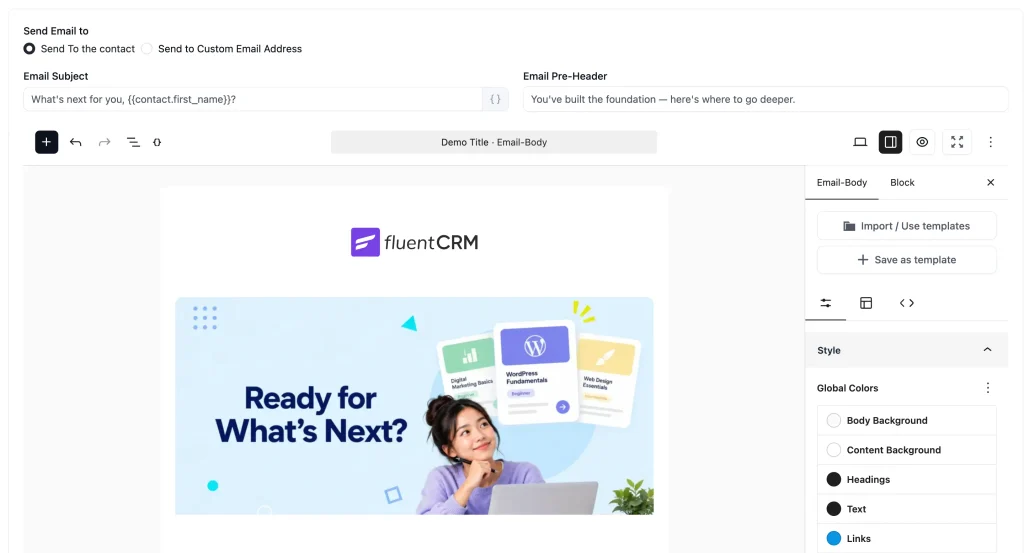
Step 4: Save and publish
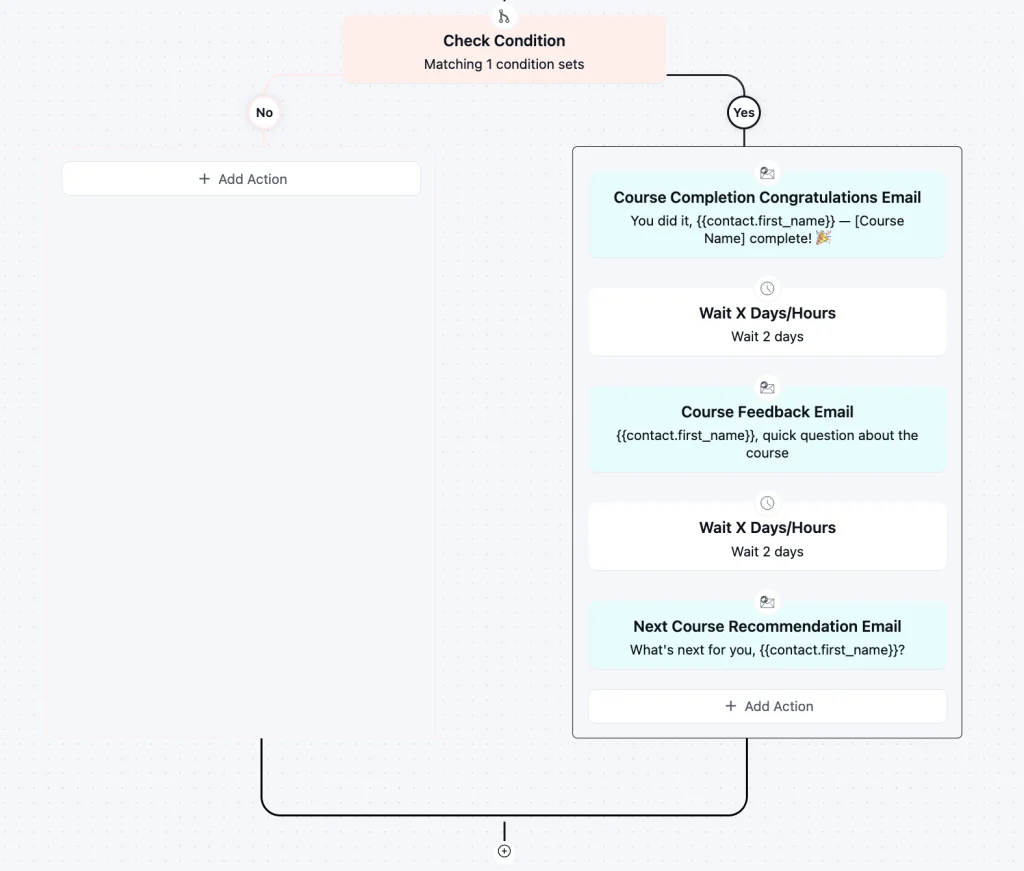
Any student who passes the wait period after completing the course will automatically receive this email as part of your existing enrollment flow.
Customization Tips
- Personalize the subject line with merge tags like {{contact.first_name}}
- Replace course name references with dynamic merge tags from your LMS integration
- Update the promotional banner image to match the recommended course branding
- Fill in course benefits with the real outcomes students will get
- Change both CTA button links to the enrollment or sales page for the recommended course
- Swap in real student testimonials from your own community, or leave the placeholder names until reviews come in
- Edit the sign-off name to match the course instructor or brand
- Update footer details with your business name and social links
- Include an unsubscribe link for compliance
Best for
- Online course creators and educators who want to increase repeat enrollments automatically
- LMS platforms integrated with FluentCRM (LearnDash, TutorLMS, LifterLMS, LearnPress)
- Membership sites with structured learning paths and multiple course tiers
- Coaches and consultants offering a curriculum of programs
- Course businesses looking to grow student lifetime value without manual follow-up
Why Use a Student Inactivity Reminder Email Template?
Sending one well-timed recommendation is the difference between a student who buys once and a student who becomes a long-term learner in your ecosystem.
Key benefits include:
- Strike at peak motivation: Students who just completed a course are far more likely to enroll in another than students you re-engage weeks later. Timing is everything, and this email lands at exactly the right moment.
- Make the next step obvious: Without a clear recommendation, most students stop. This template removes the guesswork by presenting a single, benefit-focused suggestion rather than a course catalog they have to navigate themselves.
- Increase student lifetime value: A second enrollment from an existing student costs a fraction of acquiring a new one. This email is the simplest way to grow revenue from the audience you already have.
- Build credibility with social proof: The template includes real student testimonials that validate the recommendation before the reader even clicks, which reduces hesitation and increases conversion.
- Automation handles the timing: Once the automation is live in FluentCRM, every student who finishes gets the same well-crafted recommendation, sent at exactly the right moment, without any manual effort on your end.
Frequently Asked Questions
When should I send a next course recommendation email?
Send it one to two days after your course feedback email goes out. By that point, the student has completed the course, celebrated their win, and shared their thoughts. They are primed to think about what comes next, and a well-timed recommendation feels like a natural next step rather than a sales email.
Can I customize this template without coding knowledge?
Yes. The template uses Gutenberg blocks and imports directly into FluentCRM. You can edit the copy, swap the course names, update both CTA links, and adjust button colors through the email editor without writing a single line of code.
Is this compatible with major LMS platforms?
Yes. FluentCRM natively integrates with LearnDash, TutorLMS, LifterLMS, and LearnPress, all of which support course completion triggers for automations.
Related Templates
-
- eLearning
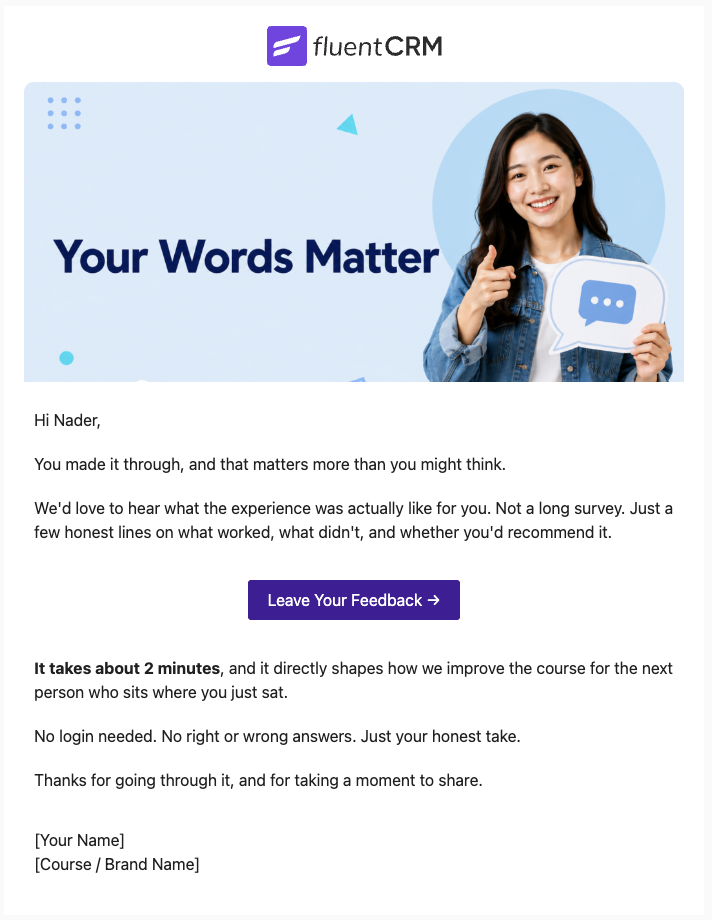
Course Feedback Email
Collect honest student reviews automatically and turn course completions into the insights that make your next launch better.
-
- eCommerce
- Payment Emails
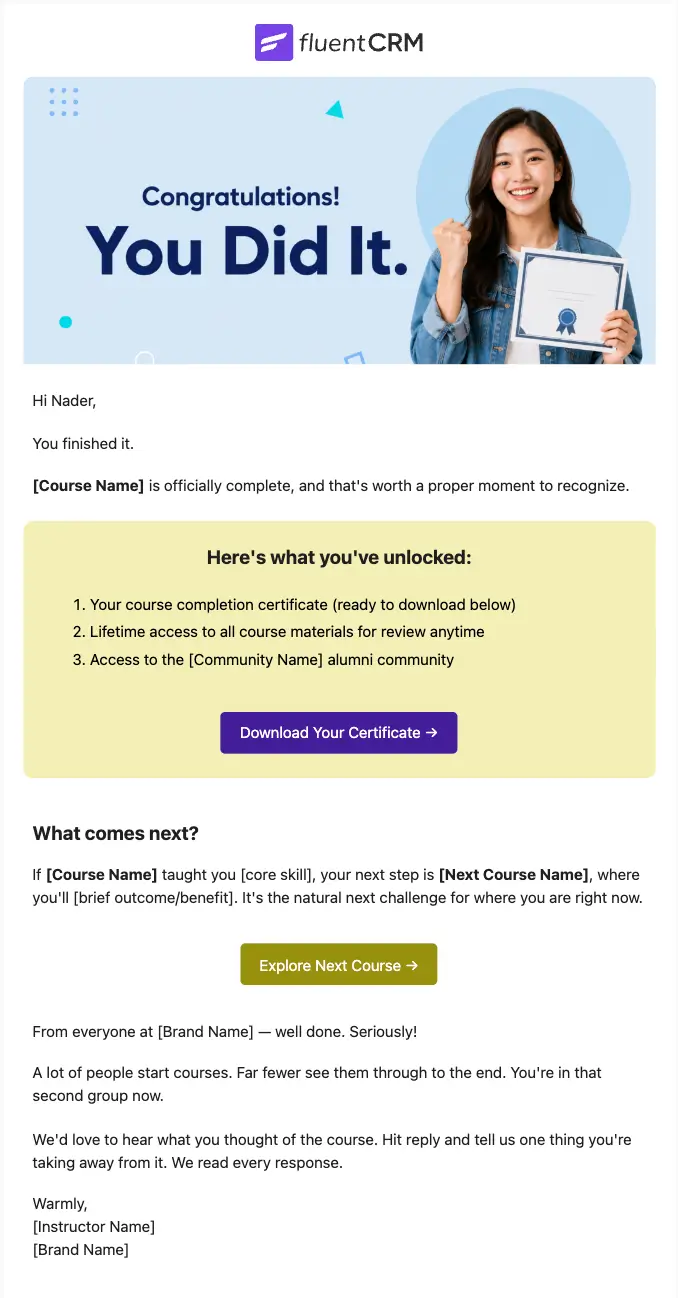
Course Completion Congratulations Email
Automatically celebrate every student who finishes your course, and turn that momentum into the next enrollment
-
- eCommerce
- Payment Emails
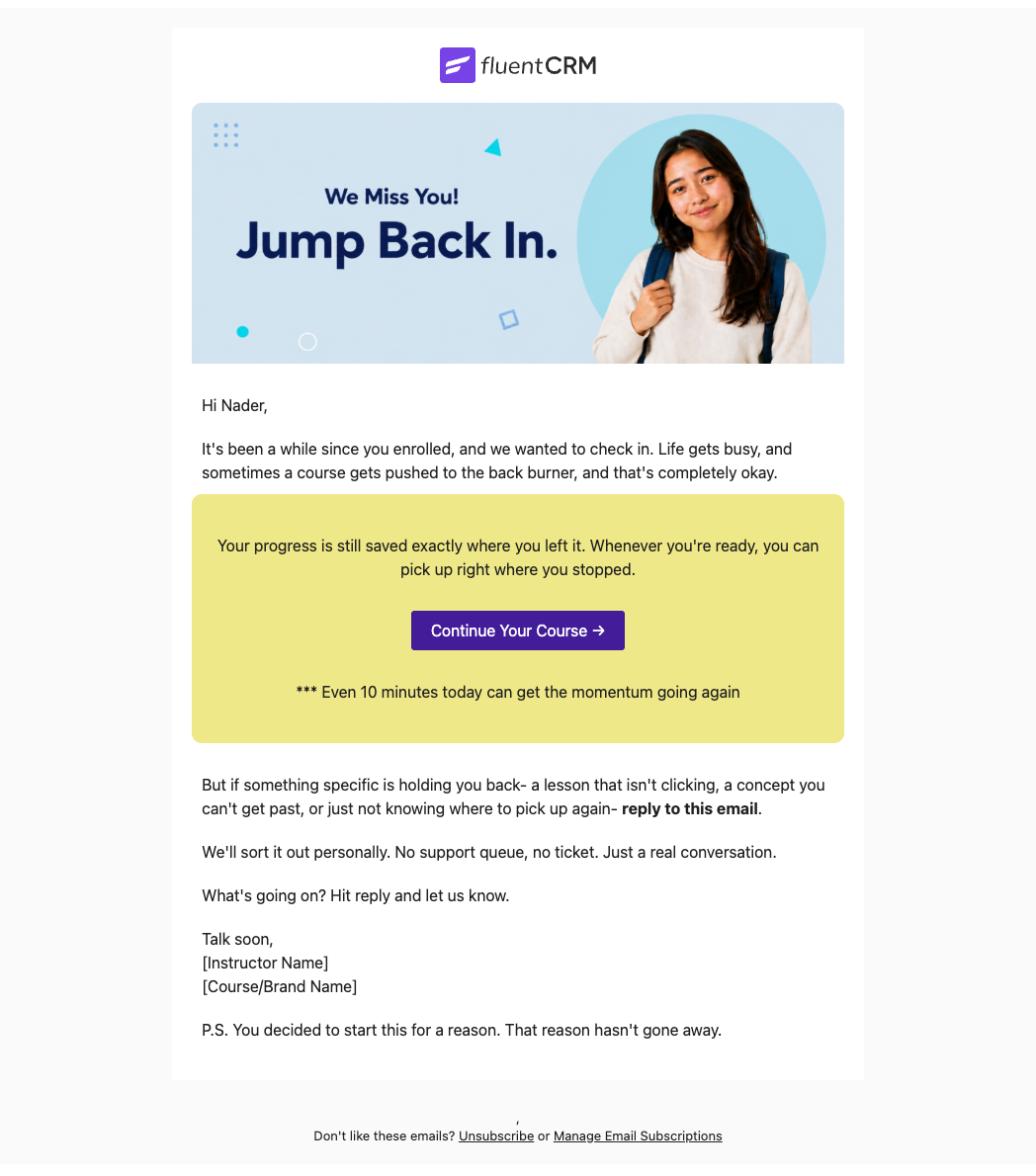
Student Inactivity Reminder Email
Automatically re-engage students who have gone quiet with a well-timed, empathetic nudge that brings them back to your course before they drop off for good.
Want More Resources?
Access resources to start faster, decide smarter, and grow your revenue with less complexity.