Halloween Donation Email Template for Nonprofits
Turn Halloween into a fundraising moment. Set a clear goal, show supporters exactly what their gift does.
Get this template in your inbox
Thanks for sharing your email, please click below to download the template.
What is a Halloween Donation Email Template?
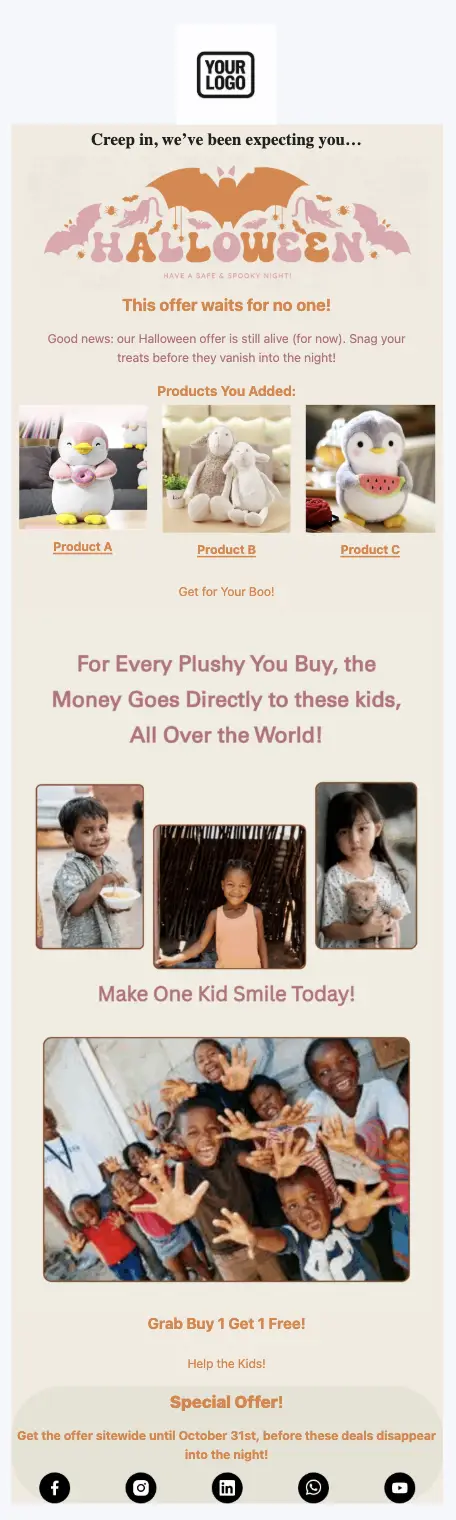
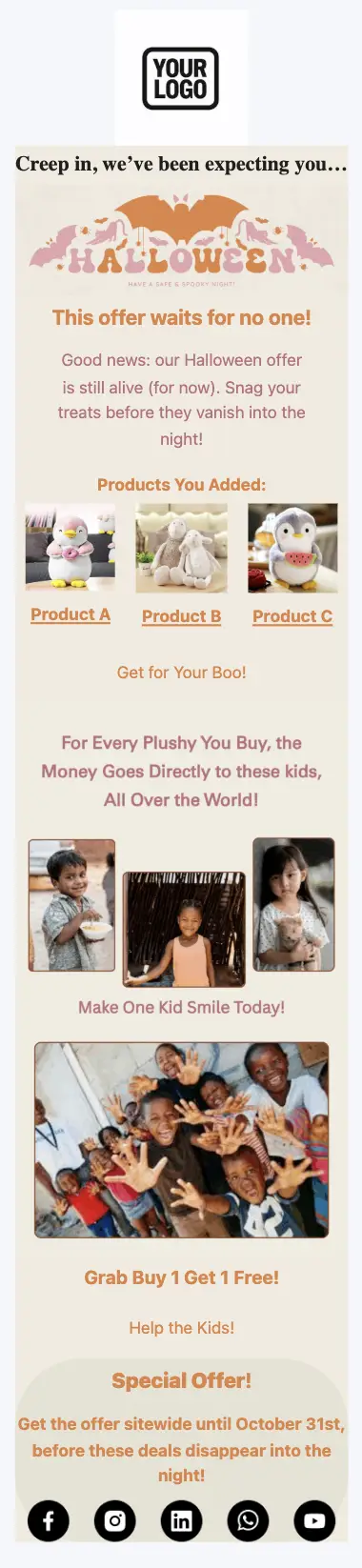
A donation email template is a ready-made fundraising email you send to your supporters to ask for a gift toward a specific goal. This one ties the ask to Halloween: a playful seasonal opening, a goal with an October 31 deadline, and a reminder that the best treat is one that lasts.
The template opens with a Halloween banner and a short note from your organization, states your goal and progress, then shows three suggested gift amounts with the outcome each one pays for. A photo row and a short quote from someone your work supports bring the cause to life, and two buttons lead to the same donation page. With FluentCRM, every email is personalized with the supporter’s name using merge tags, and you can send it to your whole list or only to the segments you choose.
Best For:
- Nonprofits and charities running a seasonal fundraising appeal
- Children’s charities, food banks, and shelters with a clear, countable outcome per gift
- Schools, PTAs, and community groups raising money around Halloween events
- Animal rescues and local causes with a short October fundraising window
- Small teams that need a polished appeal without hiring a designer
How do I Send this Halloween Donation Email to My Supporters?
A Halloween appeal is a one-time campaign, not an automation. Set it up once and schedule it for the start of your fundraising window.
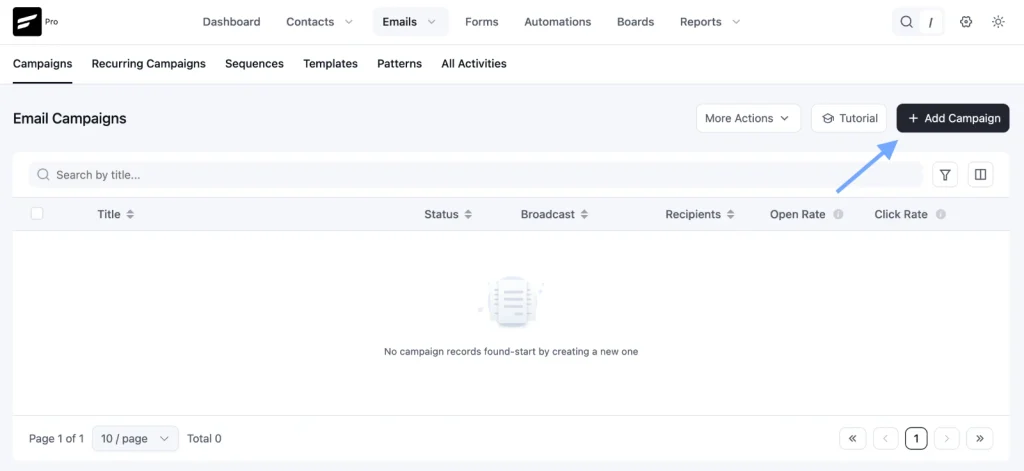
Step 1: In FluentCRM, go to Email Campaigns → Create New Campaign
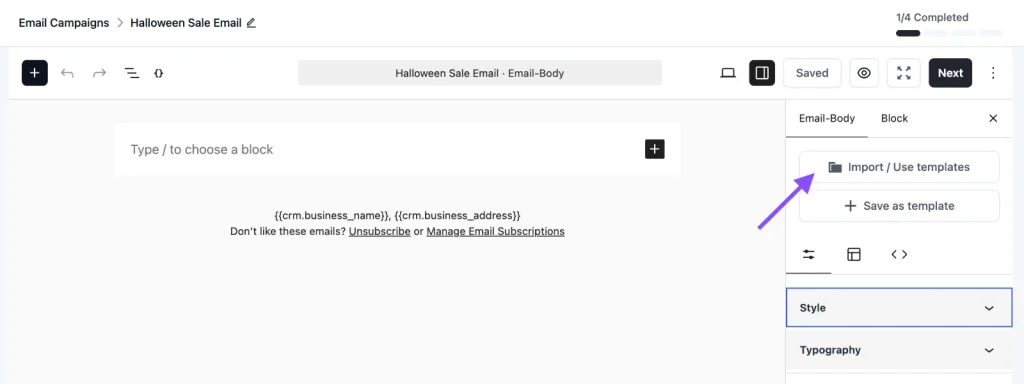
Step 2: Click Import / Use Templates and pick the Halloween Donation Email Template. Add your goal, gift amounts, photos, and donation page link, then click Save.
Step 3: Choose your recipients. Send to your full supporter list, or use tags and segments to separate past donors from people who have never given, and adjust the opening line for each.
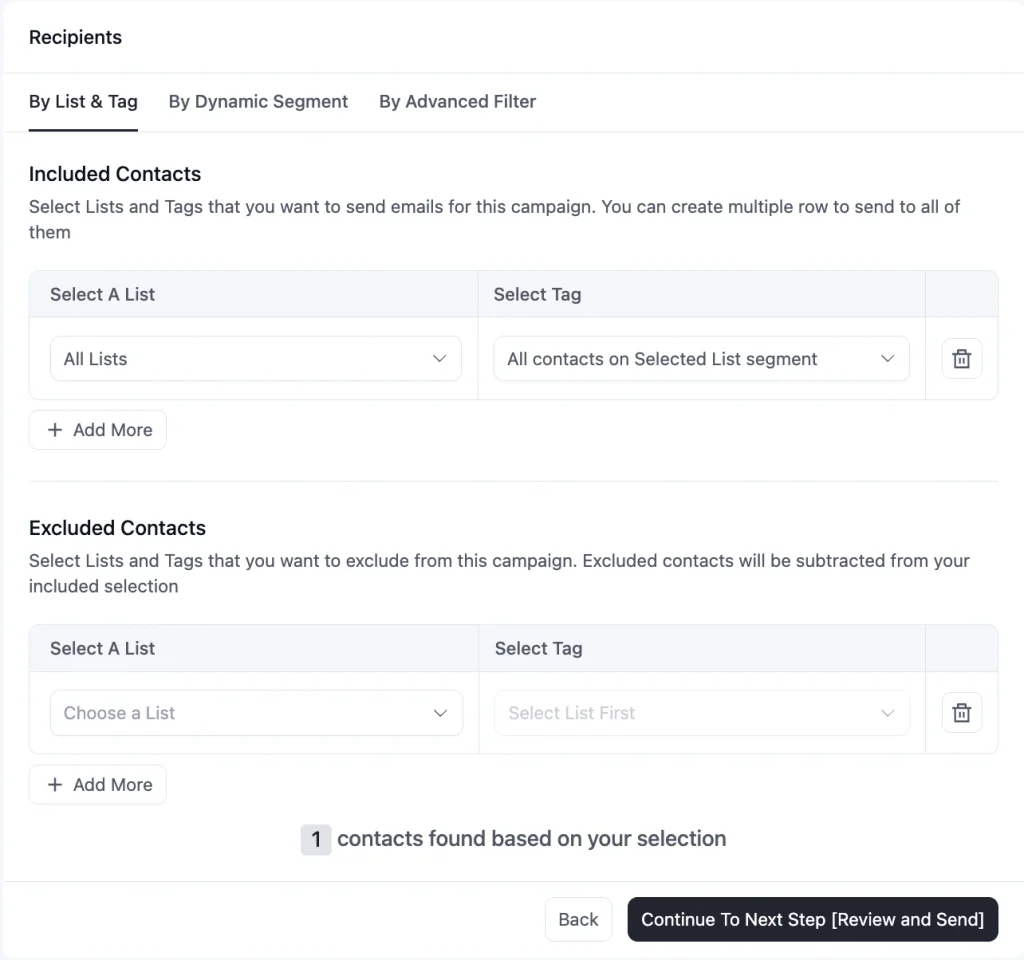
Step 4: Schedule the campaign for your launch date, or send it right away
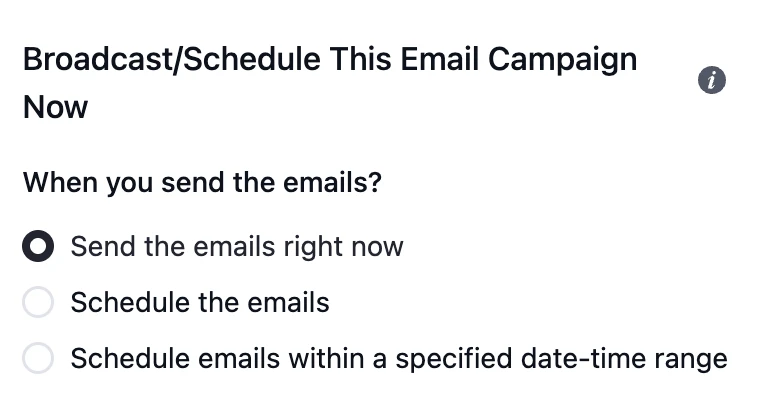
To send a final reminder, duplicate the campaign, swap in the “last chance” subject line, exclude anyone tagged as a Halloween donor, and schedule it for October 31.
Customization Tips
- Replace the “Your Logo” placeholder with your organization’s logo
- Set one specific goal, such as “provide school meals for 200 children through the winter”, instead of a general request for support
- Fill in the three gift amounts with real outcomes your organization can stand behind. Every number in the email should come from your own program costs
- Point both buttons to the same donation page. A donation email has one job, and two destinations split attention
- Use photos from your own programs, taken with consent, that show people with dignity. Avoid stock images of children designed to make readers feel guilty
- Replace the sample quote with a real one, shared with the person’s permission, or remove the block
- Add your registration number and tax-deductibility note, so supporters know their gift is going to a real, accountable organization
- Update your progress toward the goal before each send. “We’re 60% of the way there” gives supporters a reason to give now
- If your donation form is built with Fluent Forms, apply a tag such as “Halloween Donor” on submission, so donors are left out of the reminder email
- Add your organization’s address and an unsubscribe link in the footer to stay compliant with email-sending rules
Why Use a Halloween Donation Email Template?
Halloween gives you a natural, light-hearted reason to reach out in October, before the year-end giving rush fills every inbox. A ready-made appeal helps you:
- Ask for Something Specific: A clear goal and three gift amounts tied to outcomes give supporters something concrete to say yes to
- Create Honest Urgency: An October 31 deadline gives people a reason to give now instead of saving the email for later
- Show the Impact, Not Just the Need: Real photos and a real voice from your programs show supporters what their gift becomes
- Stand Out Before Year-End Appeals: An October appeal reaches supporters before December, when every organization is asking at once
- Launch Without Extra Design Work: The layout is done, so your time goes into the goal, the numbers, and the story
Frequently Asked Questions
When should I send a Halloween donation email?
Send the launch email one to two weeks before October 31, a progress update midway, and a last-chance email on the final day. Starting late leaves no room for reminders, and supporters need a few days between emails.
What should a donation email include?
A personal greeting, one specific goal, what each gift amount achieves, a clear deadline, and one donation button. Add a short, real story or quote from someone your work supports, and say plainly where the money goes.
Can I send different versions to past donors and new supporters?
Yes. Duplicate the campaign, thank past donors for their earlier support in the opening line, and send each version to its own tag or segment.
Can I use this template outside Halloween?
Yes. Replace the banner and the “Creep in” opening, change the deadline, and the structure works for any seasonal appeal, from Giving Tuesday to a year-end campaign.
Can I customize this template without coding?
Yes. You can change the logo, banner, text, gift amounts, photos, buttons, and colors directly in FluentCRM’s email editor. No HTML knowledge is needed.
Related Templates
-
- eLearning Emails
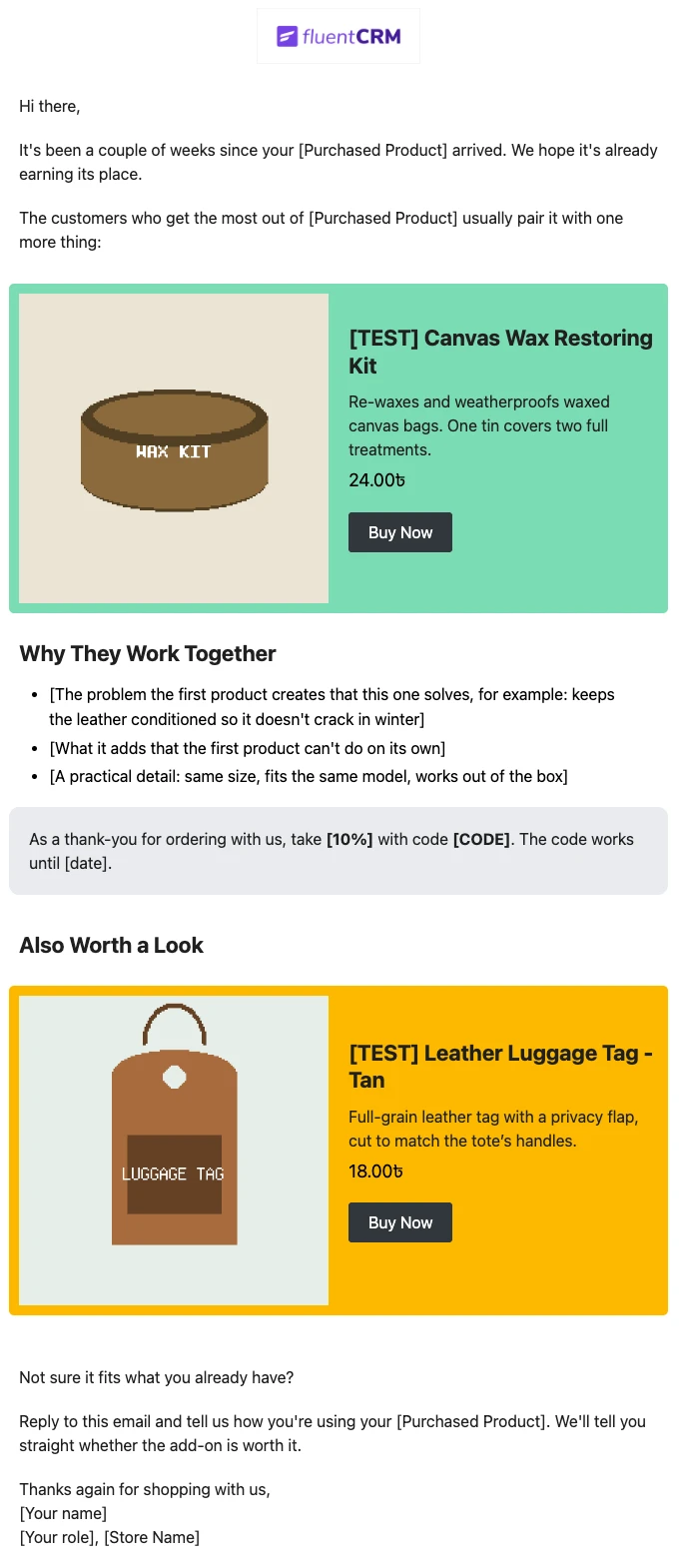
Product Recommendation Email for WooCommerce Cross-Sells
Recommend the one product that makes a customer’s last purchase better. Explain why the two products belong together, and sends customers straight to the add-on.
-
- eLearning Emails
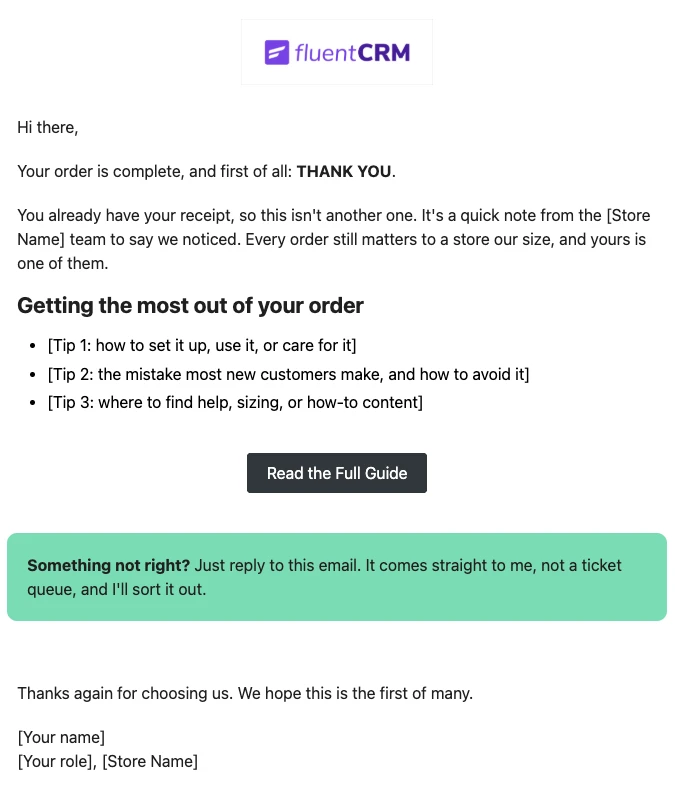
WooCommerce Post-Purchase Thank You Email
Thank customers like a person, not a receipt. Send a short, personal thank-you when a WooCommerce order is completed, with tips that help customers get real value from what they bought.
-
- eLearning Emails
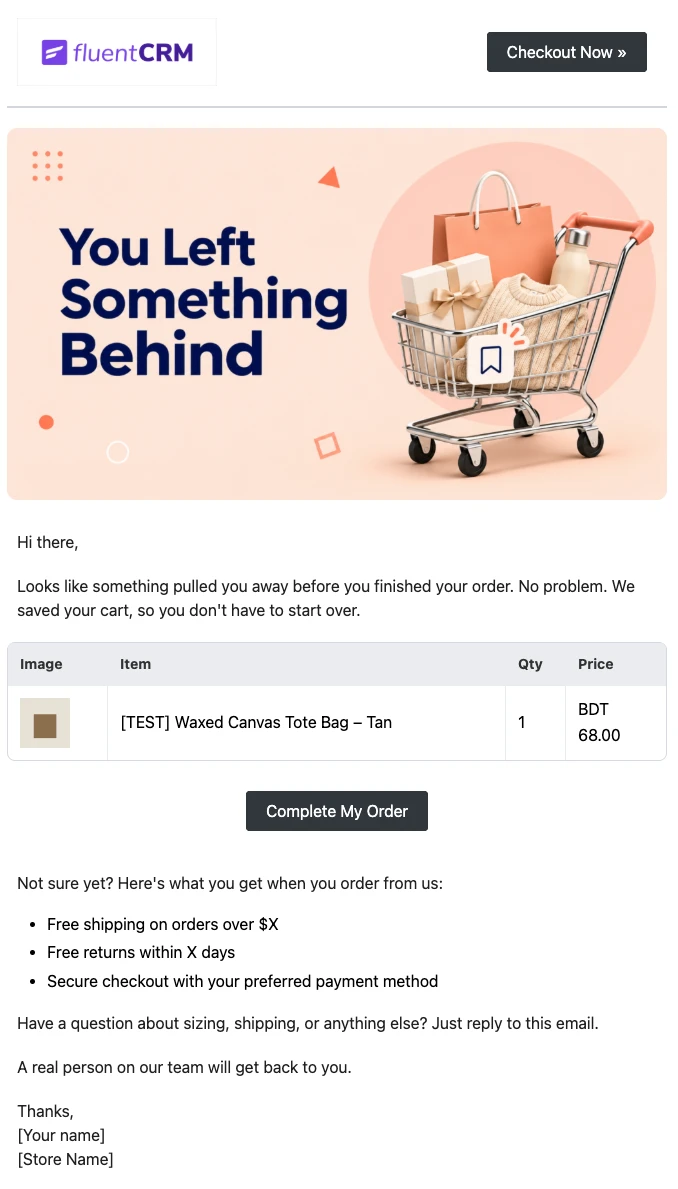
WooCommerce Abandoned Cart Email Template
Bring shoppers back to the checkout they left. Show each customer the exact products in their cart and send them back to a checkout that is already filled in, automatically.
Want More Resources?
Access resources to start faster, decide smarter, and grow your revenue with less complexity.