Halloween Email Template for Digital Products
Announce your Halloween license sale with a ready-to-send email built for plugins, themes, SaaS, and online courses
- eLearning
Get this template in your inbox
Thanks for sharing your email, please click below to download the template.

What is a Halloween Email Template for Digital Products?
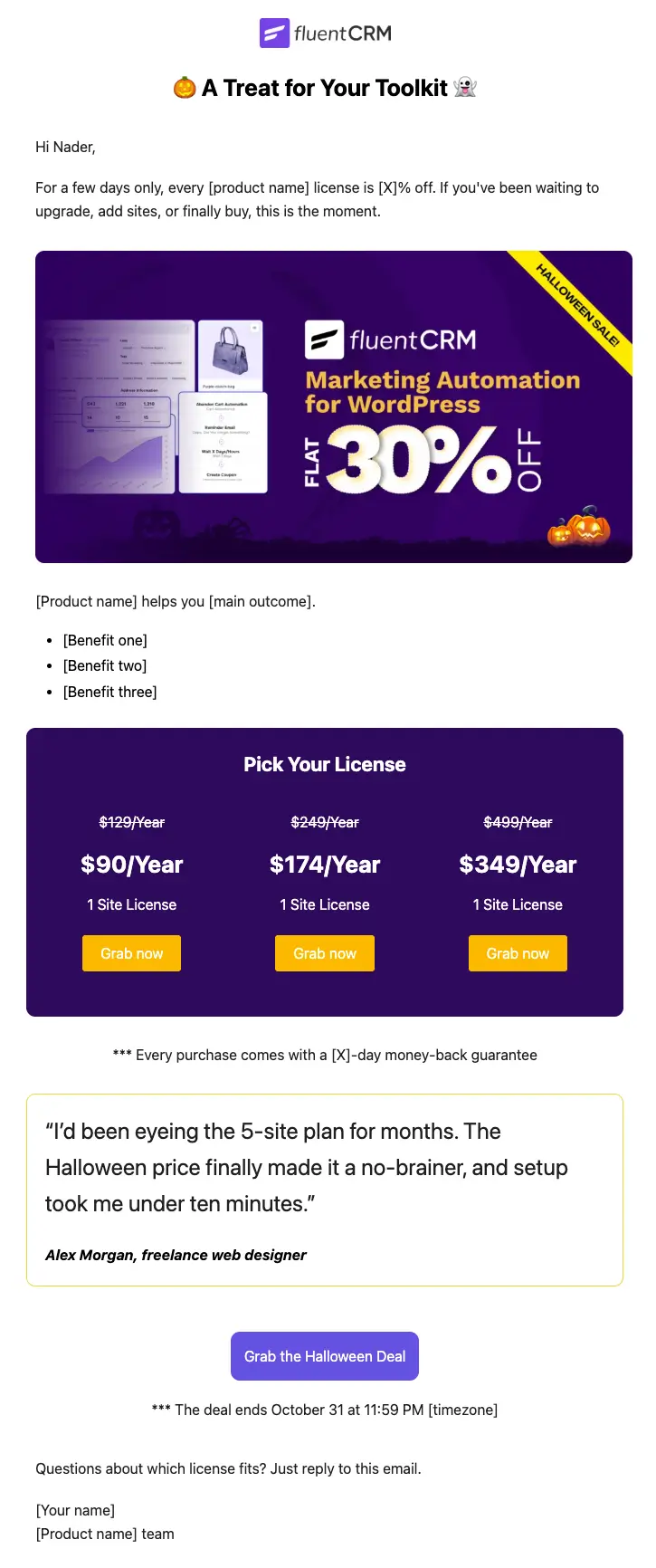
A Halloween email template for digital products is a promotional email you send to announce a limited-time Halloween discount on software licenses, subscriptions, or courses. Instead of a product grid, it leads with your pricing tiers, because digital buyers are choosing a plan, not browsing a catalog.
This template opens with your logo and a short “A Treat for Your Toolkit” headline, introduces the offer, and gives three benefits of your product. Then comes a Halloween-themed pricing section with three license tiers, the original and sale price on each, and a button that goes straight to checkout. It closes with a customer quote, your money-back guarantee, a clear end date, and one final call to action. With FluentCRM, you can personalize the greeting with each contact’s first name and send it only to the lists, tags, or segments you choose.
Best for:
- WordPress plugin and theme sellers running a Halloween license sale
- SaaS products with tiered annual plans
- Course creators and membership sites offering a seasonal discount
- Ebook, template, and asset sellers with more than one package
- Digital product businesses warming up their list before Black Friday
How do I Send this Halloween Email to My List?
A Halloween sale email is a one-time campaign, not an automation. Set it up once and schedule it for launch day.
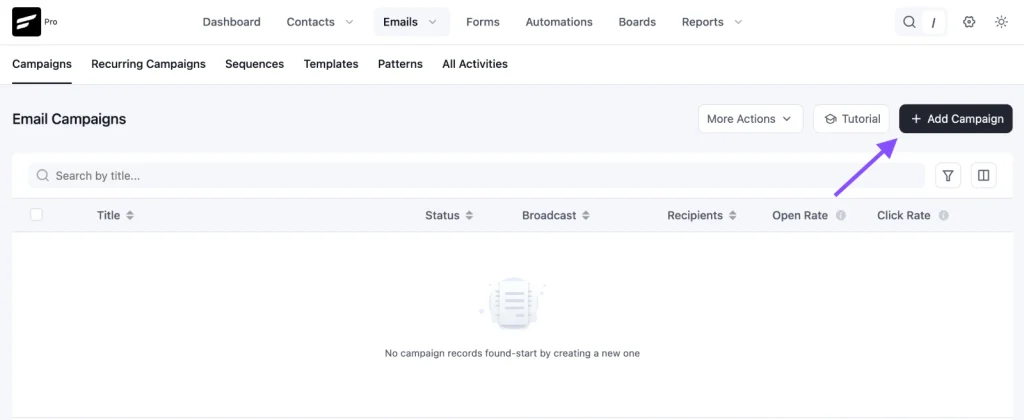
Step 1: In FluentCRM, go to Email Campaigns → Create New Campaign
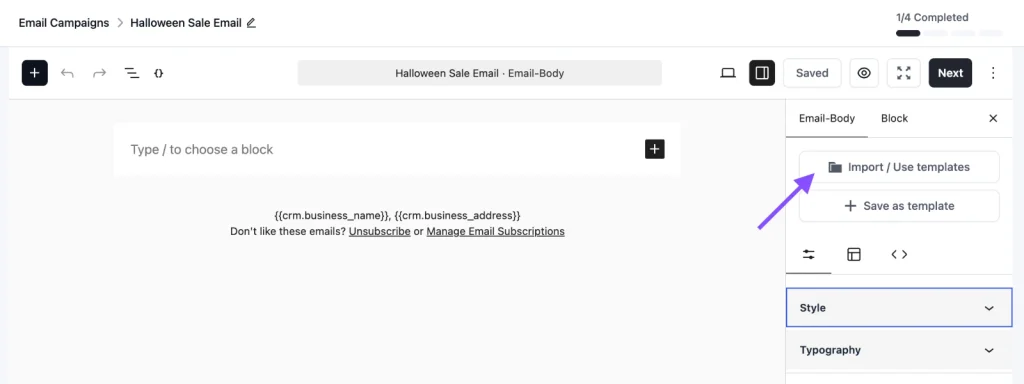
Step 2: Click Import / Use Templates and choose the Halloween Email Template for Digital Products. Add your product name, prices, and checkout links, then click Save.
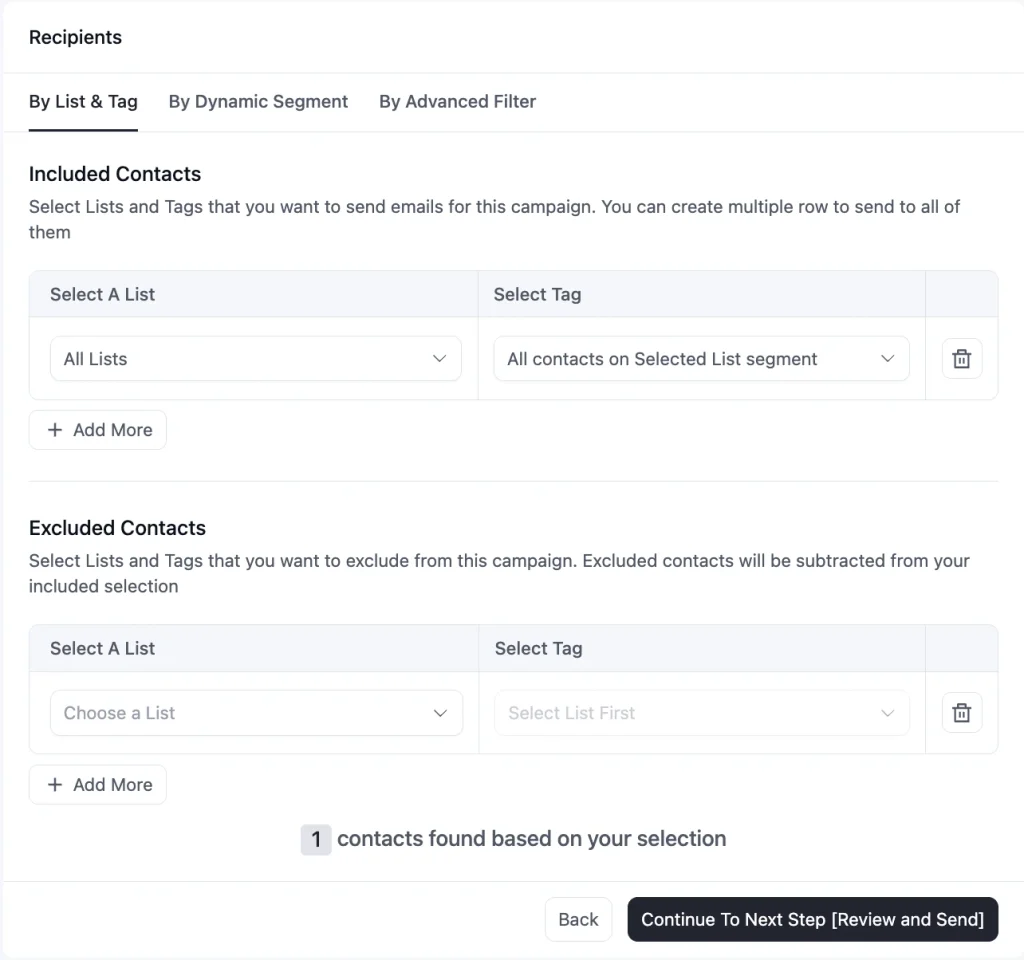
Step 3: Choose your recipients. Send to your full list, or use tags and segments to separate leads from existing customers.
Step 4: Schedule the campaign for your launch date, or send it now
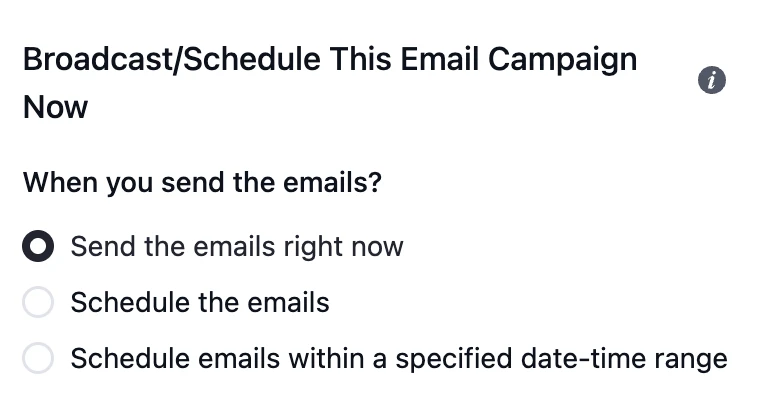
To send a reminder, duplicate the campaign, swap in the “last call” subject line, and schedule it for October 30 or 31.
Customization Tips
- Replace the “Your Logo” placeholder with your logo, about 150 to 200 pixels wide
- Keep the discount the same in the subject line and the opening paragraph, so readers see one offer, not two
- Rename the three tiers to match your plans, for example 1 site, 5 sites, and 50 sites, and set the original and sale price for each
- Link each tier’s button directly to that plan’s checkout page, not your pricing page, to save buyers a click
- Sending to existing customers? Swap the opening line: “You already know what [product name] does. For a few days only, every license is [X]% off, so it’s the cheapest time this year to move up a tier or add sites.”
- Replace the sample customer quote with a real review from one of your customers, or delete the block. Never send the sample quote as if it were real.
- Update the money-back guarantee period and the end date, including your timezone
- Keep a solid background color on the pricing section behind the Halloween image, so the prices stay readable in email clients that block background images, such as Outlook on Windows
- Send a test email to a Gmail and an Outlook address and click every button before you schedule the campaign
- Replace customer name references with dynamic merge tags
Why Use a Halloween Email Template for Digital Products?
Halloween gives you a natural reason to run a short sale, and email reaches the people most likely to buy: your existing leads and customers.
This template helps you:
- Show Every Plan at a Glance: Buyers compare tiers in one place, see what they save on each, and choose without opening your pricing page
- Cut the Steps to Checkout: Each tier has its own button, so buyers go straight to the plan they want
- Speak to Customers Differently: The alternate opening line turns the same email into an upgrade offer for people who already own your product
- Create Real Urgency: A specific end date and time give people a reason to buy now instead of saving the email for later
- Lower the Risk of Buying: The money-back guarantee and customer quote sit right before the final button, where a hesitant buyer needs them
Frequently Asked Questions
When should I send a Halloween sale email for my digital product?
Send the launch email one to two weeks before October 31, a reminder midway through, and a last-call email on the final day or the day before. Starting late leaves no room for reminders.
Can I send different versions to new leads and existing customers?
Yes. Duplicate the campaign, use the default opening line for leads and the upgrade line for customers, then send each version to its own tag or segment.
What if I only have one or two pricing plans?
Delete the tiers you do not need. With a single plan, keep one pricing card and point its button to checkout.
Do I need a coupon code?
Only if your checkout requires one. If your discount applies automatically, leave the code out, since an extra step at checkout can cost you sales. If you do need a code, add it beside the end date.
Can I customize this template without coding?
Yes. You can edit the text, prices, colors, images, and buttons directly in FluentCRM’s email editor. No HTML is needed.
Related Templates
-
- eLearning
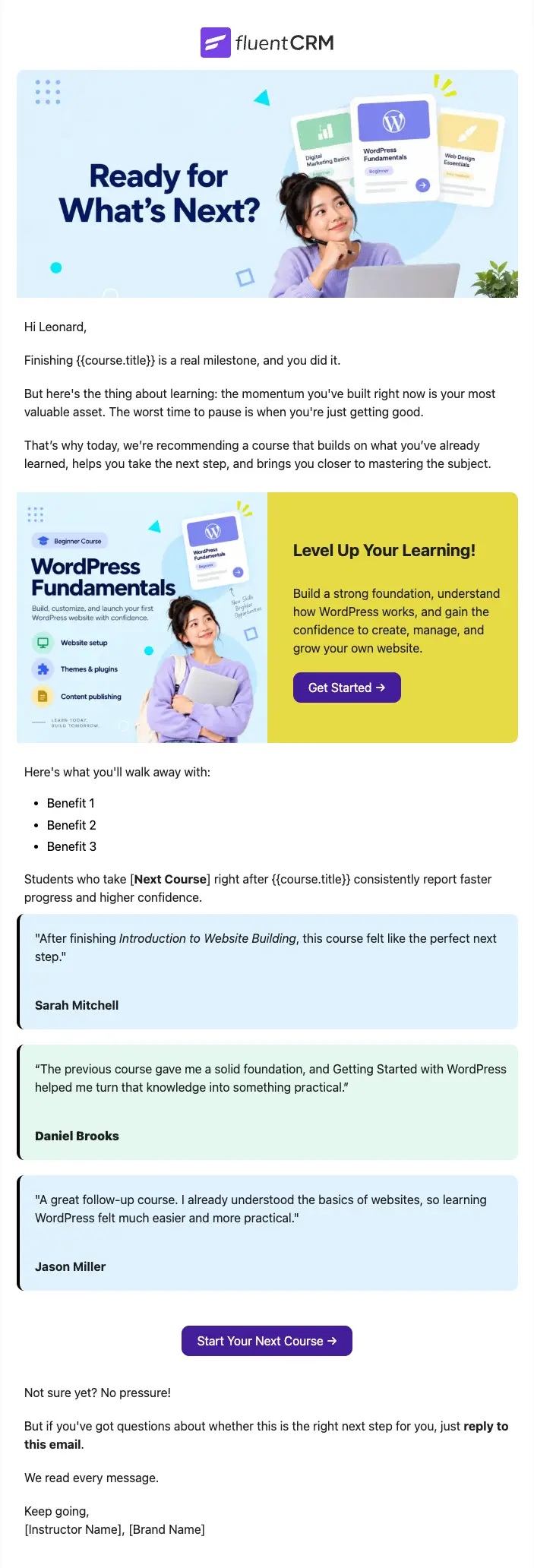
Next Course Recommendation Email
Use this free course recommendation email template to re-engage students after course completion and drive repeat enrollments with FluentCRM automations
-
- eLearning
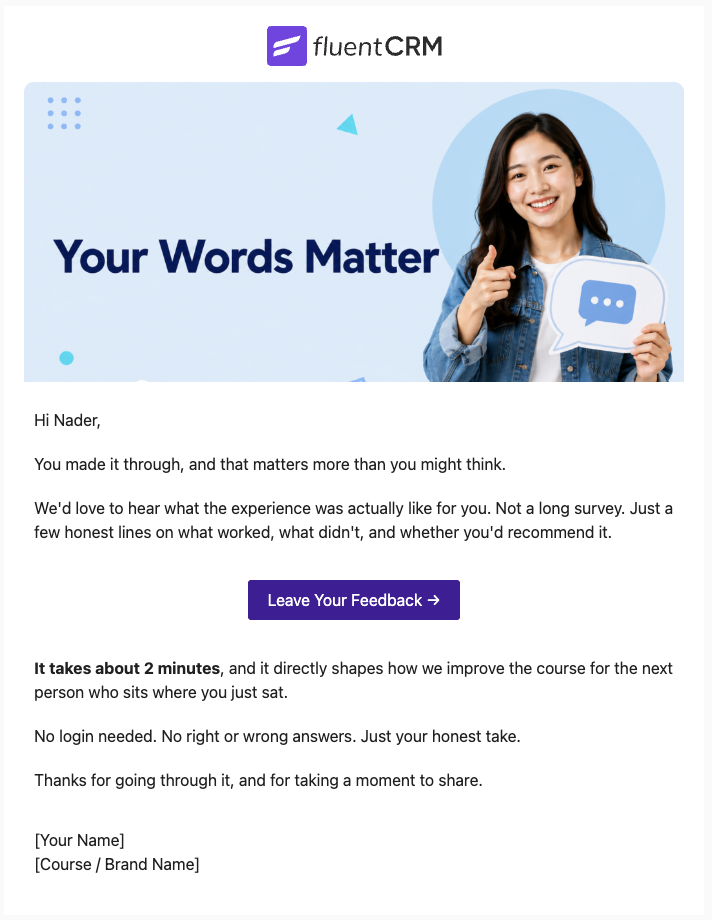
Course Feedback Email
Collect honest student reviews automatically and turn course completions into the insights that make your next launch better.
-
- eCommerce
- Payment Emails
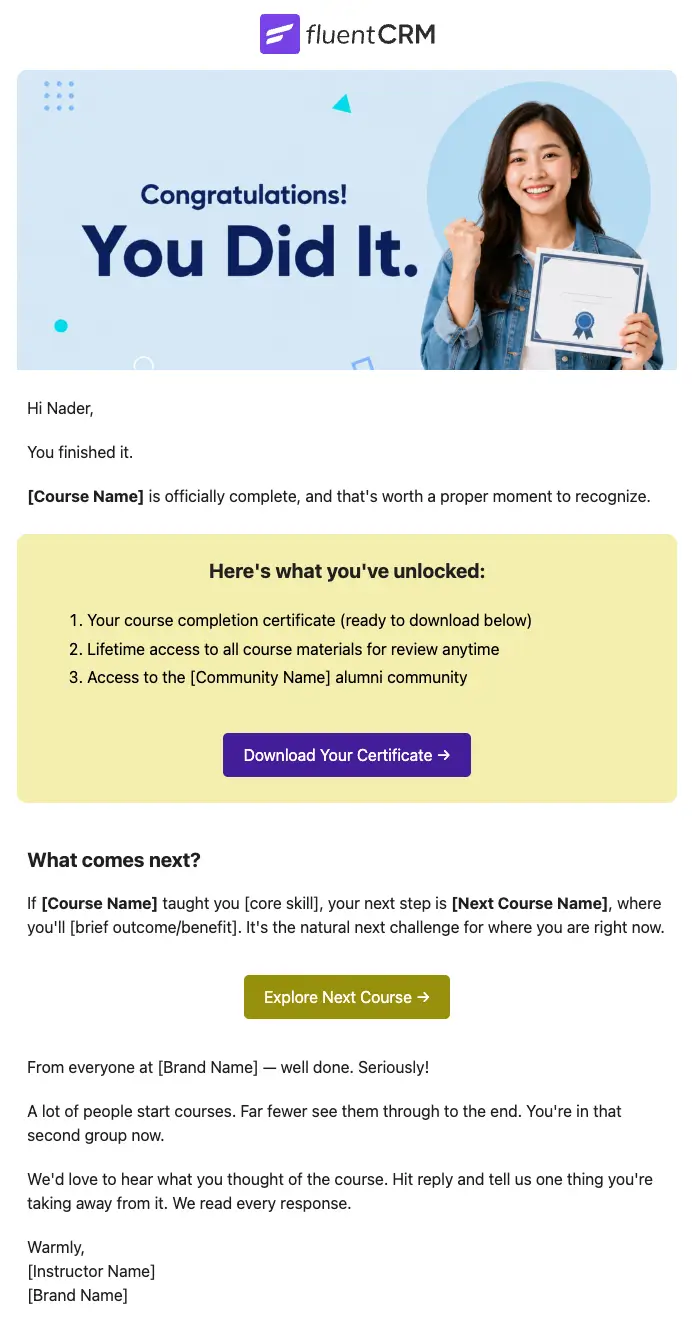
Course Completion Congratulations Email
Automatically celebrate every student who finishes your course, and turn that momentum into the next enrollment
Want More Resources?
Access resources to start faster, decide smarter, and grow your revenue with less complexity.