Welcome Email for Social Organization
Greet every new supporter, volunteer, or member the moment they join your cause. This free template sets a warm tone, shows them their first three steps, and invites them into your community.
Get this template in your inbox
Thanks for sharing your email, please click below to download the template.
What is a New Member Welcome Email Template?
A new member welcome email template is a ready-made email your social organization sends automatically when someone joins your mailing list, signs up as a member, or registers as a volunteer. It thanks them for joining, explains what your organization stands for, and points them toward a clear first action.
This template is built for community groups and nonprofits with a caring, people-first mission. It opens with a personal greeting, leads with a heartfelt headline, walks new members through three simple next steps, and closes with a “Join With Us” section that pulls them into your social community. With FluentCRM, every email is personalized with the member’s name using merge tags and sent automatically, with no manual work.
Best for:
- Nonprofits and charities welcoming new supporters or donors
- Community groups, clubs, and associations onboarding new members
- Volunteer programs confirming a new sign-up
- Support networks for parents, mothers, families, and caregivers
- Faith-based and local outreach organizations
Where this Fits in Your Automation?
This template is the first email in a new member onboarding automation, sent immediately after someone joins. It is usually followed by an introduction to your team or programs a few days later, an invitation to an upcoming event or meetup, and a gentle check-in after the first month to see how the member is settling in.
How do I Trigger this Email Automatically When Someone Joins?
Set it up once, and every new member gets the same warm welcome within seconds of signing up.
Step 1: In FluentCRM, go to Automations → Create New Automation
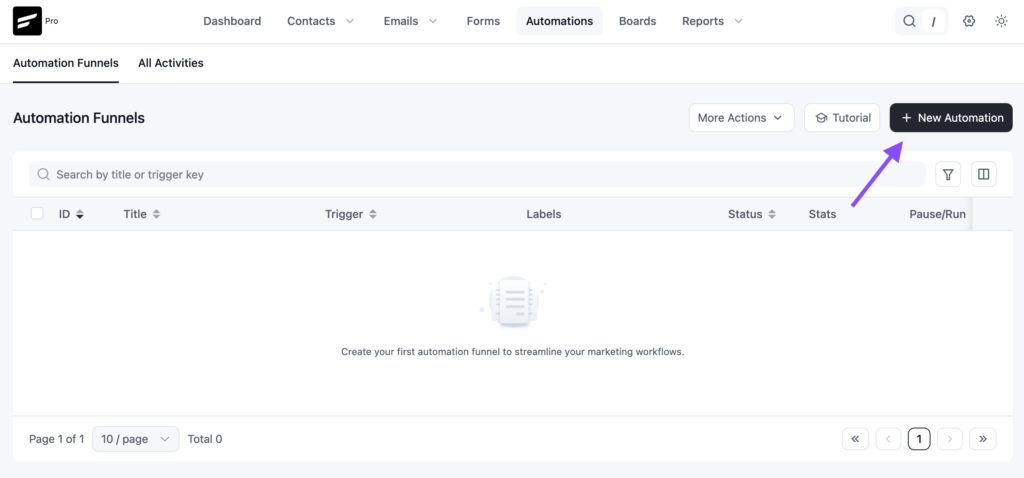
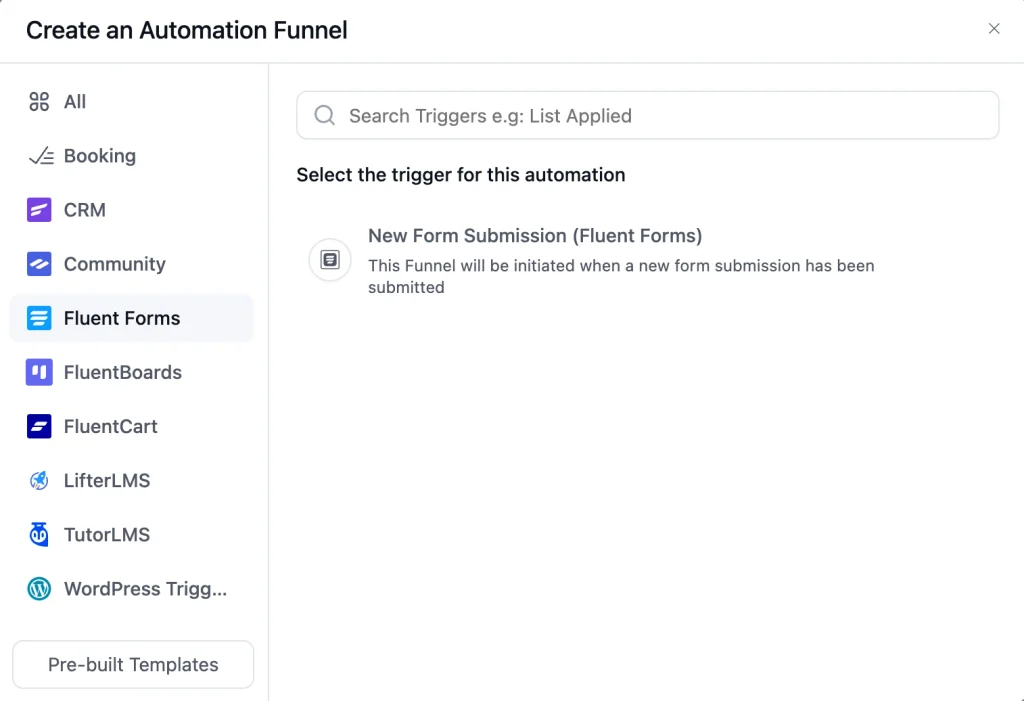
Step 2: Choose the trigger that matches how people join you. For a membership or volunteer form, pick the Fluent Forms submission trigger. If you add new members to a list, use “List Applied” and select your members list.
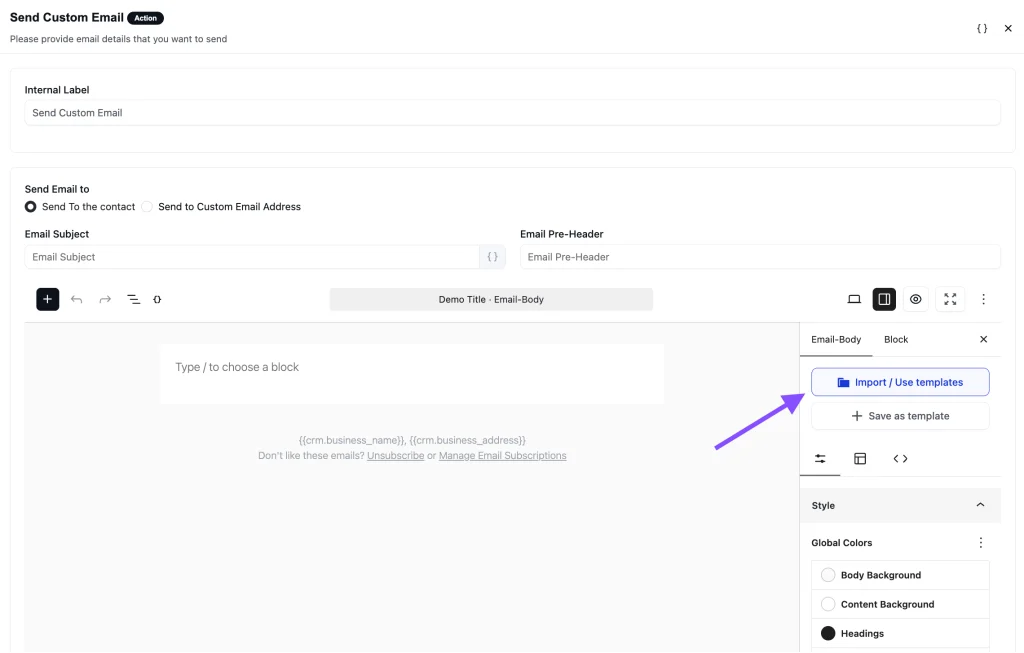
Step 3: Add a “Send Custom Email” action, click Import / Use Templates, and pick the Welcome Email for Social Organization template. Customize the content and click Save.
Step 4: Toggle the button to Published to activate the automation
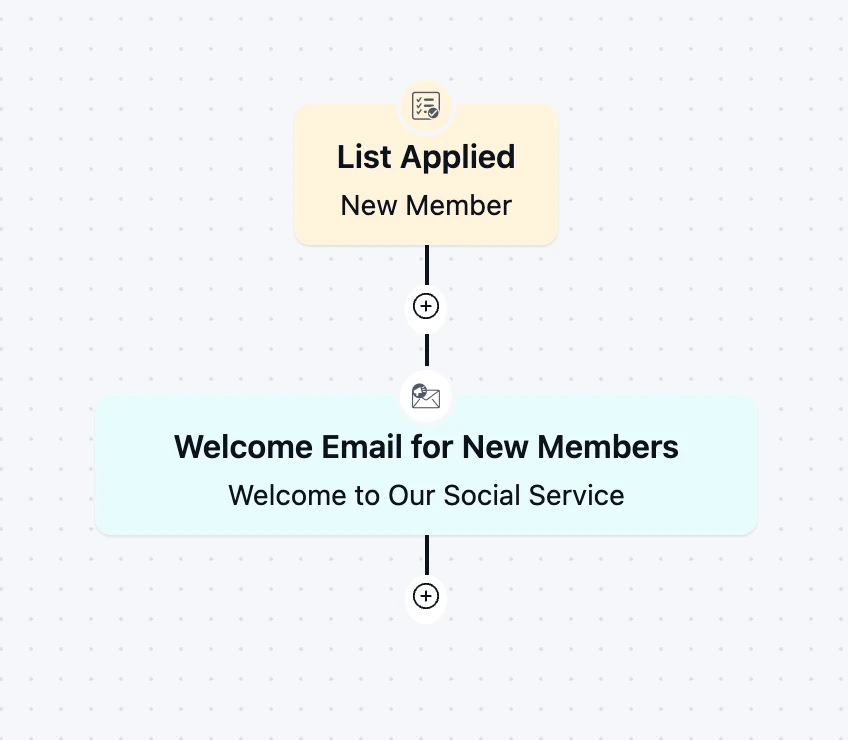
From then on, the automation runs in the background every time someone joins, with no manual work required.
Customization Tips
- Replace the “Your Logo” placeholder with your organization’s logo so the email is instantly recognizable
- Swap the full-name greeting for
{{contact.first_name}}if you want a warmer, more personal opening - Rewrite the headline to reflect your own mission in one line, for example, the specific people or cause you serve
- Use the intro paragraph to explain, in two or three sentences, why your organization exists and what joining means
- Point the “Get Started” button to the single most important next action: a member portal, an orientation page, or a volunteer schedule
- Fill the three “Next steps” with concrete actions, such as completing a profile, attending a first meetup, or reading your community guidelines
- Replace the three photos in the “Join With Us” section with real images from your own events and members
- Change “Follow Us on Facebook” to whichever channel your community is most active on, such as a WhatsApp group, a FluentCommunity space, or Instagram
- Adjust the pink accent color to match your brand palette
- Add your organization’s address and an unsubscribe link in the footer to stay compliant with email-sending rules
Why Use a New Member Welcome Email Template?
The first email someone gets after joining shapes how they feel about your organization. A good welcome email helps you:
Make People Feel Seen: A personal greeting and a heartfelt message tell new members they joined a group that genuinely cares
Turn Sign-ups Into Participation: Clear next steps give new members something to do right away, while their interest is still high
Share Your Mission Early: Explain what your organization stands for before other emails compete for their attention
Grow Your Community Beyond Email: The “Join With Us” section moves members into your social channels, where real connections form
Stay Consistent Without Extra Work: Every new member gets the same thoughtful welcome, whether you gain five members a month or five hundred
A strong welcome email turns a quiet sign-up into an active, engaged member who knows where to go next.
Frequently Asked Questions
When should a new member welcome email be sent?
Right after someone joins, people are most open to hearing from you in the first few minutes after signing up, so an automated welcome email makes the most of that moment.
Can I customize this template without coding?
Yes. The subject line, course name, CTA button, body copy, and branding can all be edited directly inside FluentCRM’s drag-and-drop campaign editor.
What should a nonprofit welcome email include?
At minimum: a personal greeting, a short thank-you for joining, a one-line summary of your mission, one clear call to action, and a way to connect with your community. This template covers all of these, plus a three-step “next steps” section to guide new members.
Is this template only for mothers’ or family support groups?
No. The sample design uses a family support theme, but the structure works for any social organization, from animal rescues and local clubs to volunteer networks and charities. Swap the headline, images, and colors to match your cause.
Can I trigger this email from a membership or volunteer sign-up form?
Yes. FluentCRM integrates natively with Fluent Forms, so you can send this template automatically when someone submits your membership, volunteer, or newsletter form. You can also trigger it when a contact is added to a specific list or tag.
Related Templates
-
- eLearning
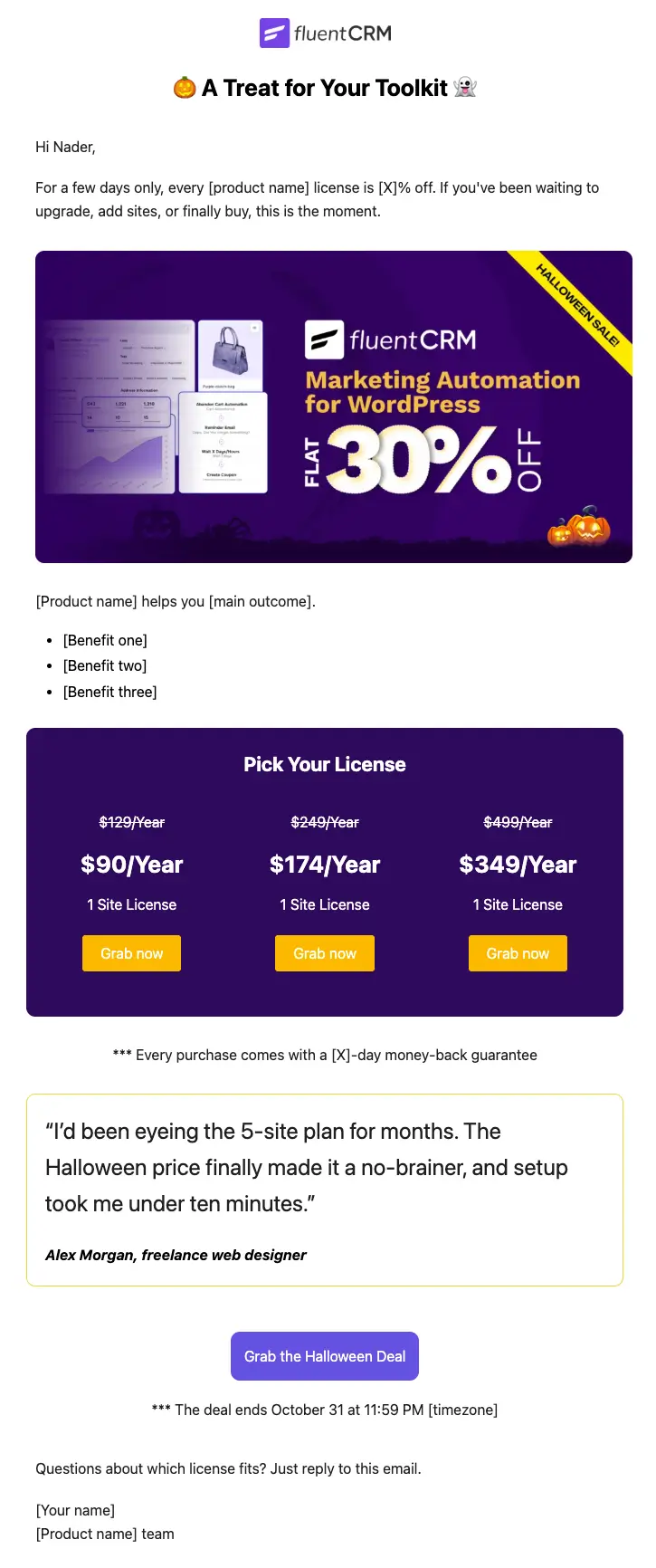
Halloween Email Template for Digital Products
Announce your Halloween license sale with a ready-to-send email built for plugins, themes, SaaS, and online courses
-
- eLearning
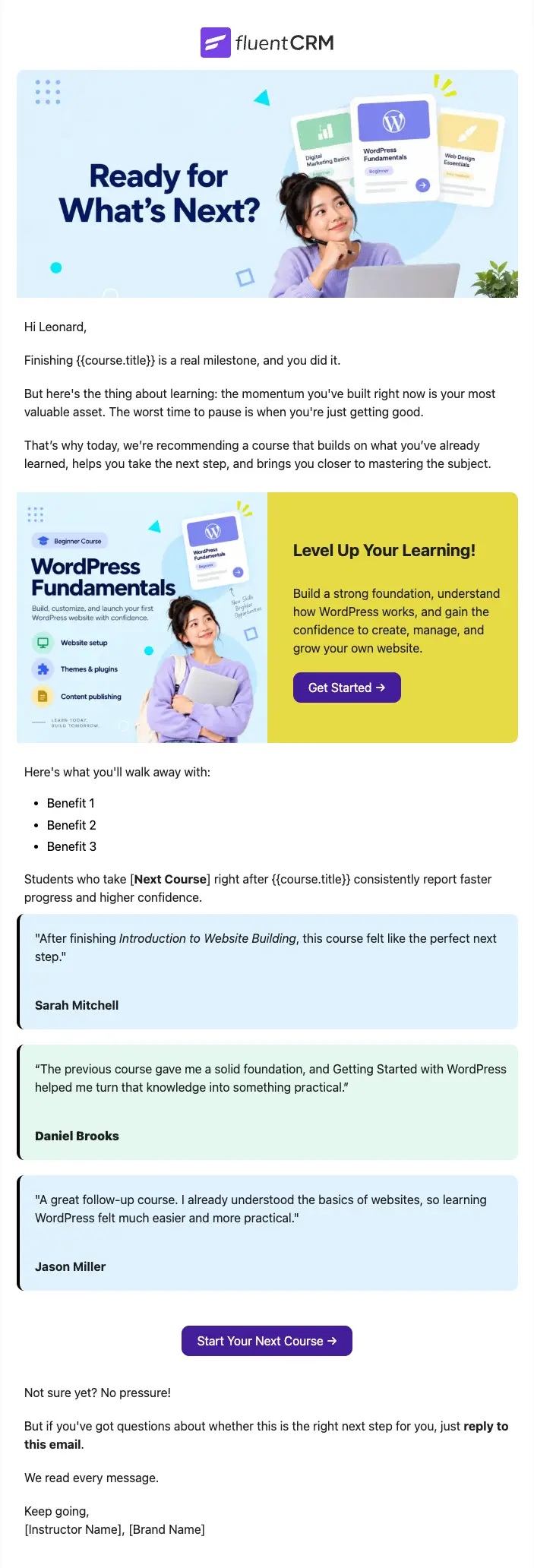
Next Course Recommendation Email
Use this free course recommendation email template to re-engage students after course completion and drive repeat enrollments with FluentCRM automations
-
- eLearning
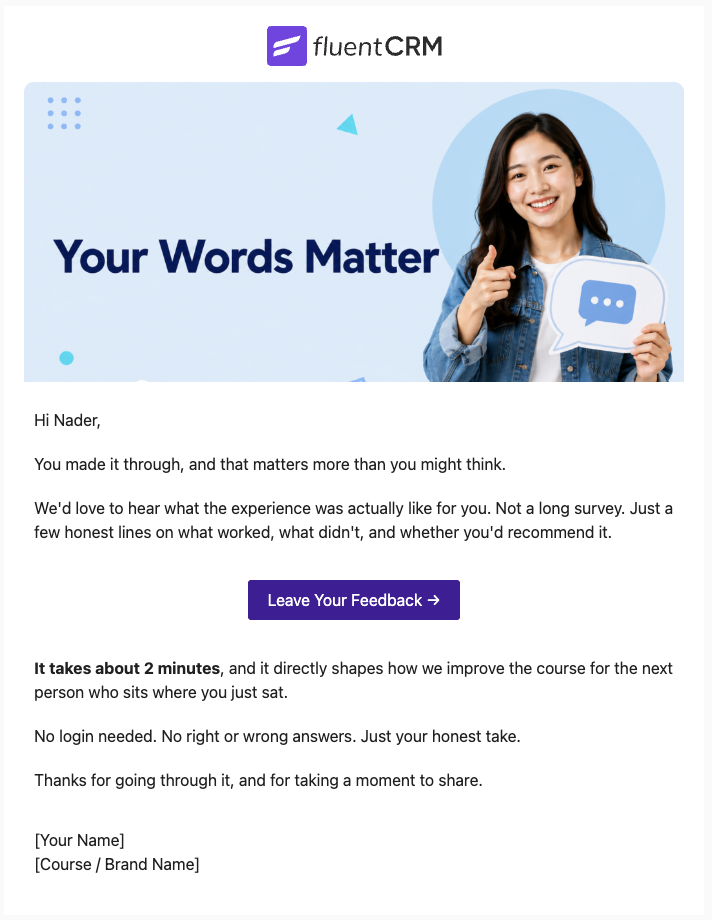
Course Feedback Email
Collect honest student reviews automatically and turn course completions into the insights that make your next launch better.
Want More Resources?
Access resources to start faster, decide smarter, and grow your revenue with less complexity.