Black Friday Early Access Email Template
Open your Black Friday sale to the subscribers who asked to get in first. Give them first pick 48 hours early, deliver the bonus you promised, and send them straight to your deals.
Get this template in your inbox
Thanks for sharing your email, please click below to download the template.

What is an Early Access Email Template?
An early access email template is a ready-made email that opens your sale to a smaller group before everyone else. This one is built for Black Friday: it goes to the subscribers who signed up for early access from your teaser email, and it lets them shop the same deals a day or two before the public launch.
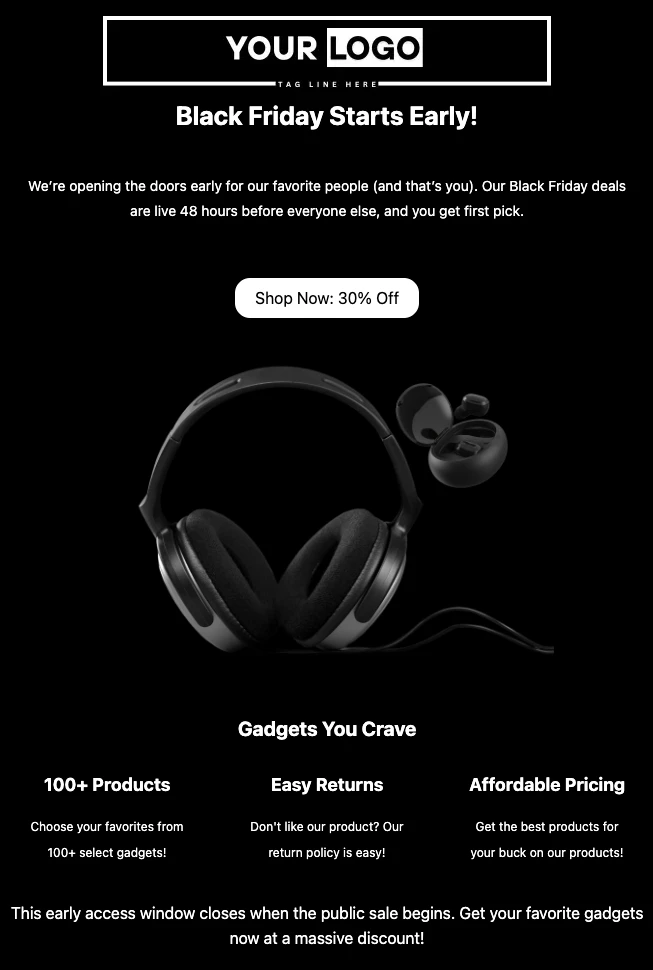
The layout is simple and dark, built to feel like a door opening before the crowd arrives. It opens with your logo and a “Black Friday Starts Early!” headline, tells the reader in two lines that they are getting in before everyone else, and leads straight to a “Shop Now” button with the discount on it. A large product image follows, then three short reasons to shop early, and a closing line that makes it clear the window ends when the public sale begins. With FluentCRM, you can personalize it with each subscriber’s name using merge tags and send it only to the people who asked for it.
Best for:
- Stores that sent a Black Friday teaser and collected early access sign-ups
- Electronics, gadget, and accessories stores whose bestsellers sell out on Black Friday
- WooCommerce, FluentCart, and Easy Digital Downloads stores that want to spread orders over a few days
- WordPress plugin, theme, and SaaS companies offering license deals before the public sale
- Any brand that wants to reward subscribers for opening its emails before the busiest week of the year
Where this Fits in Your Black Friday Campaign?
This template is the second email in a Black Friday sequence. The Pre-Black Friday Warmup Email goes out a week or two before and tags everyone who wants early access. This email goes to that tag 48 hours before launch. The Black Friday Sale Email opens the sale to everyone, and the Black Friday Sale Reminder Email closes it on the final day. Tag anyone who buys during early access, and leave them out of the launch and reminder emails.
How do I Send this Email Only to Early Access Sign-ups?
An early access email is a one-time campaign. The part that matters is the audience: if it goes to your whole list, it is not early access; it is just an early launch.
Step 1: Find your early access audience. If you sent the Pre-Black Friday Warmup Email, everyone who clicked “Get Early Access” already has the Black Friday Early Access tag. If you did not send a teaser, use a tag or segment for past customers instead.
Step 2: Go to Email Campaigns → Create New Campaign.
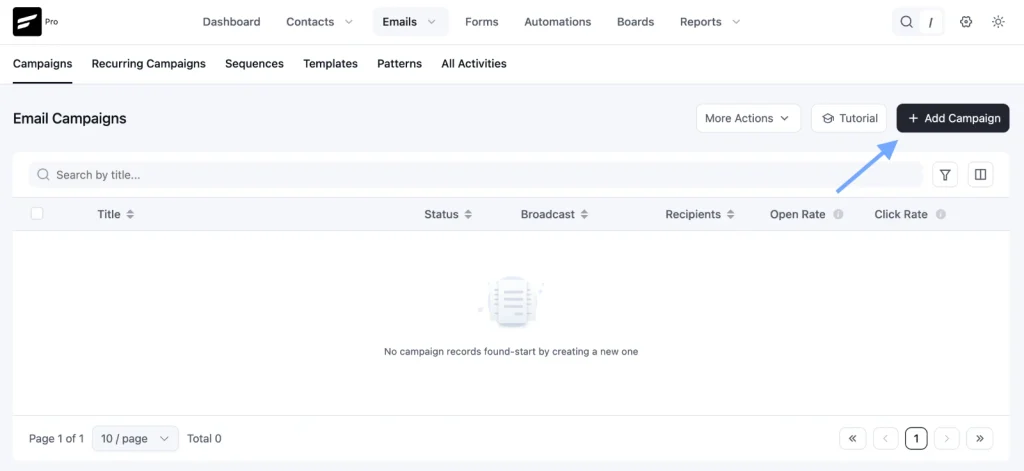
Step 3: Click Import / Use Templates, and pick the Early Black Friday Offer Email template. Add your early access link or coupon code, your bonus, and the date the public sale opens, then click Save.
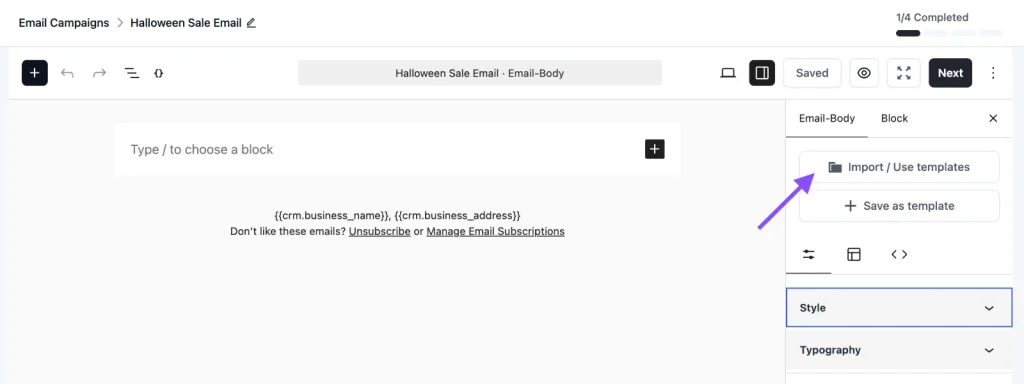
Step 4: Choose your recipients. Select only the Black Friday Early Access tag, not your full list.
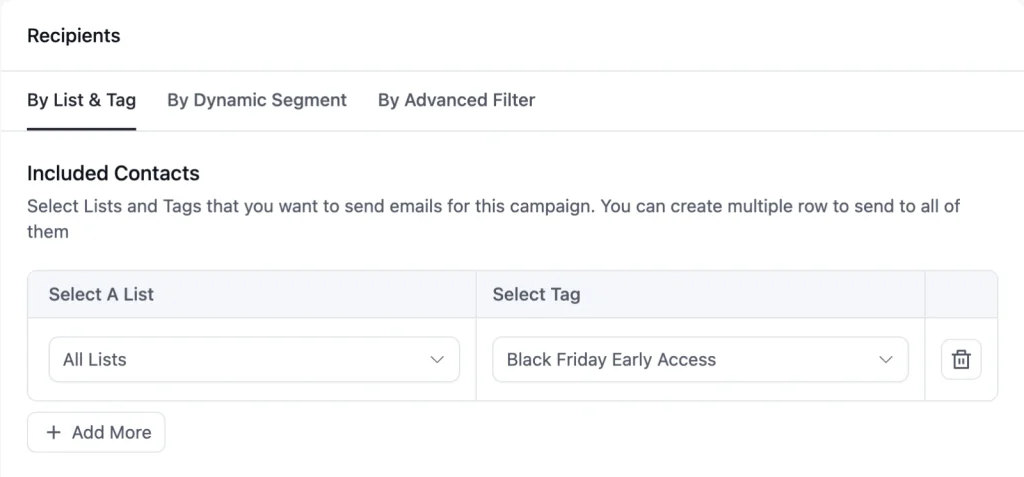
Step 4: Schedule the campaign for the start of your early window, for example, Wednesday, November 25, for a sale that opens to everyone on November 27.
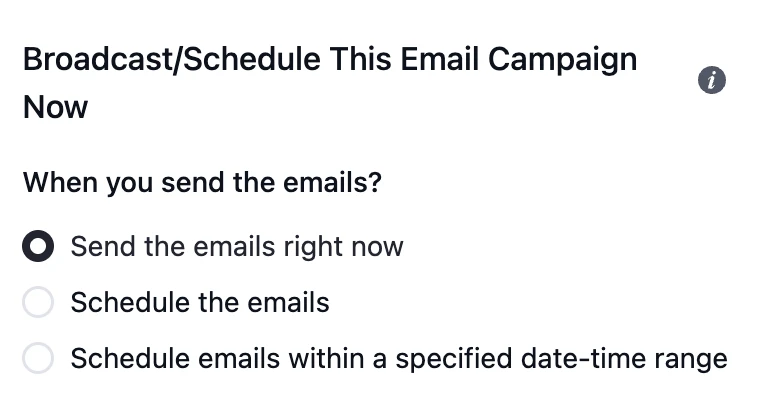
Before you send, create an automation with your store’s new order trigger and an “Apply Tag” action such as Black Friday Buyer. That way, anyone who buys early can be left out of your launch and reminder emails.
Customization Tips
- Replace the “Your Logo” placeholder and the tagline line with your own logo
- Add a greeting with
{{contact.first_name|there}}above the headline, since the default design has no personal greeting - Deliver what your teaser promised. If you mentioned a bonus, name it in this email, right under the button
- Make the early access real. Use a coupon code only early access subscribers receive, or a sale page that is not linked from your site, so the deal does not leak the moment someone forwards the email
- Set the early discount equal to or better than your public Black Friday discount. People who asked to get in first should never pay more than people who waited
- Update the button text to match your real offer, for example “Shop Early: 30% Off”, and link it to your early access page, not your homepage
- Swap the headphones image for one of your own bestsellers, and link the image to the same page as the button
- Replace the three columns under “Gadgets You Crave” with reasons to shop early, such as first pick on limited stock, the full Black Friday price, and your returns policy
- Replace “a massive discount” in the closing line with the exact time the public sale opens, including your timezone
- Add a final button after the closing line, so the email does not end without an action
- Keep the black background as a solid color, and send a test to Gmail and Outlook before scheduling, since dark designs can render unevenly
- Add your business address and an unsubscribe link in the footer to stay compliant with email-sending rules
Black Friday Early Access Email Subject Lines You Can Use
These subscribers asked for this email, so the subject line only has to tell them it has arrived:
| Subject line | Preview text |
|---|---|
| You asked for early access. It’s open. | Our Black Friday prices are live for you, 48 hours before anyone else. |
| You’re in early, {{contact.first_name}} | 30% off everything, two days before the public sale. |
| Black Friday starts now (for you) | First pick on every deal, plus the bonus we promised. |
| Your early access is open | The public sale starts Friday. You don’t have to wait. |
| 24 hours left on your early access | The public sale opens tomorrow, and the bestsellers go fast. |
Put the discount in the subject or the preview text, not both, so each line does a different job. Use the “24 hours left” line as a short reminder the day before the public sale, sent only to early access subscribers who have not bought yet.
☞ Get inspired by 100+ proven black friday email subject lines.
Why Use an Early Access Email Template for Black Friday?
By Black Friday morning, inboxes are full of offers from every store people have ever bought from. An early access email reaches the subscribers most likely to buy before that happens, and helps you:
- Sell to the People Who Already Raised Their Hand: Everyone on the early access list told you they plan to buy. This email is where that interest turns into orders
- Keep the Promise Your Teaser Made: An early access list only works if early access shows up on time, with the bonus you mentioned. This email closes that loop
- Sell Before the Inbox Gets Crowded: Two days early, your email is one of a few offers, not one of fifty
- Spread Out Your Orders: Early sales take pressure off launch day, for your checkout, your stock, and your support team
- Find Out What Sells Before the Main Launch: Early orders show you which products people want most, so your launch email can lead with them
A well-timed early access email turns your warmest subscribers into your first Black Friday orders.
Frequently Asked Questions
When should I send a Black Friday early access email?
24 to 48 hours before the public sale opens. For a sale that starts on Black Friday, November 27 this year, that means Wednesday, November 25 or Thursday, November 26. Earlier than that, and the sale starts to feel like a regular November discount.
Who should get early access?
The people who asked for it. If you sent a teaser email with an early access button, send this email to everyone who clicked. If you did not, past customers and your most engaged subscribers are the next best choice. If everyone gets it, it is not early access.
Should the early access discount be bigger than the public sale?
It should be at least the same. Many stores add a small extra, such as free shipping or a bonus product, to make getting in early worth it. What you should never do is give early access subscribers a smaller discount than the public gets two days later.
How is this different from the Pre-Black Friday Warmup Email and the Black Friday Sale Email?
The Pre-Black Friday Warmup Email announces the sale and collects early access sign-ups, with no prices. This email lets those sign-ups buy before anyone else. The Black Friday Sale Email opens the sale to your full list on launch day. Most stores use all three.
How do I keep early access exclusive?
Send early access subscribers a coupon code or a sale page link that nobody else receives, and do not link that page from your site until the public sale opens. If your store supports it, limit the coupon to one use per customer.
Can I customize this template without coding?
Yes. You can change the logo, headline, text, image, button, and colors directly in FluentCRM’s email editor. No HTML knowledge is needed.
Related Templates
-
- eLearning Emails
Product Recommendation Email for WooCommerce Cross-Sells
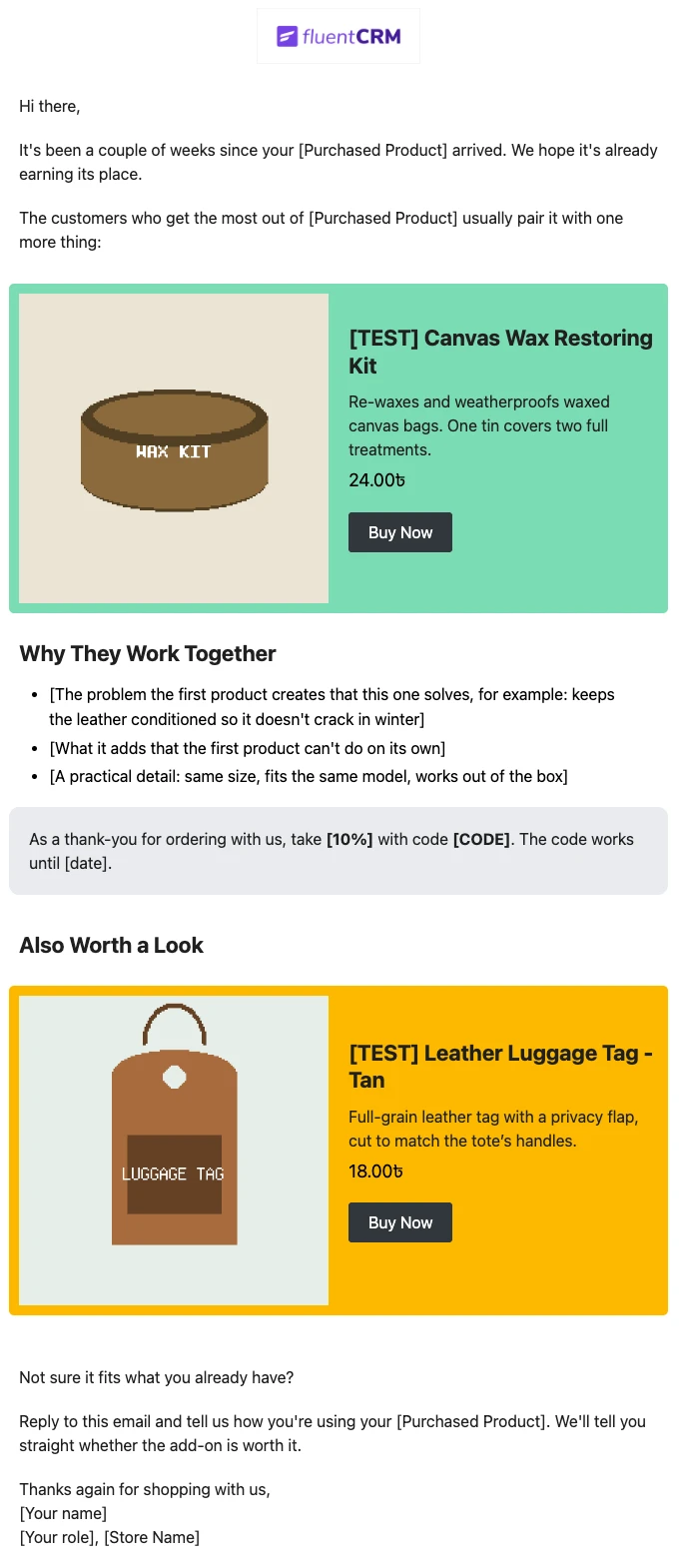
Recommend the one product that makes a customer’s last purchase better. Explain why the two products belong together, and sends customers straight to the add-on.
-
- eLearning Emails
WooCommerce Post-Purchase Thank You Email
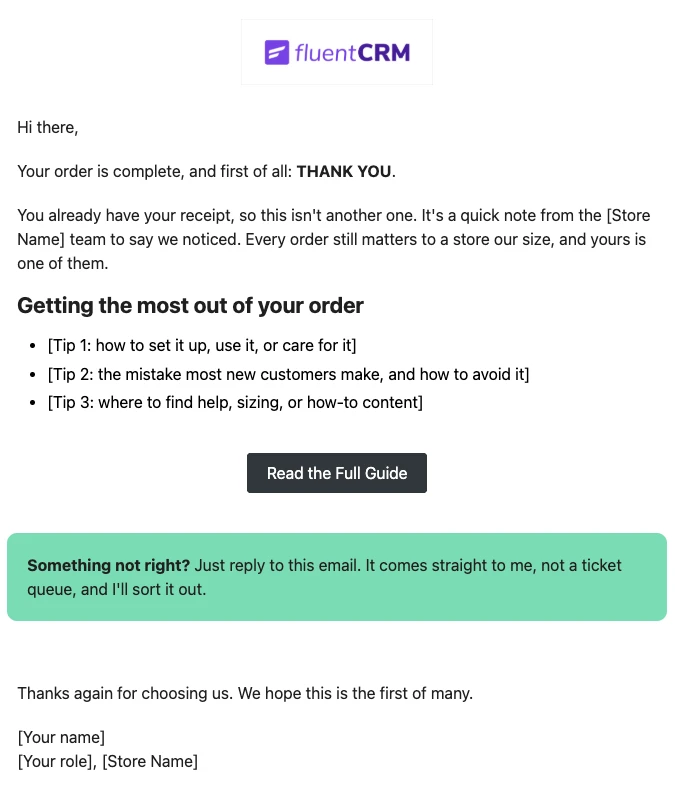
Thank customers like a person, not a receipt. Send a short, personal thank-you when a WooCommerce order is completed, with tips that help customers get real value from what they bought.
-
- eLearning Emails
WooCommerce Abandoned Cart Email Template
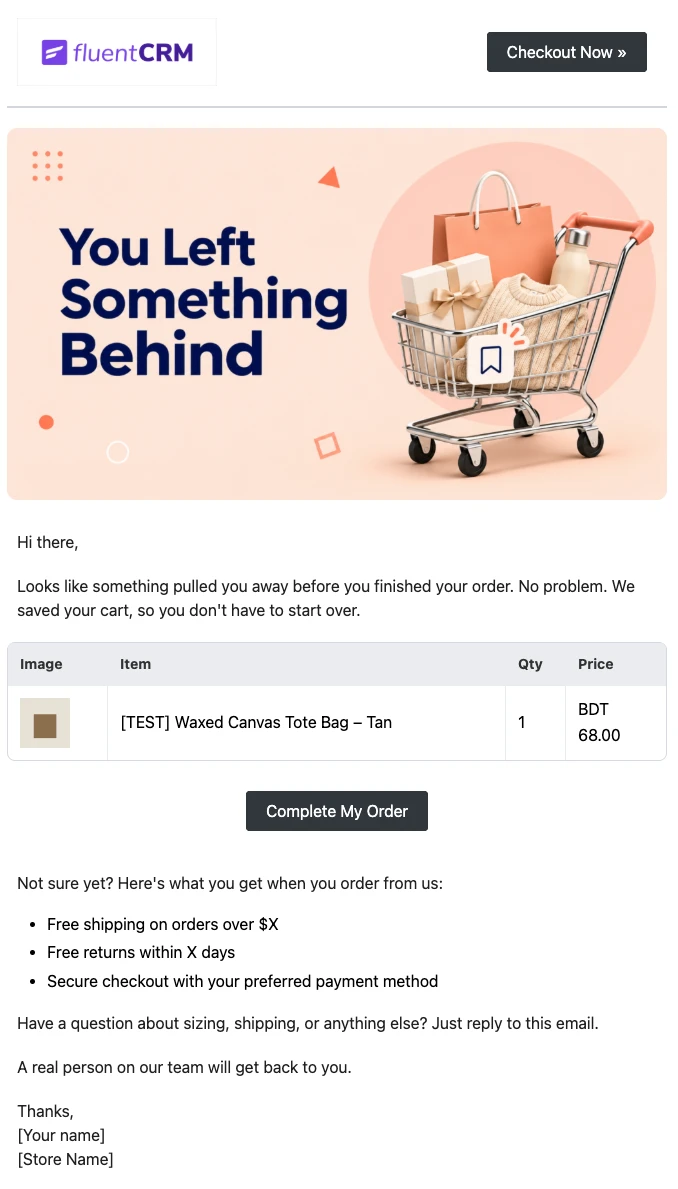
Bring shoppers back to the checkout they left. Show each customer the exact products in their cart and send them back to a checkout that is already filled in, automatically.
Want More Resources?
Access resources to start faster, decide smarter, and grow your revenue with less complexity.