Halloween-Themed Welcome Email
Give everyone who joins your list in October a welcome that feels like part of the season. Greet new subscribers with a spooky design, sends them to your store, and offers a treat.
Get this template in your inbox
Thanks for sharing your email, please click below to download the template.

What is a Halloween Welcome Email Template?
A Halloween welcome email template is a ready-made welcome email with a seasonal design, sent automatically to new subscribers who join your list in the weeks before October 31. It does the same job as your regular welcome email, thanking people for signing up and pointing them to your store, but it matches the season they joined in.
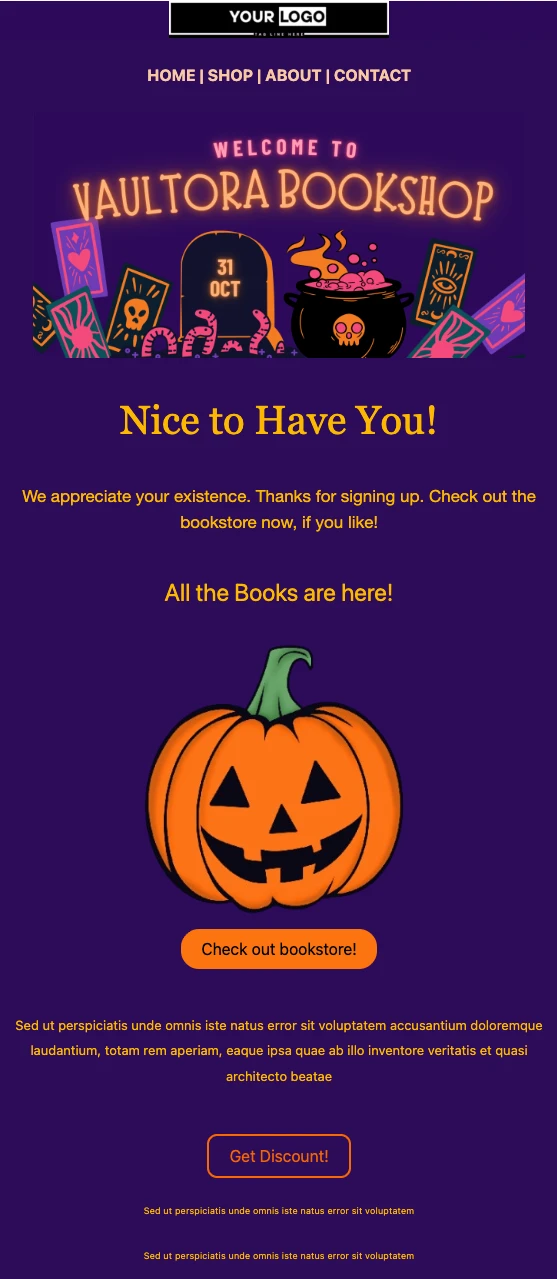
This template leads with a full-width Halloween banner, follows with a short thank-you and a “Check out bookstore!” button, and closes with a “Get Discount!” button for a first-order offer. The sample uses a bookshop, but the Halloween email design works for any store with a dark, playful brand. With FluentCRM, you can personalize it with each subscriber’s name using merge tags and send it the moment they sign up.
Best for:
- Bookshops, gift shops, and stationery stores with a seasonal collection
- WooCommerce and FluentCart stores running an October sign-up push
- Costume, party supply, and home decor shops whose busiest month is October
- Brands collecting new subscribers through a Halloween giveaway or pop-up form
- Stores that want new subscribers to land in the middle of the Halloween season instead of a generic welcome
Where this Fits in Your Automation?
This template replaces your regular welcome email during October, as the first email new subscribers get. Follow it a few days later with a reminder that the first-order offer ends on October 31. Existing subscribers get your Halloween Sale Email Template instead, and after Halloween, everyone moves into your Black Friday sequence starting with the Pre-Black Friday Warmup Email.
How do I Trigger this Email Automatically When Someone Subscribes?
Set it up once at the start of October, and every new subscriber gets the Halloween welcome within seconds of signing up.
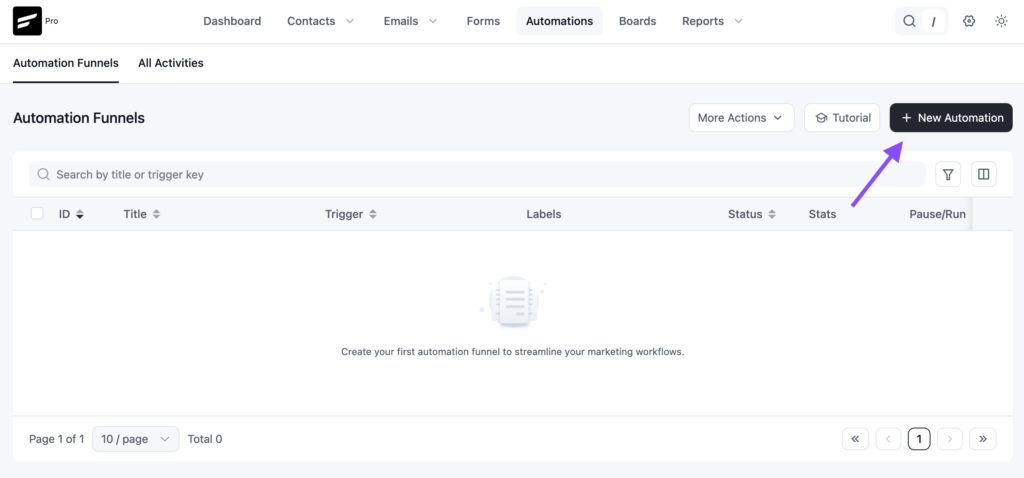
Step 1: In FluentCRM, go to Automations → Create New Automation
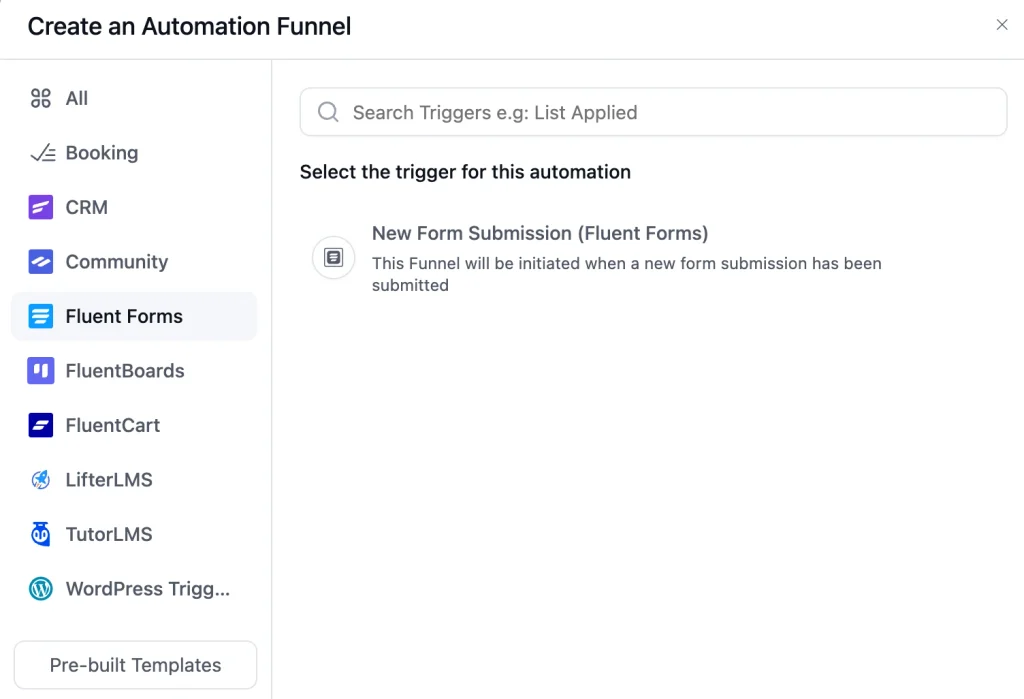
Step 2: Pick the trigger that matches how people subscribe. For a sign-up or giveaway form, choose the Fluent Forms submission trigger and select that form. If your form adds contacts to a list, use “List Applied” and select your newsletter list.
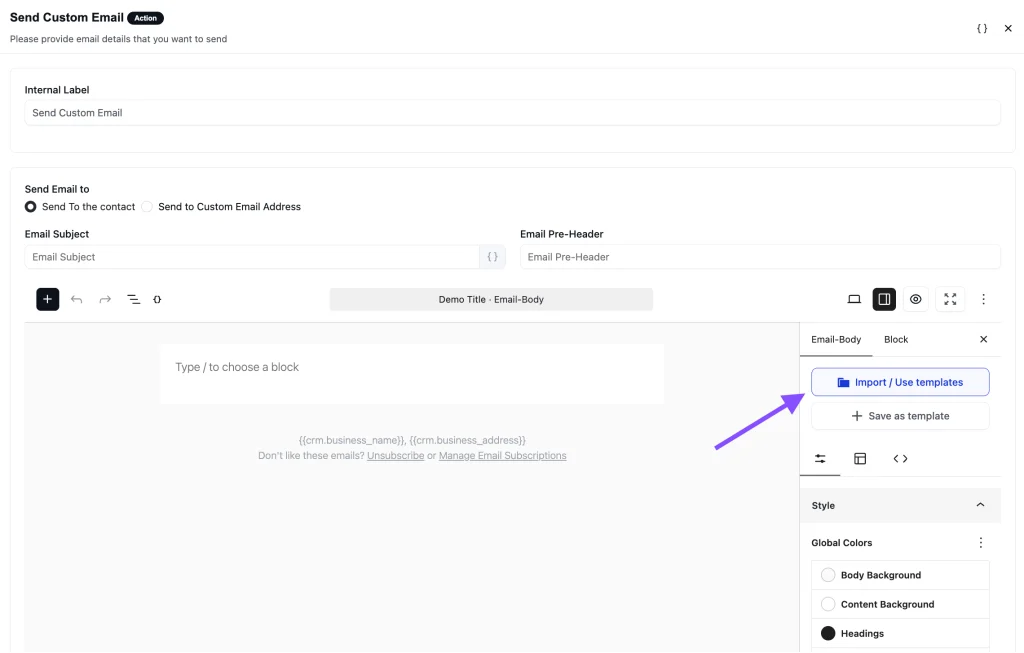
Step 3: Add a “Send Custom Email” action, click Import / Use Templates, and pick the Halloween Themed Welcome Email template. Add your store link and discount, then click Save.
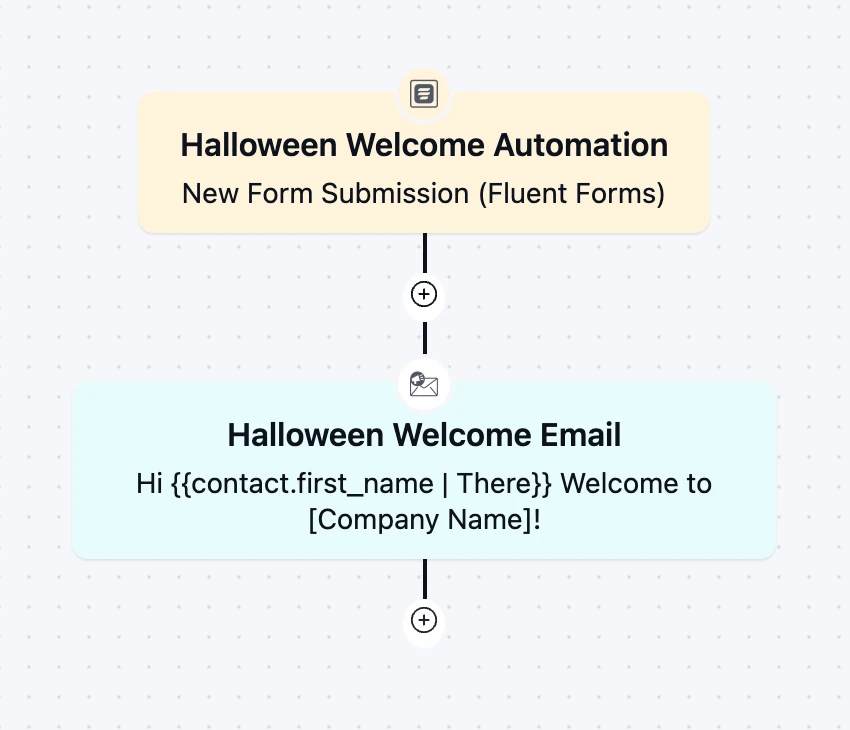
Step 4: Toggle the button to Published to activate the automation
Step 5: On November 1, set this automation back to Draft and turn your regular welcome email back on. A Halloween welcome that lands in mid-November looks forgotten, not festive.
Customization Tips
- Replace the banner with your own store name and artwork. The sample banner has the store name and date built into the image, so it cannot be edited as text
- Replace the “Your Logo” placeholder with your store’s logo
- Link Home, Shop, About, and Contact to real pages, or remove the navigation bar to keep attention on the two buttons
- Add
{{contact.first_name}}to the “Nice to Have You!” headline, for example “Nice to Have You, {{contact.first_name}}!” - Rewrite the intro in your own voice: one line of thanks, one line on what they will find in your store
- Swap the pumpkin for a product shot or your Halloween collection. Shoppers click on products, not decorations
- Point “Check out bookstore!” to your Halloween collection page and rename it to match, for example “Shop the Halloween Collection”
- State the offer above the “Get Discount!” button, such as 15% off the first order with a code and an end date of October 31
- Add your store address and an unsubscribe link in the footer to stay compliant with email-sending rules
Why Use this Halloween Welcome Email Template?
October brings a wave of new subscribers from giveaways, pop-ups, and holiday browsing. A seasonal welcome helps you:
- Match the Moment They Joined: Someone who signed up for a Halloween giveaway expects a Halloween email, not a generic one written in March
- Stand Out in a Crowded Inbox: A bold seasonal design gets noticed in a month when every store is sending promotions
- Turn Sign-ups Into First Orders: A first-order treat with an October 31 deadline gives new subscribers a reason to buy now instead of later
- Set Up Your Holiday Season: Subscribers who open and click in October are far more likely to open your Black Friday emails a month later
- Welcome Everyone Without Extra Work: The automation greets every new subscriber on its own, whether ten people join this month or a thousand
A seasonal welcome turns an October sign-up into a first order while the season is still on.
Frequently Asked Questions
When should I use a Halloween welcome email?
From early October until October 31. Publish the automation at the start of the month, then switch back to your regular welcome email on November 1 so late sign-ups do not get a seasonal email after the season ends.
How is this different from the Halloween Sale Email Template?
The welcome template goes to new subscribers automatically, the moment they sign up. The Halloween Sale Email Template is a one-time campaign you send to your existing list to announce a sale. Most stores use both in October.
Can I customize this template without coding?
Yes. You can change the logo, banner, text, buttons, images, and colors directly in FluentCRM’s email editor. No HTML knowledge is needed.
Is this template only for bookshops?
No. The sample design uses a bookshop, but the layout works for any store with a playful seasonal brand, from gift and decor shops to costume and beauty stores. Replace the banner, image, and button text to match your catalog. If you sell food, see the Halloween Email Template for Food Brands.
What should a Halloween welcome email include?
Thank them for joining, briefly describe what your store offers, add one main button to your shop or Halloween collection, and include a clear first-order offer with an end date. Keep it short and let the design carry the season.
Related Templates
-
- eLearning
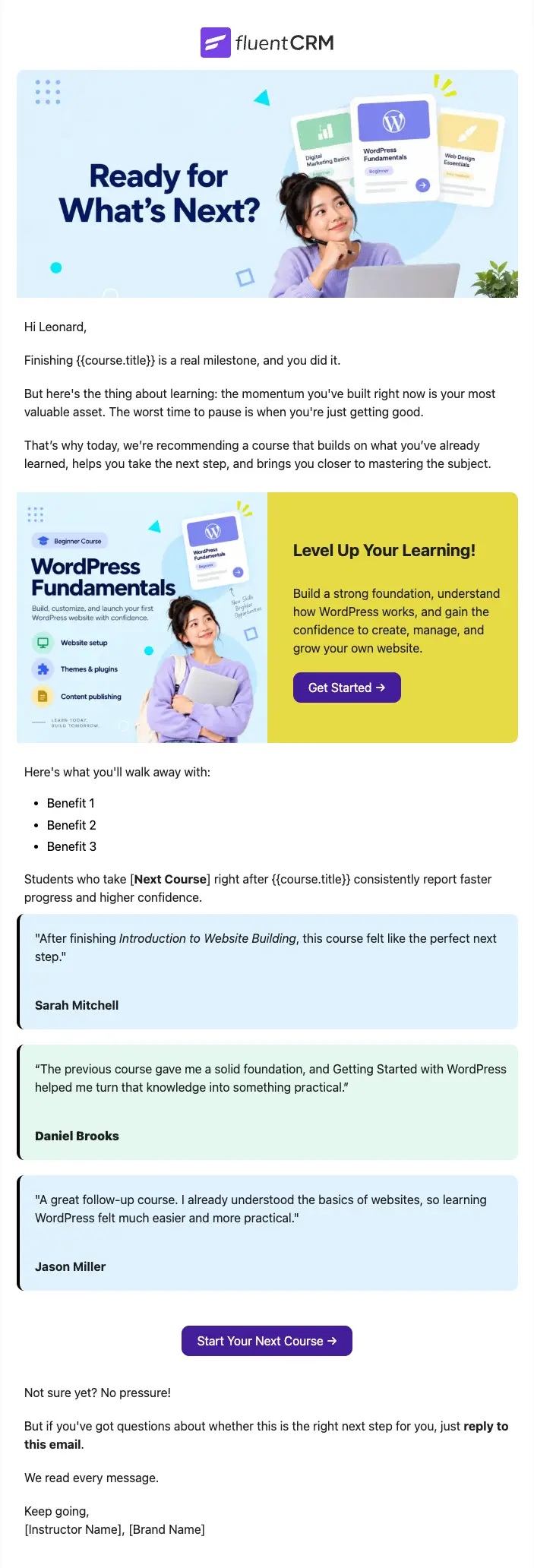
Next Course Recommendation Email
Use this free course recommendation email template to re-engage students after course completion and drive repeat enrollments with FluentCRM automations
-
- eLearning
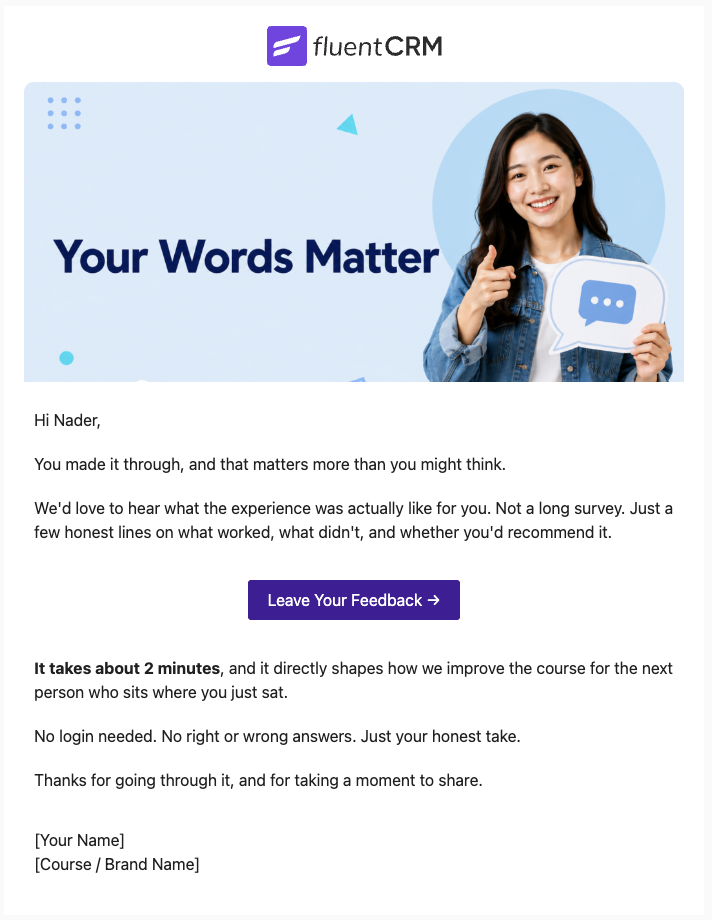
Course Feedback Email
Collect honest student reviews automatically and turn course completions into the insights that make your next launch better.
-
- eCommerce
- Payment Emails
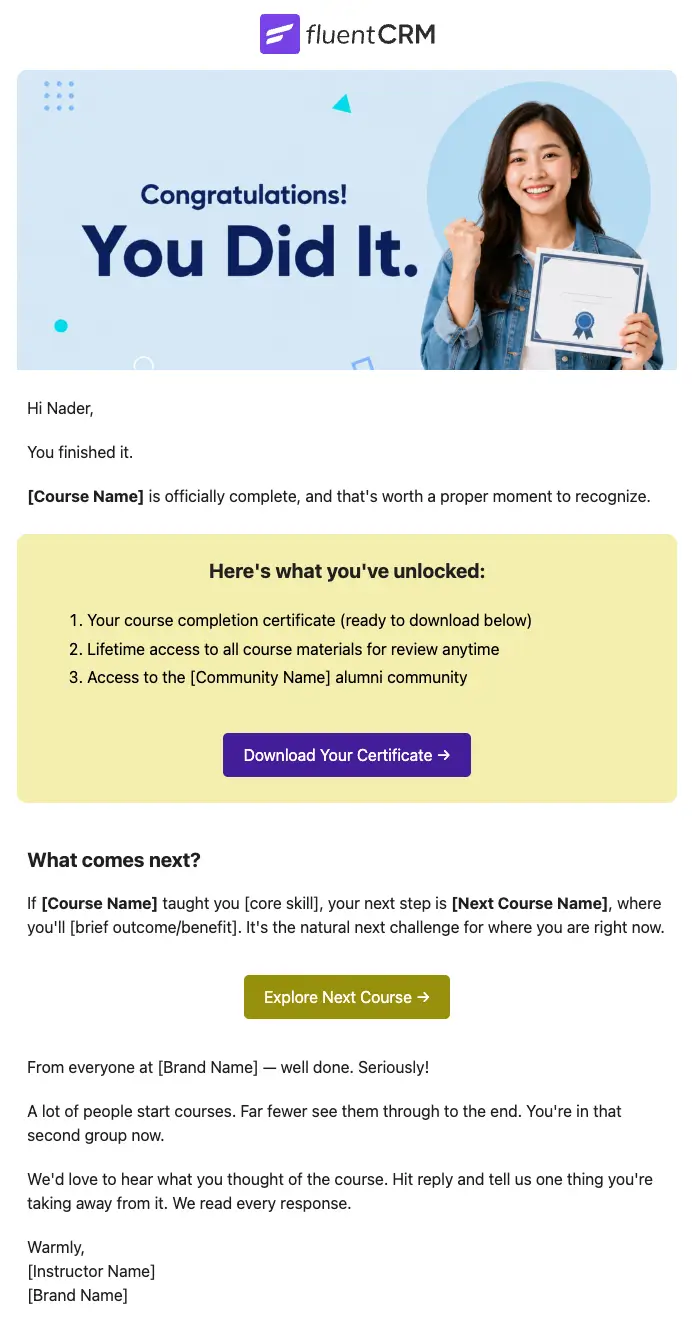
Course Completion Congratulations Email
Automatically celebrate every student who finishes your course, and turn that momentum into the next enrollment
Want More Resources?
Access resources to start faster, decide smarter, and grow your revenue with less complexity.