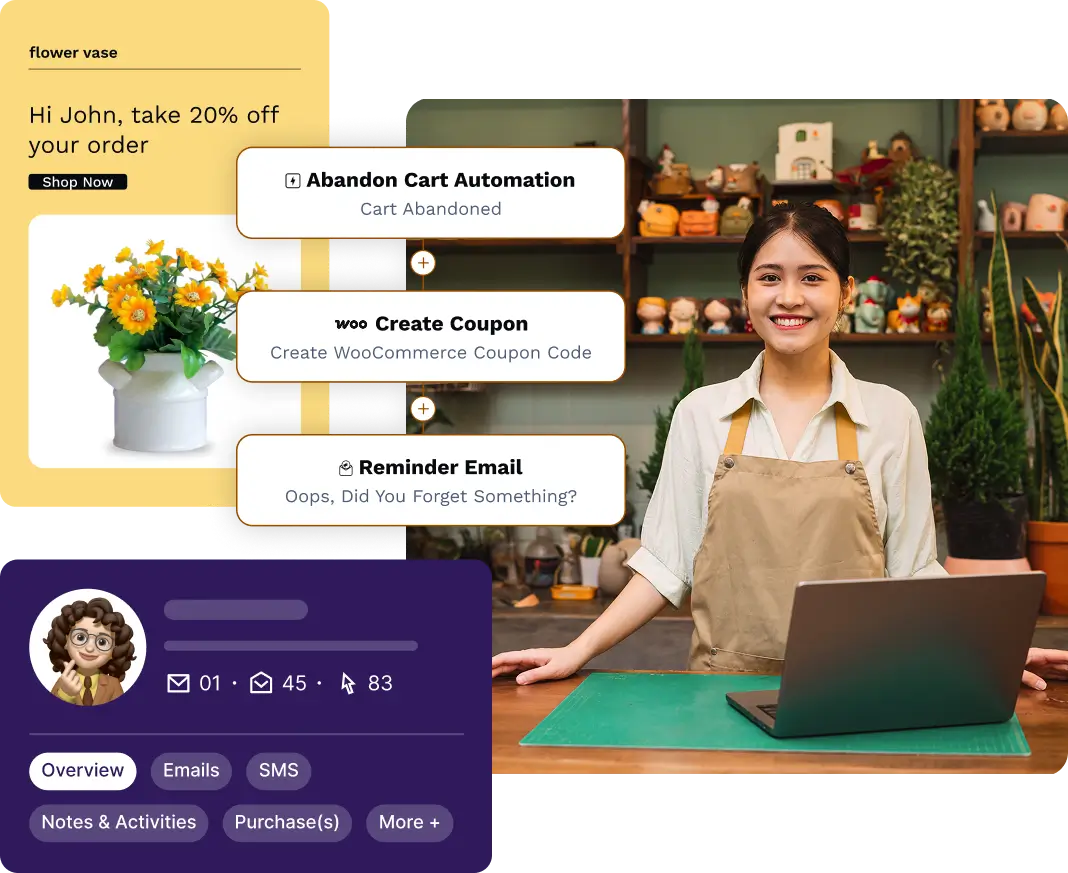
7 Best WhatsApp Marketing Plugins for WordPress Sites

Summarize with


Last Updated:
You search for a WhatsApp plugin for your WordPress site, and every list looks the same: ten versions of a green chat button.
Chat buttons are useful. A visitor taps, WhatsApp opens, and you get a message. But a button can’t send an order update, remind a student about a lesson, or bring back a customer who left items in their cart.
That’s what WhatsApp marketing software does. On WordPress, only a handful of plugins can actually do it.
This guide covers nine WhatsApp plugins for WordPress, sorted by what they do, so you can pick the right type before comparing features.
Let’s explore!
What is a WhatsApp Marketing Plugin?
A WhatsApp marketing plugin, sometimes called WhatsApp marketing software, lets a business send campaigns, automated messages, and replies to opted-in contacts through the WhatsApp Business Platform. It manages Meta-approved message templates, contact segments, automation triggers, and delivery tracking, which the regular WhatsApp Business app can’t handle at scale.
Some plugins send messages through the official WhatsApp Cloud API. Others only add a chat button that opens a conversation in the WhatsApp app.
A plugin only sends the messages. Deciding who gets them, when, and why is the job of your WhatsApp marketing strategy.
Types of WhatsApp Plugins for WordPress
A course site, a WooCommerce store, and a local service business all need WhatsApp, but for different reasons. The course site wants automated lesson reminders. The store wants order updates. The service business just wants customers to tap and ask a question.
Each of those needs matches one type of plugin:
- Marketing and automation plugins: These connect to the WhatsApp Business API and send messages when something happens on your site: an order, a course enrollment, a form submission. Some also send campaigns to whole segments.
- WooCommerce notification plugins: These focus on store events: order confirmations, shipping updates, abandoned cart recovery, and review requests.
- Click-to-chat plugins: These add a WhatsApp button or chat widget. A visitor taps it, and a conversation opens in WhatsApp. They don’t send automated or bulk messages. A quick way to choose:
A quick way to choose:
Want messages triggered by orders, enrollments, or renewals, plus campaigns? Start with type 1. Run a WooCommerce store and mainly need order updates? Look at type 2. Only want visitors to be able to message you? Type 3 is enough, and most have free versions.
What to Look For in a WhatsApp Plugin
Five checks will tell you whether a WhatsApp plugin fits your site before you pay for it.
- Official API access: Any plugin that sends automated or bulk messages should use the WhatsApp Business Platform (Cloud API). Plugins that automate a personal WhatsApp account through QR-code connections risk getting your number banned.
- Template management: Business-initiated messages need a template approved by Meta. A good plugin lets you sync templates and map variables, like the customer’s name or order number, without leaving WordPress.
- Event triggers: Check which events the plugin can respond to. WooCommerce order statuses are common. Course enrollments, membership changes, and form submissions are rarer.
- Contact and consent data: You need a record of who agreed to receive WhatsApp messages, the same way opt-in email marketing works for your list. Check whether the plugin stores opt-ins and whether it shares contacts with your email list.
- Pricing. Every API-based plugin also passes on Meta’s per-message fees, paid to Meta or your provider. The plugin price is on top of that.
7 Best WhatsApp Marketing Plugins for WordPress Sites
The best WhatsApp marketing plugins for WordPress sites are FluentCRM, Twilio, Tidio, Brevo, WP Chat App, Uncanny Automator, and Social Chat. We review each one below on the same four points: key features, pros, cons, and pricing.
|
Plugin |
Type |
Official API |
Free version |
Starting price |
|---|---|---|---|---|
|
FluentCRM |
Marketing and automation |
Yes |
Yes |
$129/year |
|
Twilio |
Developer API |
Yes |
No (trial credit) |
$0.005/message + Meta fees |
|
Tidio |
Live chat + WhatsApp inbox |
Yes |
Yes |
$29/month |
|
Brevo |
Email + WhatsApp campaigns |
Yes |
Yes (email only) |
Professional plan (custom) |
|
WP Chat App |
Chat button |
No |
Yes |
$39 one-time |
|
Uncanny Automator |
Marketing and automation |
Yes |
Yes |
$199/year |
|
Social Chat |
Chat button |
No |
Yes |
$49/year |
1. FluentCRM
Best for: LMS, WooCommerce, and membership sites that want WhatsApp and email working off the same customer data.
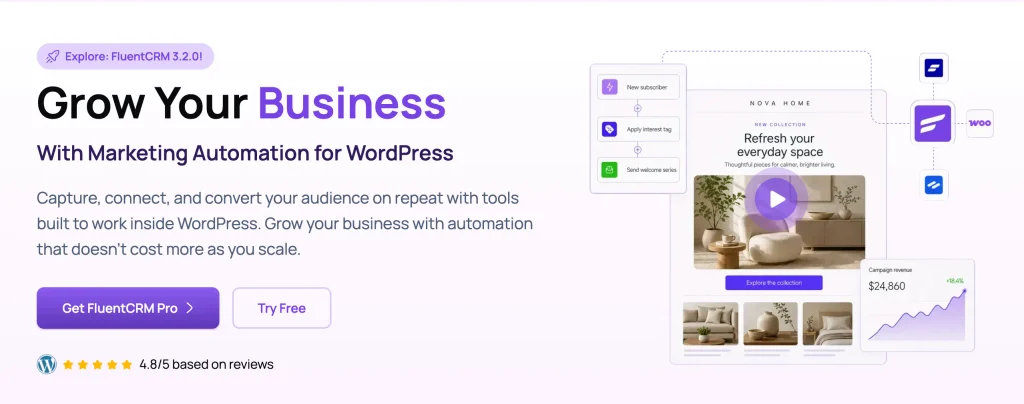
FluentCRM is a marketing automation and CRM plugin that runs inside WordPress. In the Pro version, WhatsApp sits alongside email and SMS, and you can send it from automations, campaigns, and a shared inbox.
What sets it apart is the trigger. FluentCRM already listens to events from LearnDash, TutorLMS, LifterLMS, WooCommerce, FluentCart, and other plugins. So when a student enrolls in a course, an automation can send an approved WhatsApp template with the first lesson link, follow up by email a week later, and catch any reply in the inbox.
Key features:
- Send a WhatsApp Message action inside automations, sent to the contact or to a custom number
- WhatsApp campaigns to opted-in segments
- Shared inbox for SMS and WhatsApp replies
- Create, submit, and sync Meta templates from FluentCRM → Messaging → WhatsApp Templates
- Template variables mapped to smart tags, with fallbacks for empty values
- Native triggers from LMS, eCommerce, and membership plugins
Pros and cons of FluentCRM:
|
Pros |
Cons |
|---|---|
|
WhatsApp, email, and SMS share one contact list, one set of tags, and one set of segments |
WhatsApp is part of FluentCRM Pro, along with WooCommerce triggers, so you’ll need the Pro license to use it |
|
Contacts stay in your own WordPress database |
Runs inside WordPress, so it’s only an option if your site is built on WordPress |
|
Unlimited contacts, so the plugin cost stays flat as your list grows |
Pricing:
- Free version available
- Pro starts at $129 per year (Grab ongoing discount)
2. Twilio WhatsApp API
Best for: Sites with a developer who needs a custom WhatsApp integration, or teams choosing a provider to plug into another tool.
Twilio is a messaging API, not a plugin. Many WhatsApp tools run on it behind the scenes, and developers use it to add WhatsApp features directly to a WordPress site.
With a few lines of code, a developer can connect site events to WhatsApp. For example, a custom appointment form can send a booking reminder, or a WooCommerce order can trigger a shipping update.
Even if you never write code, you may still meet Twilio. Some WordPress messaging plugins use it as their WhatsApp provider.
Key features:
- Official WhatsApp Business API access
- Template messages and two-way messaging
- Webhooks for incoming messages and delivery status
- Detailed documentation and SDKs, including PHP
- Pay-as-you-go billing with no monthly plan
Pros & Cons of Twilio:
|
Pros |
Cons |
|---|---|
|
Full control over how and when messages are sent |
No marketing interface: no campaign builder, inbox, or contact segments |
|
Reliable infrastructure used by large companies |
Needs a developer to set up and maintain on WordPress |
|
No contract or subscription |
Charges a fee on every message, sent or received, on top of Meta’s fees |
Pricing:
- No free version (trial credit available)
- Pay as you go at $0.005 per message plus Meta’s fees.
3. Tidio
Best for: Small stores and support teams that want website chat and WhatsApp replies in one inbox.
Tidio is a live chat and chatbot plugin for WordPress that also connects to WhatsApp. Instead of sending visitors off to the WhatsApp app, it pulls WhatsApp messages into the same inbox as your website chat, email, and social messages, so one person can answer them all in one place.
Key features:
- Live chat widget for WordPress
- WhatsApp integration through the official WhatsApp Business Platform
- Shared inbox for chat, WhatsApp, email, Messenger, and Instagram
- Chatbot flows and the Lyro AI agent (paid add-ons)
- WooCommerce integration for order-related conversations
Pros and cons of Tidio:
|
Pros |
Cons |
|---|---|
|
WhatsApp integration is included on every plan, including Free |
Built for support conversations, not marketing campaigns or automation from site events |
|
1,000 free WhatsApp messages a month per connected number, with no markup above that |
Needs a number that isn’t already used in the WhatsApp or WhatsApp Business app |
|
Spending cap keeps WhatsApp costs predictable |
Paid plans are priced by billable conversations, and AI features cost extra |
Pricing:
- Free version available
- Paid plans depend on usage
4. Brevo
Best for: Businesses already on Brevo’s higher plans that want email and WhatsApp campaigns in one account.
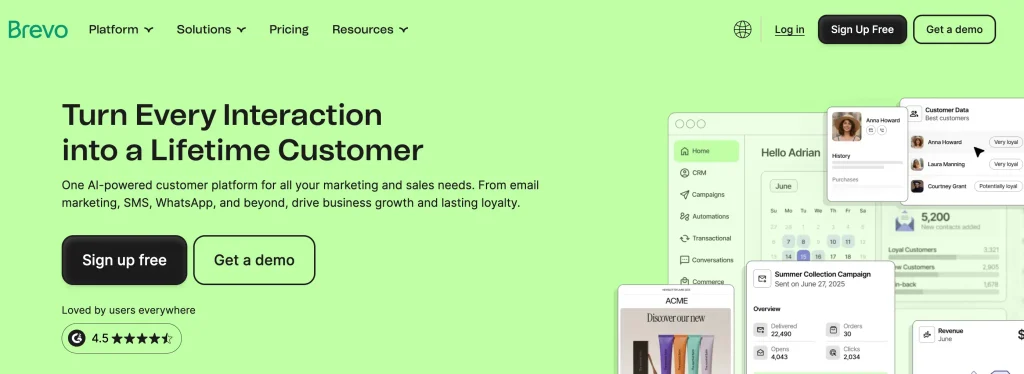
Brevo (formerly Sendinblue) is an email marketing platform with an official WordPress plugin. The plugin syncs your WordPress contacts and forms to Brevo, where you can send email, SMS, and WhatsApp campaigns from one dashboard. A store could send a sale announcement by email to everyone and a short WhatsApp message to the contacts who opted in.
Key features:
- Official WordPress plugin for forms, contact sync, and WooCommerce
- Email, SMS, and WhatsApp campaigns from one dashboard
- Contact lists and segmentation
- Marketing automation workflows
- Pay-as-you-go WhatsApp credits
Pros & cons of Brevo:
|
Pros |
Cons |
|---|---|
|
One account for email and WhatsApp campaigns |
WhatsApp campaigns are only on the Professional and Enterprise plans |
|
Familiar campaign builder for anyone who has used an email tool |
WhatsApp is billed in credits on top of the plan |
|
Free plan for email, with up to 100,000 contacts |
Contacts and campaigns live on Brevo’s platform, not in your WordPress database |
|
Store events reach Brevo through the integration, not as native WordPress triggers |
Pricing:
- Free version available (email only)
- WhatsApp campaigns need the Professional plan (custom pricing), plus WhatsApp credits
5. WP Chat App
Best for: Small stores that want multi-agent chat with a one-time payment.
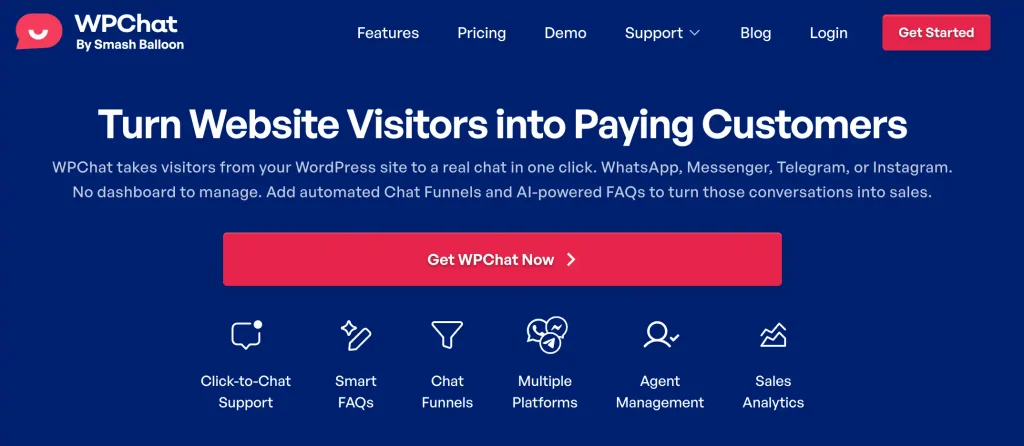
WP Chat App adds a floating WhatsApp button or widget with support for several numbers and agent profiles. On WooCommerce, you can assign specific agents to specific product pages, so product questions reach the right person.
Key features:
- Floating WhatsApp button and widget
- Multiple numbers and agent profiles
- Agent assignment by WooCommerce product page
- Display rules for pages and devices
|
Pros |
Cons |
|---|---|
|
One-time Pro payment, with no yearly renewal |
Works through the WhatsApp Business app, so it can’t send automated messages or notifications |
|
Multi-agent support at a low price |
Fewer tracking options than most chat plugins |
|
Agent routing by product page |
Starts conversations only, with no campaigns |
Pricing:
- Free version available
- Pro costs $39 one-time
6. Uncanny Automator
Best for: Sites that want WhatsApp messages triggered by a wide range of WordPress plugins, without a full WordPress CRM plugin.
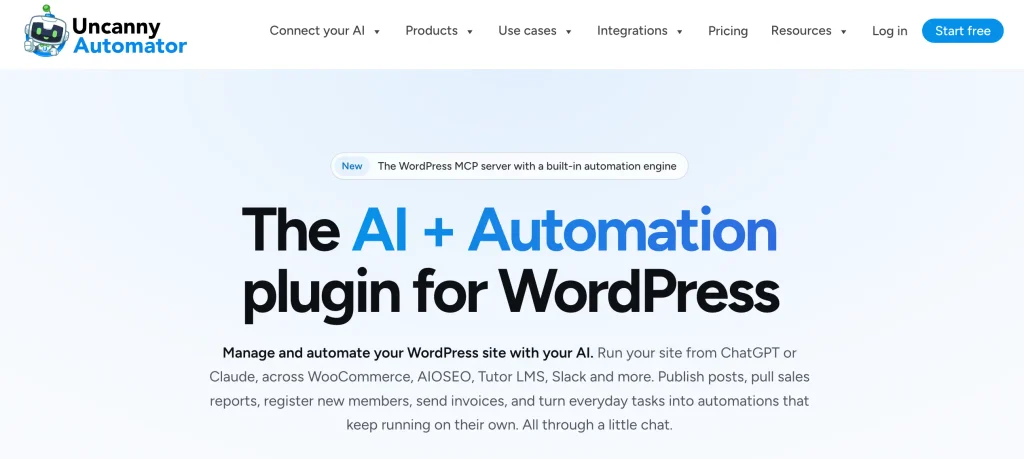
Uncanny Automator is an automation plugin that connects WordPress plugins to outside apps. Its WhatsApp integration uses the Cloud API, so you can build “recipes” like: when a Gravity Forms entry is submitted, send the lead a WhatsApp template.
Key features:
- Send a WhatsApp message or a WhatsApp template to a number
- Triggers when a WhatsApp message is received
- Triggers for delivery status, including messages not delivered because of missing opt-in
- Recipes that link WhatsApp to WooCommerce, form builders, LMS plugins, and more
- Visual recipe builder with no code
Pros & Cons of Uncanny Automator:
|
Pros |
Cons |
|---|---|
|
WhatsApp integration is included in the free version |
No campaign builder, contact segments, or inbox for WhatsApp |
|
Connects to a very large number of WordPress plugins |
Each workflow is a separate recipe, which gets harder to manage as you add more |
|
Can react to incoming WhatsApp messages, not just send them |
Paid plans cost more than most plugins on this list |
Pricing:
- Free version available
- Paid plans start at $199 per year
7. Social Chat
Best for: Stores that want customers to be able to place or confirm orders over WhatsApp.
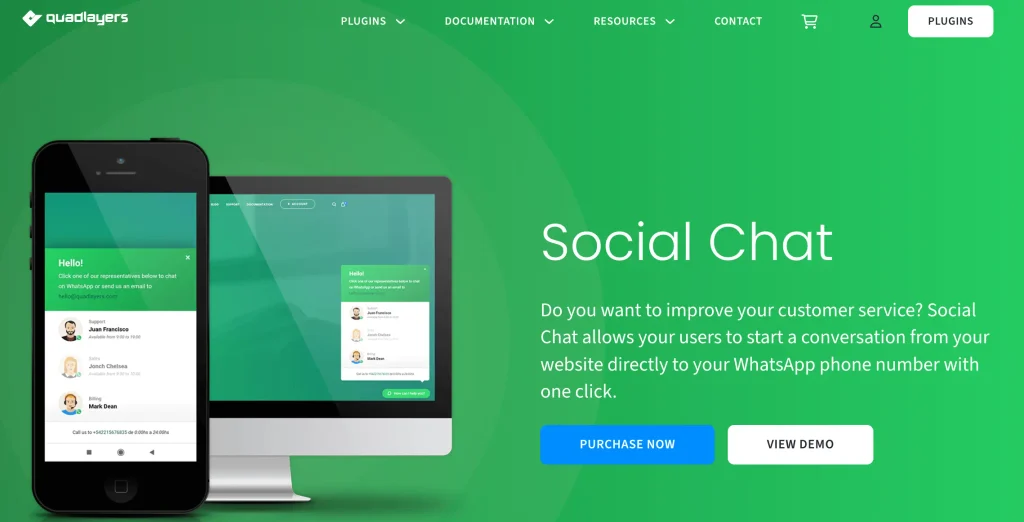
Social Chat adds a WhatsApp button and a contact box with avatar, header, and footer. Its Pro version includes “WhatsApp Order,” which lets customers send their WooCommerce order through WhatsApp at checkout.
Key features:
- WhatsApp button and contact box
- Page targeting by post type and taxonomy
[whatsapp]shortcode- Multiple agents with business hours (Pro)
- WhatsApp Order as a checkout payment method (Pro)
- GDPR consent checkbox (Pro)
|
Pros |
Cons |
|---|---|
|
Free version with no time limit |
Starts conversations only, with no automated or bulk messages |
|
WhatsApp ordering is unusual among chat plugins |
Chatbots are billed separately through another service |
|
Lifetime license option |
Most advanced features need Pro |
Pricing:
- Free version available
- Pro starts at $49 per year
How to Choose the Right WhatsApp Plugin
Pick based on the job, not the longest feature list.
- You run an online course on LearnDash, TutorLMS, or LifterLMS: If you’re marketing online courses, your best WhatsApp messages come from course events: enrollment, a stalled lesson, a completed course. FluentCRM triggers directly from your LMS and keeps WhatsApp in step with your email sequences.
- You run a WooCommerce store: If you want order updates on WhatsApp as part of a wider WooCommerce email marketing lifecycle, with post-purchase follow-ups, win-backs, and email working off the same data, a CRM like FluentCRM fits better.
- You already use Brevo for email: If you’re on a plan that includes WhatsApp, adding campaigns there is easier than switching tools.
- You have a developer and want full control: Twilio gives you the raw WhatsApp API to build exactly what you need.
- You want WhatsApp messages from many different plugins: Uncanny Automator connects WhatsApp to a long list of WordPress tools, recipe by recipe.
- You just want visitors to message you: WP Chat App suits multi-agent setups on a one-time budget. Social Chat adds WhatsApp ordering. Tidio suits teams that want WhatsApp and website chat answered from one inbox.
One more check before you buy: what your costs look like when your list is three times bigger. Plugins priced by contact count get more expensive as you grow. A flat yearly license plus Meta’s message fees is easier to predict.
If you’re still working out what to send, when, and to whom, start with the WhatsApp marketing strategy guide linked above. The plugin comes after the plan.
Send the Message Your Customer Is Waiting For
Remember that list of ten green chat buttons? A button helps people reach you. But it can’t tell a customer their order shipped or remind a student their first lesson is ready.
The plugin only sends the message. What makes it work is the timing, the opt-in, and whether someone is ready to reply.
So start with the job. Pick the plugin that matches it, set up one useful message, and build from there. If you want WhatsApp to run on the same contacts and automations as your email, take a look at FluentCRM.
Get that first message right, and the next ones get easier. Your customers will know a WhatsApp from you is worth opening.
We hope you found this guide helpful. If you have any questions about choosing a WhatsApp plugin for your WordPress site, drop them in the comments below.
Thanks for reading!
Frequently Asked Questions
Here are some frequently asked questions regarding ” WhatsApp marketing software”.
When a customer messages you, a 24-hour window opens. During that window, you can reply with free-form messages. Outside it, you can only start a conversation with a template Meta has approved.
Madhobi Dhar
Marketing Strategist
Table of Content
Related Articles and Topics
-

How to Customize WooCommerce Email Notifications: The Complete Guide
Your customer just placed an order. They’re excited, anticipating that reassuring confirmation email. But what…
-
FluentPlayer Sneak Peek: The Media Player to Bring Video Into Your Automation Stack
Videos hold attention longer than text, build trust faster than static pages, and explain complex…